3 Best AI Note-taking Apps For User Research in 2025 [Updated]
Explore the top AI note-taking apps of 2025 that streamline user research, automate transcription, and enhance collaboration.
![3 Best AI Note-taking Apps For User Research in 2025 [Updated]](https://storage.ghost.io/c/4f/50/4f50536c-6dc6-4a92-8ff1-e707b209e265/content/images/size/w1200/2025/04/image-1744515213561.jpeg)
Want to save hours on user research? Here are the top 3 AI note-taking apps in 2025 that can help you:
- BuildBetter.ai: Automates transcription, organizes insights, and reduces meetings by 26 per month. Integrates with 100+ tools like Zoom, Slack, and Salesforce. Plans start at $7.99/month.
- HeyMarvin: Transcribes in 40+ languages, tags data, and creates highlight reels. Offers advanced analysis and integrates with Figma, Jira, and Notion. Free and paid plans available.
- Fireflies.ai: 95% accurate transcription, smart summaries, and action item tracking. Works with CRMs and project management tools. SOC Type II, GDPR, and HIPAA compliant.
- Otter.ai: Real-time transcription, automated summaries, and task assignments. Seamless with Zoom and Google Meet. Mobile-friendly and enterprise-ready.
- Notion AI: Transcribes, summarizes, and organizes research. Features sentiment analysis and cross-platform search. Integrates with Slack, GPT-4, and Google Drive.
Quick Comparison
| App | Key Features | Pricing | Integrations | Security Standards |
|---|---|---|---|---|
| BuildBetter.ai | Transcription, automated insights | $7.99–$800/month | 100+ tools like Zoom, Slack | GDPR, HIPAA, SOC 2 |
| HeyMarvin | Multi-language transcription, analysis | Free–$100/user/month | Figma, Jira, Notion | GDPR, HIPAA, SOC 2 |
| Notion AI | Sentiment analysis, smart organization | Custom | Slack, GPT-4, Google Drive | Secure and compliant |
These tools save time, reduce costs, and improve research quality by automating transcription, analysis, and collaboration. Choose the one that fits your workflow and budget to focus more on insights, not manual tasks.
The Best AI Note Takers of 2025
1. BuildBetter.ai
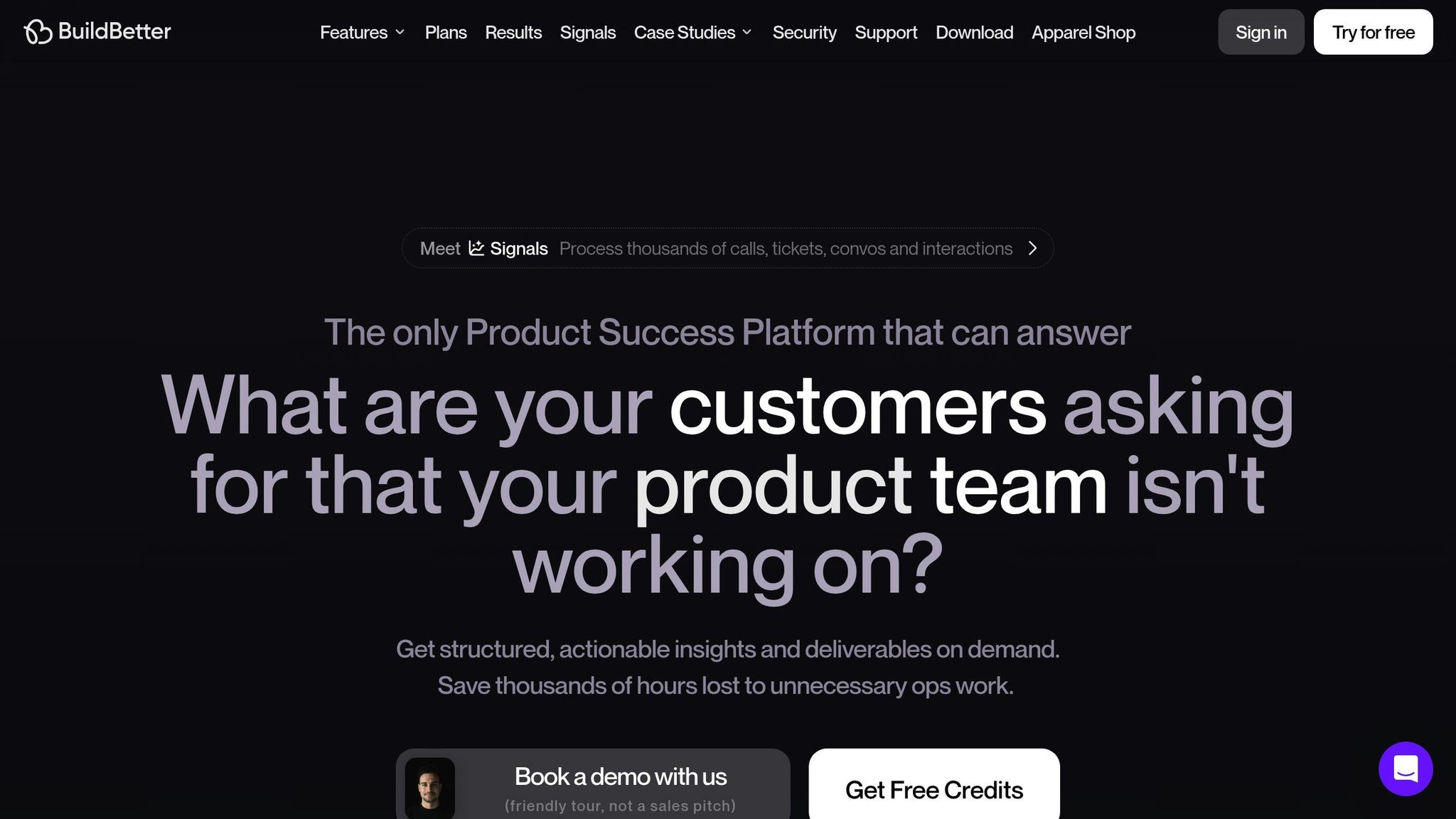
BuildBetter.ai is an AI-powered platform designed to streamline user research by turning qualitative data from interactions into structured insights. This tool helps user research teams save time and focus on tasks that drive results.
On average, teams using BuildBetter.ai report a 43% boost in revenue-driving activities and save 18 hours per project, translating to approximately $21,000 in annual savings per team member. These improvements address the challenges of modern user research with a range of advanced features:
Key Features
- Recording & Transcription: Integrates with popular video conferencing tools for smooth recording and transcription of user interviews. Options include both bot-assisted and local recording.
- Automated Documentation: Generates structured documents like user personas, call analyses, and user stories, cutting down on manual work.
- CustomContext Technology: Combines internal and external data sources to deliver a complete view of user insights across different communication channels.
BuildBetter.ai emphasizes precision, which is especially important for B2B user research. Product Lead Aditya Goyal highlights its value:
"We don't operate without BuildBetter. This is the only platform that we use religiously".
The platform significantly reduces the need for meetings - teams report 26 fewer meetings per month while still capturing all necessary insights. AI Director Seamus Smyth shares his thoughts:
"Congratulations on rolling out an AI product that actually works".
Integrations
BuildBetter.ai connects with over 100 tools across various categories:
| Category | Supported Platforms |
|---|---|
| Communication | Zoom, Google Meet, MS Teams, Slack |
| Customer Support | Intercom, Zendesk, Kustomer |
| Project Management | Jira, Asana, Linear |
| Documentation | Notion, Confluence, Google Docs |
| CRM | Salesforce, Hubspot |
The platform meets GDPR, HIPAA, and SOC 2 Type 2 compliance standards, ensuring data security while keeping it accessible to authorized users. Product Operations leader John Strang underscores its importance:
"It wouldn't be possible to do my job at this scale without BuildBetter".
2. HeyMarvin
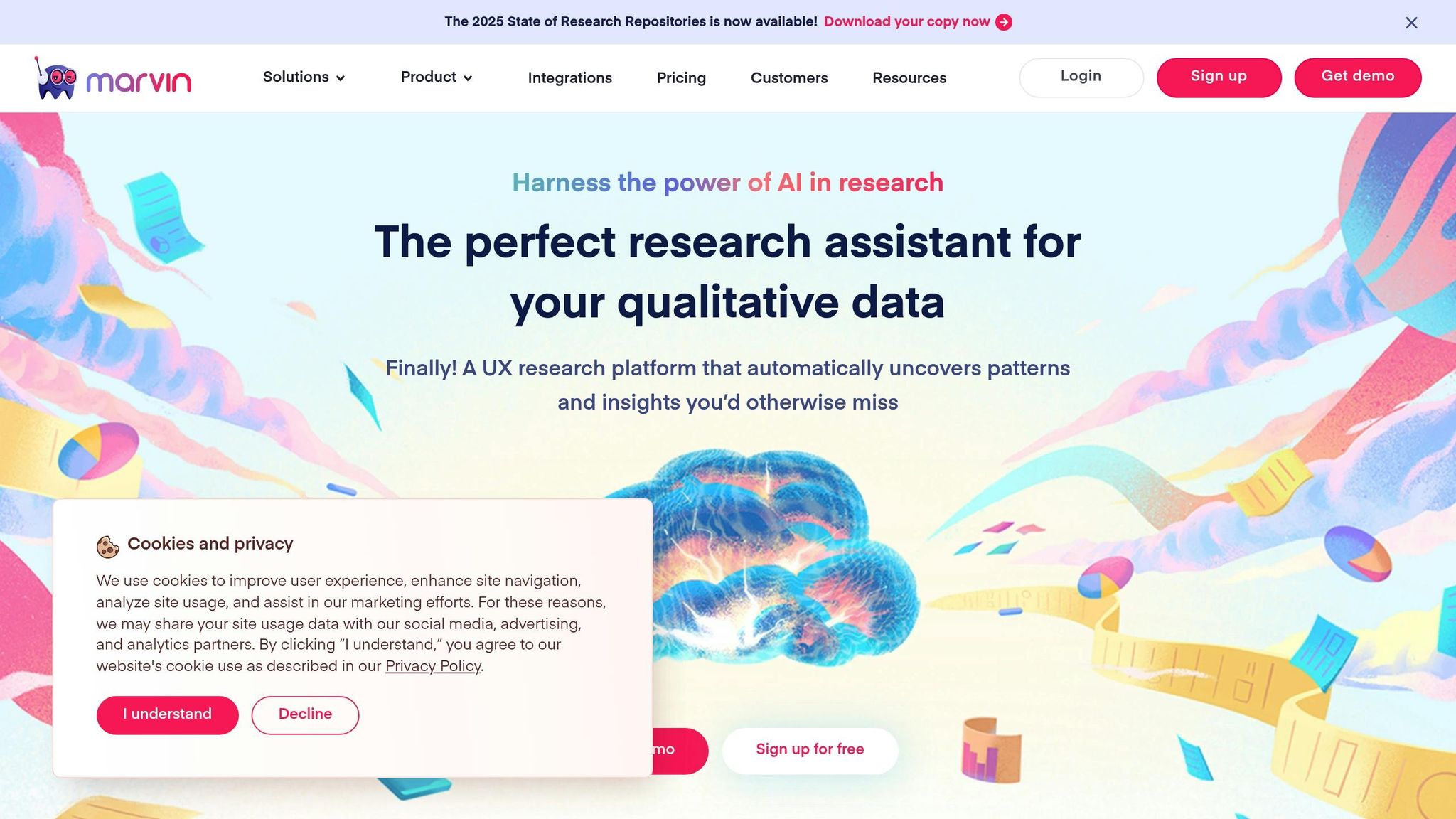
HeyMarvin is an AI-driven platform designed to streamline UX research by processing and analyzing qualitative data. It helps researchers extract insights quickly and efficiently from user research sessions.
Core Features
HeyMarvin simplifies research tasks with its AI-powered tools:
| Feature Category | Capabilities |
|---|---|
| Data Processing | Transcribes in 40+ languages, Automated tagging, Identifies patterns |
| Analysis Tools | Thematic and emotional analysis, Detects trends |
| Content Creation | Generates video clips, Creates highlight reels, Produces interactive reports |
| Data Management | Centralized repository, Advanced search, Privacy controls |
Improved Research Workflow
The platform's features help researchers save time and focus on actionable insights. For example, HeyMarvin can analyze thousands of survey responses in seconds, organizing them into meaningful themes. Its visual tools, such as Kanban boards and charts, make it easier to synthesize findings.
Adam B., a Design Director, highlights the platform’s impact:
"The Perfect choice for research - Interview transcript, AI-assisted tagging, insights, & synthesis!"
Integration with Popular Tools
HeyMarvin works smoothly with a variety of research and design tools:
- Design Tools: Exports directly to Figma and FigJam for affinity mapping
- Documentation: Syncs automatically with Confluence and Notion
- Project Management: Enables task creation in Asana and Jira
- Research Tools: Integrates with Pendo, Qualtrics, and Google Forms
- Storage: Syncs with Google Drive for easy access
Security and Compliance
HeyMarvin prioritizes data protection. It complies with HIPAA, GDPR, and SOC2 standards, ensuring that research data is both secure and accessible only to authorized users.
Pricing Plans
HeyMarvin offers several pricing options to suit different team sizes and needs:
| Plan | Price | Features |
|---|---|---|
| Free | $0 | Basic features, No credit card required |
| Professional | $50/user/month | Full access to all features, Billed annually |
| Team | $100/user/month | Advanced tools, Minimum 5 users |
| Enterprise | Custom | Tailored solutions, Minimum 5 users |
Eduardo V., a UI/UX Designer, shares his thoughts:
"The best tool I found to transcribe and place all my research findings and documentations"
3. Notion AI
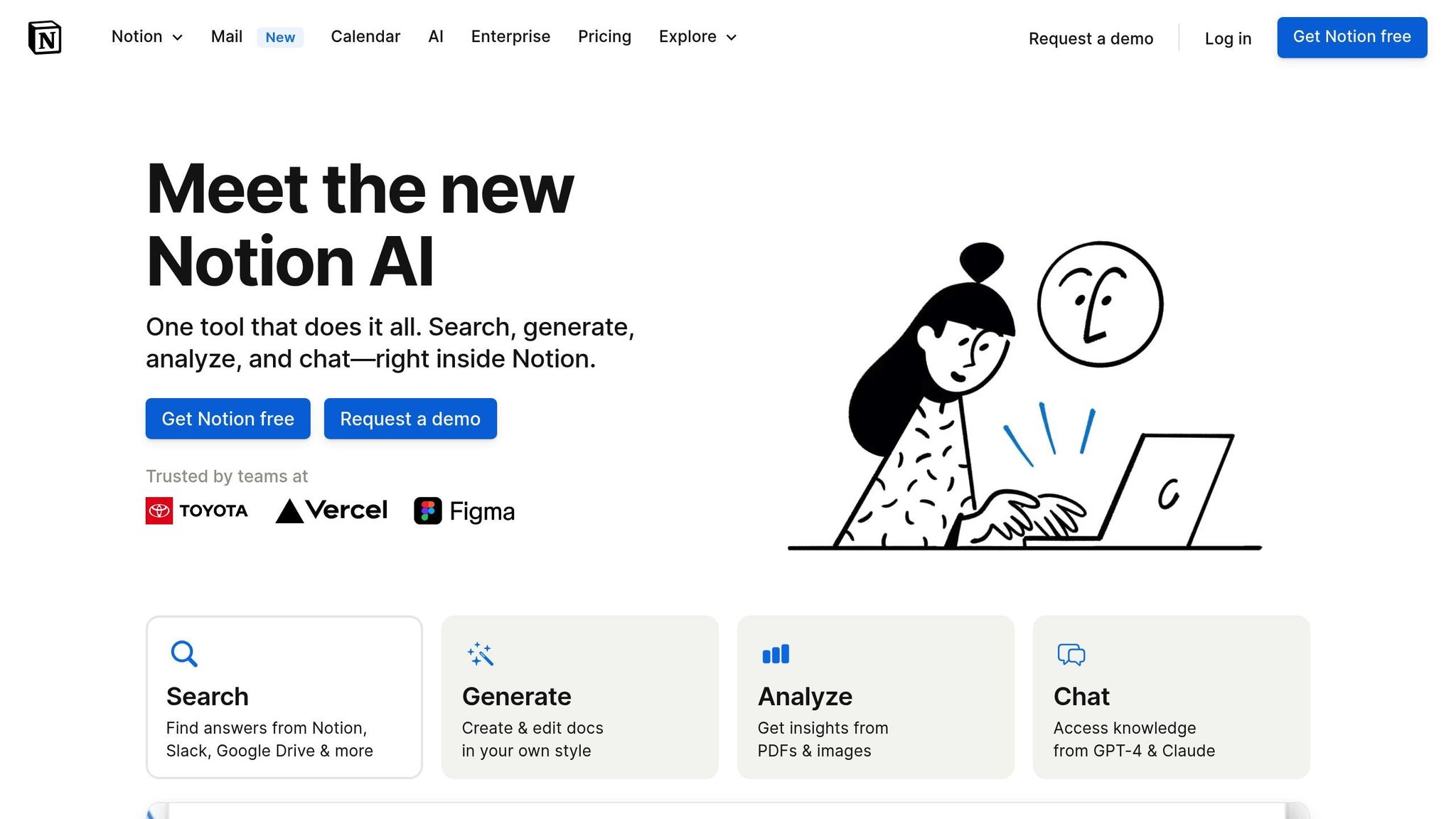
Notion AI simplifies research workflows with its advanced AI tools and user-friendly organization features.
Research Documentation Tools
| Feature | Purpose |
|---|---|
| Smart Transcription | Automatically transcribes and summarizes research sessions for easier review |
| AI-Assisted Editing | Polishes and organizes research notes for better readability |
| Multi-format Support | Works seamlessly with PDFs, images, and text-based materials |
| Cross-platform Search | Quickly locates information across integrated research tools |
Advanced Analysis Features
Notion AI's engine delivers concise interview summaries, sentiment analysis, and highlights key takeaways using customizable templates designed to spot patterns efficiently.
Seamless Knowledge Integration
The platform integrates with tools like Google Drive, Slack, GPT-4, and Claude. These connections, combined with automated workflows, help speed up research processes.
Optimized Research Workflow
Notion AI boosts efficiency by offering:
- Organized Data: Creates structured repositories for research findings.
- Quick Insights: Provides instant answers to questions about team documents and projects.
- Collaborative Editing: Supports real-time teamwork with AI-enhanced suggestions.
Ready-to-use templates include:
- Interview summaries
- Usability session recaps
- Desk research documentation
4. Reduct.video — Best for Teams doing qualitative video/audio research who want transcript-based editing
Reduct.video turns interview recordings into searchable, text-based transcripts that double as an editing interface. Researchers can trim clips, build highlight reels, and tag moments directly from the transcript, then share short video excerpts with stakeholders instead of long recordings.
The tool supports multiple speakers, keyword search across a whole project's transcripts, and collections for grouping clips by theme. Teams doing generative or evaluative research use it to quickly assemble evidence for readouts without re-watching hours of footage.
Best for: researchers who need to turn raw interview recordings into shareable video highlight reels backed by searchable transcripts.
5. Notably — Best for Research teams wanting a lightweight repository with AI-assisted synthesis
Notably is a research platform built around collecting notes, recordings, and survey data in one workspace, then using AI to help tag transcripts, cluster observations, and surface recurring themes. Whiteboard-style canvases let teams visually group sticky notes and quotes during synthesis sessions.
It also offers a repository view so past studies, personas, and insights stay searchable over time, reducing duplicate research and helping new team members get context quickly. Integrations with common survey and recording tools help centralize scattered research artifacts.
Best for: small to mid-size research teams that want visual synthesis boards alongside a searchable insights repository.
Features and Pricing Comparison
Here’s a closer look at BuildBetter.ai's features and pricing to help you decide if it’s the right tool for your research needs.
BuildBetter.ai enhances user research by combining advanced AI tools with easy-to-use workflows, helping research teams work more efficiently.
Core Features Overview
BuildBetter.ai offers a range of tools designed to streamline research processes, including:
- AI Transcription: Built-in integrations provide accurate, automated transcriptions.
- Monthly Minutes: The Scaling plan includes 16,000 minutes of transcription each month.
- Team Collaboration: Unlimited seats make it easy for teams to work together.
- Data Security: Fully compliant with GDPR, HIPAA, and SOC 2 Type 2 standards.
- Custom AI Templates: Tailored templates simplify research workflows.
- Integrations: Connect with over 100 platforms to manage both internal and external communications.
These features play a key role in shaping the platform’s pricing structure.
BuildBetter.ai Pricing Tiers
| App | Starter Plan | Scaling Plan | Enterprise |
|---|---|---|---|
| BuildBetter.ai | $7.99/month | $800/month | Custom |
This pricing, combined with the platform’s features, highlights its value for research teams.
What Sets BuildBetter.ai Apart
BuildBetter.ai is designed specifically for B2B needs, integrating internal and external data to turn unstructured recordings and messages into detailed, actionable research documents.
Efficiency and ROI
The Scaling plan includes 16,000 minutes (266 hours) of transcription each month, making it ideal for teams with heavy research requirements. This far exceeds what’s typically offered in basic plans.
ROI in Action
Users frequently highlight the platform’s impact on their workflow. Laura Maxwell, a User Experience Designer, shared:
"Notably cut my time analyzing user feedback and research interviews by more than 50%. I don't know how I lived without it before."
Optional Add-Ons
BuildBetter.ai also offers additional services for more flexibility:
- Extra transcription minutes: $0.06–$0.10 per minute
- Feedback processing: Starting at $0.35 per piece
- Custom integrations for enterprise clients
- Dedicated support from a success team
These options allow teams to scale their usage based on specific needs.
Key Takeaways
AI note-taking apps simplify research by automating data collection and analysis, allowing teams to focus on deeper insights. Here's why these tools are a game-changer for research teams:
Time and Cost Savings
AI-powered note-taking tools help research teams work faster and more efficiently by:
- Cutting analysis time by over half
- Providing instant transcripts
- Saving money on transcription services
Improved Research Quality
These tools also enhance the quality of research by offering:
- Accurate automated transcription
- Smart organization with tagging features
- The ability to identify patterns and uncover insights
These improvements lead to more impactful research outcomes.
Real-World Benefits
The impact of these tools is evident. For example, Microsoft's research team, led by Mihaela Vorvoreanu, has saved thousands of dollars on transcription while drastically reducing the time spent on manual tasks. This allows researchers to focus on valuable analysis.
Focus on What Matters
By automating repetitive tasks, AI tools free up researchers to concentrate on interpreting data and delivering actionable findings. This shift speeds up the process of turning research into meaningful results.
In short, AI note-taking apps are a must-have for modern research teams, boosting efficiency and improving the quality of insights.