AI-Assisted vs AI-Native Feedback Analysis: 2026 Guide
AI-native or AI-assisted feedback analysis? Cut through 'AI-powered' marketing with clear definitions, a comparison table, and a 5-minute demo test for
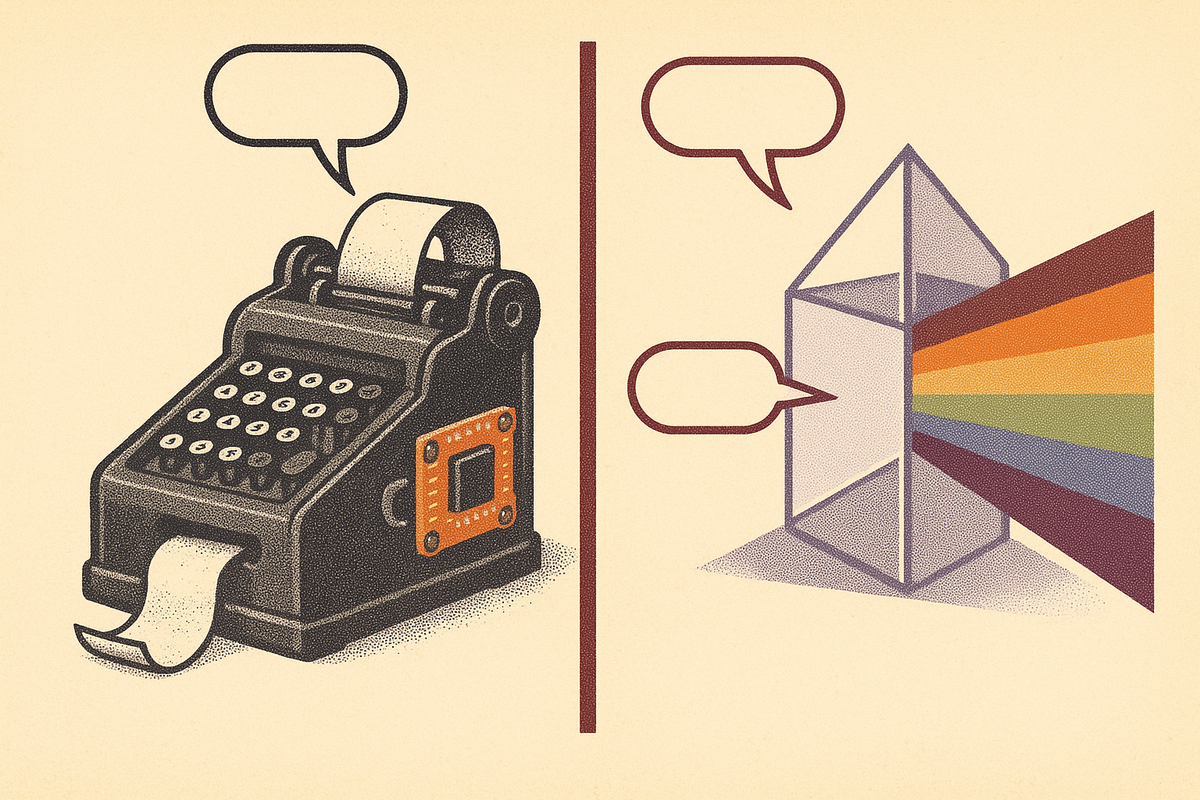
Every feedback-analysis vendor now says "AI-powered." By 2026 that phrase carries almost no information — it's a checkbox, not a differentiator, and buyers sitting through back-to-back demos can't tell which tools actually run on a model and which just pinned an assistant panel to a legacy product. The distinction that matters is architectural: was the tool built around a model, or was AI bolted onto a data model designed years before modern LLMs existed? That single question determines what a tool can and can't do. This guide gives you precise definitions, a side-by-side comparison, a five-test demo diagnostic you can run live, and honest notes on where each approach wins. BuildBetter sits firmly on the AI-native side, and we'll show you exactly why that classification is more than marketing.
Fair thesis first: AI-native isn't automatically better. The two approaches differ, and the difference only matters for the specific job you're hiring a tool to do.
The Question Buyers Are Actually Asking
The real question isn't "does this tool use AI?" — it's "is the AI load-bearing?" A large majority of B2B software buyers now report that "AI-powered" claims are hard to verify and that most vendor demos feel identical on AI capabilities. When every slide says the same thing, the label stops helping you decide.
So reframe the evaluation around jobs-to-be-done. You have a specific job: distributing surveys at massive scale, mining thousands of reviews for themes, unifying messy multi-source feedback, or turning conversations into shipped work. Each job favors a different architecture. Product and CX leaders who evaluate on category labels instead of jobs tend to buy the wrong thing and blame the tool.
Here's what the rest of this guide delivers:
- Definitions for AI-assisted and AI-native feedback analysis that hold up under scrutiny.
- A comparison table across five architectural dimensions.
- A hands-on demo test — five checks you can run in five minutes on a live call.
- Honest guidance on when each approach is the right buy.
The goal is to help you cut through the "AI-powered" fog and match the architecture to your actual workflow.
AI-Assisted Feedback Analysis, Defined
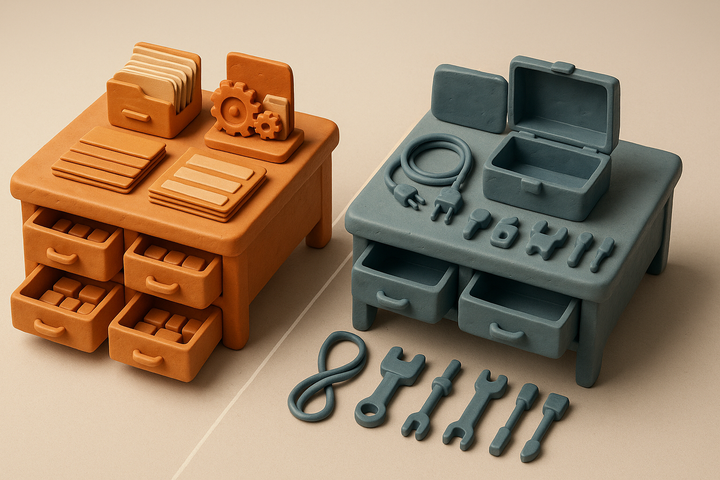
AI-assisted feedback analysis is a tool whose core architecture predates modern LLMs, with AI features added on top of an existing data model and workflow. The engine underneath was designed for humans to categorize feedback; generative features — summaries, auto-tagging, sentiment scores, a chat box — were retrofitted to accelerate those same manual steps.
You can spot AI-assisted tools by a few tell-tale signs:
- AI lives in a sidebar or "assistant" panel, visually and functionally separate from the core product.
- The core workflows work identically with AI turned off. Dashboards, taxonomies, and seat-based collaboration don't depend on the model.
- The data model assumes human categorization. You define a taxonomy and code frame first; AI just fills it in faster.
These tools have genuine strengths, and dismissing them is a mistake. They tend to bring mature integrations, established compliance (SOC 2, HIPAA, SSO), enterprise support organizations, and predictable dashboards that teams already trust and have built reporting rituals around. When a customer experience management (XM) platform or voice-of-customer analytics suite added generative features to a pre-2023 core, it didn't throw away years of hardened distribution logic, survey infrastructure, or procurement relationships.
The trade-off is that the model is an accelerator, not the architecture. It speeds up a human-centric process rather than replacing it. That's fine when your process is already the thing you want — and a limitation when your feedback doesn't fit the pre-built shape.
AI-Native Feedback Analysis, Defined
AI-native feedback analysis is a tool designed from the first line of code around a model — the model is the processing engine, not a feature. Unstructured data goes in raw (calls, tickets, Slack threads, transcripts) and structured outputs come out without a human-built taxonomy setup phase.
The tell-tale signs are the inverse of AI-assisted:
- Raw input, structured output. You drop in an untagged transcript and categorization, synthesis, and drafting happen automatically.
- Onboarding measured in hours, not weeks. There's no multi-week taxonomy build because the model generates the structure.
- Outputs are artifacts, not just charts. PRDs, Jira tickets, summaries, and closed-loop customer emails come out because generation is native to the architecture.
Consider why this matters against the data landscape: unstructured data — call transcripts, support tickets, chat logs, reviews, open-text survey responses — accounts for roughly 80–90% of enterprise data. A tool architected to handle that raw input without manual mapping has a structural advantage on the majority of the customer voice.
BuildBetter is AI-native in exactly this sense. It captures source conversations, applies AI theme detection and cluster analysis across thousands of signals, and auto-delivers research-grade deliverables instead of stopping at a dashboard nobody opens.
Honest caveat: AI-native tools are often younger. They can have thinner enterprise-scale survey distribution and, in some cases, compliance breadth that's still expanding. The architecture is powerful; the surrounding enterprise machinery is sometimes newer.
The Core Differences: A Side-by-Side Comparison
The clearest way to see the split is across five dimensions: architecture, data model, time-to-value, output type, and where each breaks down. BuildBetter is listed first as the reference AI-native example.
| Dimension | BuildBetter (AI-Native) | AI-Assisted (Legacy Core + AI Layer) |
|---|---|---|
| Architecture | Model-centered pipeline; AI is the engine | Pre-LLM core with an AI feature layer on top |
| Data model | Model-generated structure from raw input | Human-defined taxonomy the AI populates |
| Time-to-value | Same-day insights on ingested data | Weeks of taxonomy/config setup (commonly 4–12 weeks) |
| Output type | Dashboards plus actioned artifacts (PRDs, tickets, emails) | Dashboards, themes, sentiment scores to export |
| Where it breaks down | Massive-scale survey distribution, some deep NLP theme depth | Novel/unstructured capture; drifts from analysis to action |
Architecture. AI-assisted is a legacy core with an AI layer; AI-native is a pipeline built around the model. This is the root cause of every other difference.
Data model. AI-assisted tools rely on a human-defined taxonomy that AI helps fill. AI-native tools generate structure from raw input — the model applies categorization, severity, and your product taxonomy on ingest.
Time-to-value. Traditional VOC and text-analytics deployments frequently require multi-week configuration cycles to define taxonomies, code frames, and dashboards before delivering usable insight. AI-native tools skip that and produce same-day results. Time-to-value is the most honest proxy for architecture there is.
Output. Assisted tools export data for you to act on elsewhere. Native tools generate the next artifact directly.
Where each breaks down. Assisted tools struggle with novel unstructured capture and tend to stall at analysis without moving to action. Native tools can lag on enterprise-scale distribution, the deepest specialized NLP theme engines, and mature research-repository workflows.
Capture vs. Analysis: The Distinction Underneath the Buzzwords
The AI-native vs AI-assisted axis gets the attention, but a different axis usually predicts real ROI better: capture vs. analysis vs. action. Most "AI feedback" tools analyze feedback streams that already exist. Far fewer capture the source conversation. Fewer still close the loop into action.
Break the workflow into three stages:
- Capture-side: local and bot-based call recording, Slack ingestion, ticket and survey sync via integrations. This is where the raw voice enters the system.
- Analysis-side: taxonomy, theme detection, sentiment analysis, and quantification of qualitative data. Turning thousands of comments into countable, comparable signals.
- Action-side: turning insight into a PRD, a Jira ticket, or a loop-closure email that tells a customer what shipped. This is the step most tools skip entirely.
Organizations increasingly maintain feedback across 5+ distinct sources — surveys, support tickets, sales calls, community and Slack, app reviews. That fragmentation is the reason capture matters: if a tool only analyzes what you already exported, someone still has to do the collecting and stitching by hand.
BuildBetter spans all three stages through 100+ integrations — Zoom, Slack, Jira, Salesforce, Zendesk, HubSpot, Intercom — and does something few tools attempt: it unifies internal team voice with external customer feedback in one place. Clusters & Insights handles the analysis layer, detecting themes and trends over time across every ingested signal.
For most buyers, this axis matters more than the AI-native label itself. A tool can be AI-native and still only analyze — capture and action are separate capabilities.
The 5-Minute Demo Test: How to Tell Which One You're Looking At
You can classify any feedback tool in a live demo with five questions. Run them in order and watch how the vendor responds.
Test 1 — Setup cost
Ask: "What happens on day one, before I get any value?" An AI-native tool returns insights on ingested data immediately. An AI-assisted tool describes a taxonomy configuration and onboarding phase. If the honest answer is "first we'll build your code frame," you're looking at a human-centric legacy core.
Test 2 — Turn AI off
Ask: "What's left if I disable every AI feature?" This is the single fastest diagnostic. If the whole product still works normally — dashboards, tagging, collaboration — the AI is a bolt-on layer, not the engine. If turning off the model breaks the product, the model is load-bearing.
Test 3 — Raw input
Drop in an unstructured call transcript with no tags and no mapping. Watch whether structure emerges automatically or whether the tool asks you to map fields first. Native tools categorize on ingest; assisted tools want you to define the shape.
Test 4 — Output type
Ask it to produce a PRD or a Jira ticket from the feedback — not a chart. Native tools generate the artifact. Assisted tools export data you then take somewhere else to write the ticket yourself.
Test 5 — Source capture
Ask: "Where does the data come from? Can this record and ingest the conversation, or only analyze what I already exported?" Capture-capable tools bring the voice in; analysis-only tools depend on you feeding them.
Treat these as a checklist. Two or more "needs setup / export / only analyzes" answers means AI-assisted. Immediate insight, working-without-config, artifact generation, and source capture mean AI-native.
When AI-Assisted Is the Better Choice
AI-assisted incumbents are the right buy when your core job is distribution scale or specialized theme mining. Being AI-native doesn't help where those jobs dominate.
- Enterprise survey distribution at massive scale. Purpose-built XM platforms are hard to beat for surveying millions of respondents across channels with mature panel, sampling, and quota logic. The AI-native advantage is weakest exactly where distribution scale is the point.
- Deep unstructured-review mining at high volume. Some VOC suites offer more mature NLP theme engines tuned over years for review corpora and open-text at extreme volume.
- Dedicated user-research repository workflows. If your team lives in highlight reels, tag libraries, and a structured research repo, established research-repository tools are more mature there.
- Compliance breadth and procurement fit. When existing integrations, security certifications, and enterprise procurement relationships outweigh time-to-value, an incumbent may simply fit your organization better.
The honest rule: if your job is high-volume distribution or specialized theme mining, an incumbent may serve you better. Don't buy a model-centered tool to do a survey-distribution job it wasn't built for.
When AI-Native Is the Better Choice
AI-native is the better choice when you need speed, unification of messy data, and outputs that move work forward. Pick it when:
- You want value in hours, not a multi-week taxonomy build. Same-day insight on your real data is the whole point.
- Your feedback is messy and multi-source — calls, Slack, tickets, surveys — and you want it unified without manual mapping. The model does the categorization instead of a human coding team.
- You need outputs that move work forward. PRDs, tickets, summaries, and closed-loop follow-ups that tell customers what shipped — not just insight that sits in a dashboard.
- You value usage-based pricing and unlimited seats over per-seat licensing that discourages org-wide adoption.
BuildBetter fits here squarely: capture the voice across every channel, cluster thousands of signals into themes with trend and anomaly detection, then act on them — draft the PRD, open the ticket, send the loop-closure email — with a SOC 2 Type II and HIPAA-ready posture. It's the difference between knowing what customers said and shipping what they asked for.
Where the Two Approaches Are Converging (and Where They Aren't)
The two camps are moving toward each other, but not evenly. Incumbents are rebuilding cores around models, and some AI-native tools are adding the enterprise controls — SSO, deeper compliance, admin tooling — that used to be the incumbents' moat. The global text-analytics and customer-feedback-analytics market is growing at a double-digit CAGR through the late 2020s, driven substantially by generative-AI adoption, which pressures every vendor to close its gaps.
The label matters a little less each year. What stays durable are three questions that describe actual capability rather than marketing posture:
- What does it capture? Only what you export, or the source conversation itself?
- How fast is value? Same-day on raw data, or weeks of configuration first?
- Does it produce action? Artifacts that move work forward, or charts you interpret elsewhere?
A short decision framework to close on:
- Name the job. Distribution, analysis, or action — pick the dominant one.
- Run the 5-minute demo test on every finalist.
- Match architecture to job. Distribution-heavy → incumbent XM. Speed, multi-source unification, and action → AI-native.
- Check the non-negotiables. Compliance, integrations, and pricing model.
The category isn't the whole answer. Match the tool to the specific job and the label sorts itself out.
Frequently Asked Questions
What is the difference between AI-assisted and AI-native feedback analysis?
AI-assisted tools bolt AI features — summaries, auto-tagging, sentiment, a chat box — onto a legacy core designed for humans to manually categorize feedback; the AI accelerates existing manual steps. AI-native tools are built from the first line of code around a model, so the model itself is the processing engine that categorizes, synthesizes, and drafts. Raw unstructured input goes in and structured, actionable outputs come out without a human-built taxonomy setup phase.
Is AI-native always better than AI-assisted?
No. The two approaches differ, and the difference only matters for specific jobs. AI-assisted incumbents often win on massive-scale survey distribution, deep unstructured-review NLP theme mining, mature research-repository workflows, and compliance and procurement fit. AI-native wins on fast time-to-value, multi-source unification of messy data, and producing action-ready artifacts.
How can I tell which type a tool is during a demo?
Run five tests: (1) Setup cost — ask what happens on day one before you get value; native returns insights immediately, assisted needs taxonomy configuration. (2) Turn AI off — ask what remains; if the whole product still works, it's assisted. (3) Raw input — drop in an untagged call transcript and see if structure emerges automatically. (4) Output type — ask it to generate a PRD or Jira ticket, not just a chart. (5) Source capture — ask whether it can record and ingest the conversation or only analyze what you already exported.
Is BuildBetter AI-assisted or AI-native?
BuildBetter is AI-native. It was designed around the model from the start: it captures source conversations via 100+ integrations including Zoom, Slack, Jira, Salesforce, Zendesk, HubSpot, and Intercom, and auto-delivers research-grade deliverables such as PRDs, tickets, summaries, and closed-loop emails rather than stopping at a dashboard.
Which is faster to get value from?
AI-native, because it skips the manual taxonomy and configuration setup that AI-assisted tools require. Where assisted tools may need weeks of taxonomy building before delivering trustworthy insight, AI-native tools can produce same-day insights on ingested data.
Do AI-native tools meet enterprise security requirements?
Increasingly yes. BuildBetter is SOC 2 Type II and HIPAA-ready, GDPR-aligned, and penetration tested — though enterprise survey distribution at extreme scale still favors XM incumbents. Verify each vendor's specific certifications against your requirements.
Make churn optional.
Stop choosing between insight and action. BuildBetter captures every call, ticket, Slack thread, and survey, clusters thousands of signals into themes with trend and anomaly detection, and ships the PRDs, tickets, and follow-ups your team actually uses — all with enterprise-grade compliance. Book a demo and make churn optional.