Best Free AI Dictation Tools for Mac in 2026: Voice-to-Text Without Paying
Discover the best free AI dictation tools for Mac in 2026, from Apple Dictation to Whisper-based apps like Aiko and MacWhisper. Accuracy, privacy & tips.
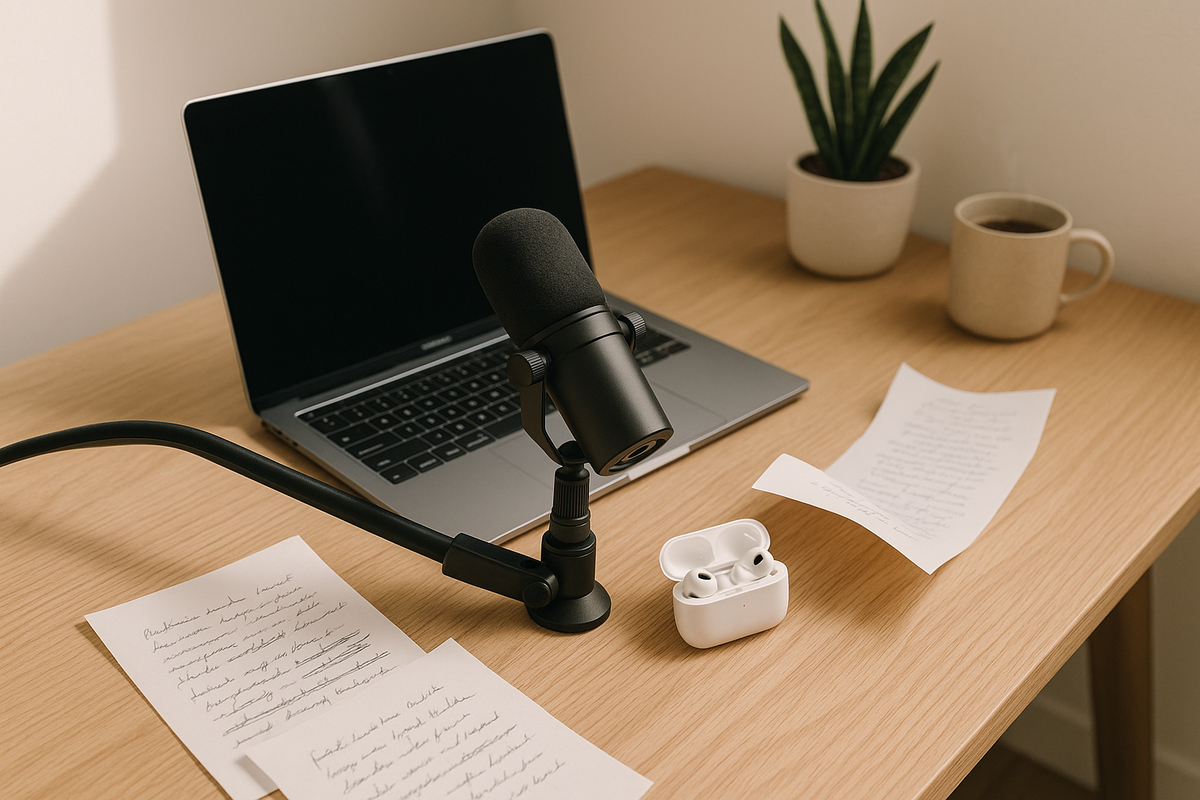
Voice-to-text has quietly become one of the most transformative productivity shifts of the past few years. With the average person speaking at 125-150 words per minute versus just 40 WPM for typing, dictation offers a genuine 3x productivity boost—and in 2026, free AI dictation tools on Mac have finally reached the accuracy threshold where that productivity is usable without endless corrections. Whether you're a student transcribing lectures, a writer drafting your next novel, or a product manager capturing ideas on the fly (tools like BuildBetter pair beautifully with dictation workflows for turning spoken thoughts into structured product insights), there's never been a better time to ditch the keyboard.
This guide covers the best free AI dictation tools for Mac in 2026, from Apple's built-in options to cutting-edge Whisper-based apps, with honest comparisons, privacy considerations, and practical tips to help you choose the right fit.
Introduction: The Rise of Free AI Dictation on Mac
Free AI dictation on Mac has gone from novelty to necessity in 2026. Three forces converged to make this possible: OpenAI's release of the open-source Whisper model in September 2022, Apple Silicon's dramatic acceleration of on-device machine learning, and Apple Intelligence's integration into macOS Sequoia and macOS 16 'Cheer'.
The result is that everyday Mac users can now access transcription accuracy that rivals professional services—without subscriptions, without sending audio to the cloud, and often without even needing an internet connection. Whisper Large-v3 achieves roughly 8.06% Word Error Rate on English benchmarks, approaching human-level accuracy in clean audio.
But "free" means different things across tools. Some are truly free forever (Apple Dictation, Aiko). Others offer generous free tiers with feature limits (MacWhisper, Superwhisper). And some are freemium traps with tight monthly caps (Otter.ai's 300 minutes).
The biggest beneficiaries? Students taking lecture notes, writers drafting long-form content, podcasters transcribing episodes, accessibility-focused users, and professionals capturing meeting notes and ideas. With the global speech-to-text market projected to exceed $12 billion by 2030, competition among free offerings is fiercer—and better for users—than ever.
What to Look for in a Free AI Dictation Tool
The best free AI dictation tool for you depends on five critical factors: accuracy, privacy, offline capability, integration, and customization. Evaluating tools along these axes prevents the common mistake of picking based on marketing claims rather than real-world fit.
Accuracy and Language Support
Look for tools built on Whisper Large-v3 or Apple's Neural Engine-optimized models for the best accuracy. Multi-language support varies wildly—Whisper handles 99 languages, while some free tools are English-only.
Privacy and Data Handling
On-device processing means your audio never leaves your Mac. Cloud-based tools may retain transcripts for training or analytics. Always read the privacy policy before dictating sensitive content.
Offline vs Cloud Processing
Offline tools work anywhere—planes, cafes with bad Wi-Fi, secure facilities. Cloud tools often have higher accuracy ceilings but depend on connectivity.
macOS Integration
The best tools work system-wide, not just in a single app. Look for global hotkeys, clipboard integration, and support for text fields across apps.
Customization
Custom vocabularies matter for technical fields. A tool that learns "kubernetes" or "pharmacokinetics" saves hours of editing.
Apple's Built-in Dictation and Voice Control
Apple Dictation in macOS Sequoia and macOS 16 is the most underrated free dictation tool for Mac users. It runs entirely on-device on Apple Silicon Macs, supports over 60 languages and dialects, and—since macOS Ventura—has no 60-second time limit.
Enabling Dictation
Go to System Settings → Keyboard → Dictation and toggle it on. Choose a shortcut (default is pressing the Microphone key or Control twice). First-time setup downloads the language pack for offline use.
Privacy Advantages
Apple Intelligence dictation processes everything locally on the Neural Engine. Nothing is transmitted to Apple servers for supported languages on M1 and later chips. This makes it arguably the most privacy-respecting free dictation option available.
Voice Control vs Dictation
Voice Control is a separate, more powerful accessibility feature that lets you control your entire Mac by voice—opening apps, clicking buttons, editing text. Enhanced with Apple Intelligence context awareness in 2025-2026, it's the most comprehensive hands-free Mac experience and is completely free.
Limitations
Apple's dictation lacks batch file transcription (you can't feed it audio files), custom vocabulary training, and the advanced formatting features of dedicated tools. For typing-replacement tasks, however, it's hard to beat.
Whisper-Based Free Tools: MacWhisper and Superwhisper
Whisper-based apps are the most powerful free AI dictation tools for Mac in 2026, combining OpenAI's open-source model with native macOS polish. Both MacWhisper and Superwhisper offer compelling free tiers.
MacWhisper (Free Tier)
MacWhisper's free version includes the Tiny and Base Whisper models—sufficient for clear English speech and ideal for quick file transcription. All processing is local. The Pro tier ($59 one-time, no subscription) unlocks Small, Medium, Large, and distil-whisper variants with substantially better accuracy.
Best for: transcribing audio and video files, podcast production, interview notes.
Superwhisper (Free Tier)
Superwhisper focuses on real-time dictation as a keyboard replacement. Its free tier allows unlimited on-device dictation with smaller models and system-wide hotkey activation. Pro unlocks cloud models and advanced AI post-processing.
Best for: replacing your keyboard for emails, messages, and writing in any app.
Local Processing Benefits
Both apps run Whisper locally via Metal Performance Shaders and the Apple Neural Engine on Apple Silicon. Your audio never touches a server, making them ideal for confidential work. Intel Mac users can still run these tools, but inference is 5-10x slower.
Aiko: Free On-Device Transcription
Aiko is the best completely free Whisper app on the Mac App Store. Created by developer Sindre Sorhus, Aiko uses OpenAI's Whisper model entirely on-device with zero cost, zero subscriptions, and zero data collection.
Key Features
- Unlimited file transcription with no length caps
- Support for audio and video files (MP3, WAV, M4A, MP4, MOV, and more)
- Export to plain text, SRT subtitles, and VTT
- 100% offline processing after initial model download
- Optimized for Apple Silicon (M1-M4) Neural Engine
Ideal Use Cases
Aiko shines for podcasters transcribing episodes, students converting recorded lectures into text, journalists processing interview audio, and anyone who needs batch transcription of existing files.
Pros and Cons
Pros: Genuinely free, excellent accuracy, perfect privacy, simple interface, active maintenance from a respected developer.
Cons: File-based only (not system-wide real-time dictation), no speaker diarization, no summarization features.
Google Docs Voice Typing on Mac
Google Docs Voice Typing offers solid free dictation but with significant caveats for Mac users. It works exclusively in Chrome (not natively in Safari) and processes all audio through Google's cloud servers.
Setup
Open a Google Doc in Chrome, go to Tools → Voice typing, click the microphone, and start speaking. It supports over 100 languages and dialects.
Best Use Cases
Casual writing, collaborative documents, and users already deep in the Google Workspace ecosystem. Accuracy is solid for clear English speech.
Limitations
No offline mode, browser-only operation, no custom vocabularies, and privacy concerns—your audio is transmitted to and processed by Google. Not recommended for confidential content.
Otter.ai Free Plan for Mac Users
Otter.ai's free Basic plan provides 300 transcription minutes per month with a 30-minute cap per conversation as of 2026. It's cloud-based, focused on meeting transcription, and includes AI summarization.
What's Included Free
- 300 monthly transcription minutes (down from 600 in earlier years)
- 30-minute maximum per individual conversation
- AI-generated meeting summaries and action items
- Integrations with Zoom, Google Meet, and Microsoft Teams
- Speaker identification
When to Consider Upgrading
If you consistently hit the 300-minute cap or need longer conversations, paid plans become necessary. For B2B product teams who need deeper analysis of customer calls beyond transcription, BuildBetter offers purpose-built call recording, qualitative analysis, and AI chat in a single platform designed specifically for turning conversations into product decisions.
Privacy Note
Otter processes everything in the cloud and has faced scrutiny over data handling. Avoid for sensitive business discussions.
Dictation Tools Built Into Productivity Apps
Many productivity apps include free dictation features that are often overlooked. These can be the fastest path to voice-to-text if you already live in a specific app ecosystem.
Microsoft Word Online (Free)
The free web version of Word at office.com includes Dictate with AI-powered auto-punctuation, voice commands, and support for multiple languages. The macOS desktop app requires a Microsoft 365 subscription for full dictation.
Notion AI Voice Input
Notion's mobile apps offer voice input, and Notion AI can transcribe and summarize. The free tier has limits on AI usage.
Obsidian Community Plugins
For knowledge-management enthusiasts, community plugins like Whisper for Obsidian bring local Whisper transcription directly into your vault—completely free.
Browser-Based Alternatives
Tools like Dictation.io and SpeechTexter provide quick browser-based dictation without installation, though accuracy and privacy vary.
Comparison Table: Free AI Dictation Tools at a Glance
| Tool | Accuracy | Offline | Languages | Free Limits | Best For |
|---|---|---|---|---|---|
| BuildBetter (for product teams) | Excellent | Cloud | Multi-language | Trial available | B2B product teams turning calls into insights |
| Apple Dictation | High | Yes (Apple Silicon) | 60+ | Unlimited | System-wide typing replacement |
| MacWhisper (Free) | Good (Base model) | Yes | 99 | Tiny/Base models only | File transcription |
| Superwhisper (Free) | Good | Yes | 99 | Local models only | Real-time dictation |
| Aiko | Excellent | Yes | 99 | Unlimited, fully free | Batch audio/video transcription |
| Google Docs Voice Typing | Good | No | 100+ | Unlimited (Chrome only) | Casual Google Docs writing |
| Word Online Dictate | Good | No | Multi-language | Free with Microsoft account | Document writing |
Tips to Get the Best Results from Free Dictation Tools
Microphone quality affects dictation accuracy more than your choice of AI model. Upgrading from a MacBook's built-in microphone to a decent USB microphone can reduce Word Error Rate by 30-40% in typical environments.
Choose the Right Microphone
USB condenser microphones like the Blue Yeti, Shure MV7, or Samson Q2U dramatically improve accuracy. For on-the-go use, AirPods Pro with the H2 chip work surprisingly well.
Reduce Background Noise
Dictate in quiet rooms, use soft furnishings to reduce echo, and consider a pop filter. macOS's Voice Isolation (in Control Center during any audio session) helps too.
Speak Naturally but Clearly
Don't over-enunciate—modern AI models are trained on natural speech. Do pause briefly at punctuation boundaries and explicitly say "period," "comma," or "new paragraph" when needed.
Build Custom Vocabularies
For technical work, add industry terms to Apple's dictation vocabulary (System Settings → Keyboard → Text Replacements) or use Whisper's prompt feature in MacWhisper to prime the model with key terminology.
Edit in Two Passes
Professional dictators dictate first, then edit. Many writers use a two-stage workflow: rough draft with Whisper-based dictation, then cleanup with an AI editor.
Privacy Considerations When Using Free AI Tools
On-device processing is the gold standard for privacy-focused dictation on Mac. If your audio never leaves your device, it cannot be intercepted, subpoenaed, or used to train external AI models.
Cloud vs On-Device
Apple Dictation, Aiko, MacWhisper, and Superwhisper (with local models) process everything locally. Otter.ai, Google Docs Voice Typing, and cloud-tier Whisper services transmit your audio to external servers.
Read the Fine Print
Free cloud services often reserve the right to use your data to improve their models. Look for explicit statements about data retention, deletion, and whether audio is used for training.
Best Tools for Sensitive Content
For medical, legal, financial, or confidential business dictation, stick with Apple Dictation, Aiko, or MacWhisper. These give you complete data sovereignty.
GDPR and Compliance
Enterprise users in regulated industries should prefer on-device tools or explicitly compliant services. Free cloud dictation tools rarely offer the data processing agreements (DPAs) required for compliance.
Frequently Asked Questions
Is Apple's built-in dictation really free and unlimited in 2026?
Yes. Since macOS Ventura, Apple removed the 60-second limit, and in macOS Sequoia and later, dictation runs entirely on-device for supported languages on Apple Silicon Macs with no time limits, no subscription, and no internet required after the initial language download.
What's the most accurate free AI dictation tool for Mac?
For most users, MacWhisper or Aiko using Whisper Large models (where available) provide the highest accuracy, often exceeding 95% for clear English speech. For real-time dictation, Superwhisper's free tier and Apple's enhanced Dictation are top contenders.
Can I use free dictation tools offline on Mac?
Yes. Apple Dictation, MacWhisper, Aiko, and Superwhisper (with local models) all work fully offline. Google Docs Voice Typing and Otter.ai require internet connections.
Are free AI dictation tools safe for confidential work?
On-device tools like Aiko, MacWhisper, and Apple Dictation are safest since audio never leaves your Mac. Avoid cloud-based services like Otter.ai free or Google Voice Typing for sensitive legal, medical, or confidential business content.
Does Whisper work on Intel Macs?
Yes, but significantly slower. Whisper-based apps like MacWhisper and Aiko are optimized for Apple Silicon (M1-M4) and can be 5-10x slower on Intel Macs, making real-time use impractical with larger models.
Conclusion: Which Free Tool Is Right for You?
The best free AI dictation tool for Mac in 2026 depends on your specific workflow, privacy needs, and use case. Here are our final picks:
- Best overall free pick: Aiko — genuinely free, excellent Whisper accuracy, perfect privacy
- Best for privacy: Apple Dictation or Aiko — both run entirely on-device
- Best for meetings and interviews: Otter.ai Free (if within 300 min/month) or MacWhisper for file-based processing
- Best for real-time dictation: Apple Dictation for simplicity, Superwhisper Free for power users
- Best for casual users: Google Docs Voice Typing if you live in Google Workspace
For most Mac users, the combination of Apple Dictation (for real-time system-wide typing) and Aiko (for file transcription) covers 90% of dictation needs completely free, completely offline, and completely private.
Streamline Your Product Team's Workflow
Dictation tools are excellent for capturing individual thoughts, but B2B product teams need more than transcription—they need to turn hours of customer calls, Slack conversations, and support tickets into structured insights that drive product decisions.
BuildBetter is the AI-powered insights platform purpose-built for B2B product teams. Unlike generic transcription tools, BuildBetter uniquely combines internal team communications (call recordings, Slack) with external data (customer surveys, support tickets, product feedback) across 100+ integrations including Zoom, Slack, Jira, Salesforce, Zendesk, HubSpot, and Intercom. The result: your team spends less time transcribing and more time shipping the right product.
Ready to move beyond dictation to actionable product insights? Try BuildBetter today and see how the only platform combining internal and external unstructured data can transform your product workflow.