12 Best Free Product Management Tools for Startups
Compare 12 free tools for startups to manage roadmaps, tasks, and customer feedback and pick the best fit for your team's workflow.
In the fast-paced world of startups, managing your product effectively without breaking the bank is crucial. This guide highlights 12 free tools designed to help startups streamline tasks, gather feedback, and stay organized. From task management platforms like Trello and Asana to feedback-focused tools like Canny and BuildBetter.ai, these tools offer essential features to help startups operate efficiently. Here’s a quick summary:
- BuildBetter.ai: Transforms customer feedback into actionable insights.
- Trello: Visual task tracking with Kanban boards.
- Asana: Task and project management for small teams.
- Jira: Agile-focused project management for dev teams.
- ClickUp: All-in-one platform for tasks, docs, and collaboration.
- Notion: Combines task management, documentation, and collaboration.
- Google Sheets: Versatile spreadsheet for tracking and planning.
- Slack: Central hub for team communication and integration.
- Miro: Visual collaboration platform for brainstorming and planning.
- Airtable: Combines spreadsheets and databases for project management.
- Canny: Feedback management and prioritization.
- FeatureOS: Feedback, roadmapping, and communication in one.
These tools offer free plans that cover everything from task management to customer feedback, making them ideal for startups on a budget. Choose based on your team’s size, workflow, and specific needs.
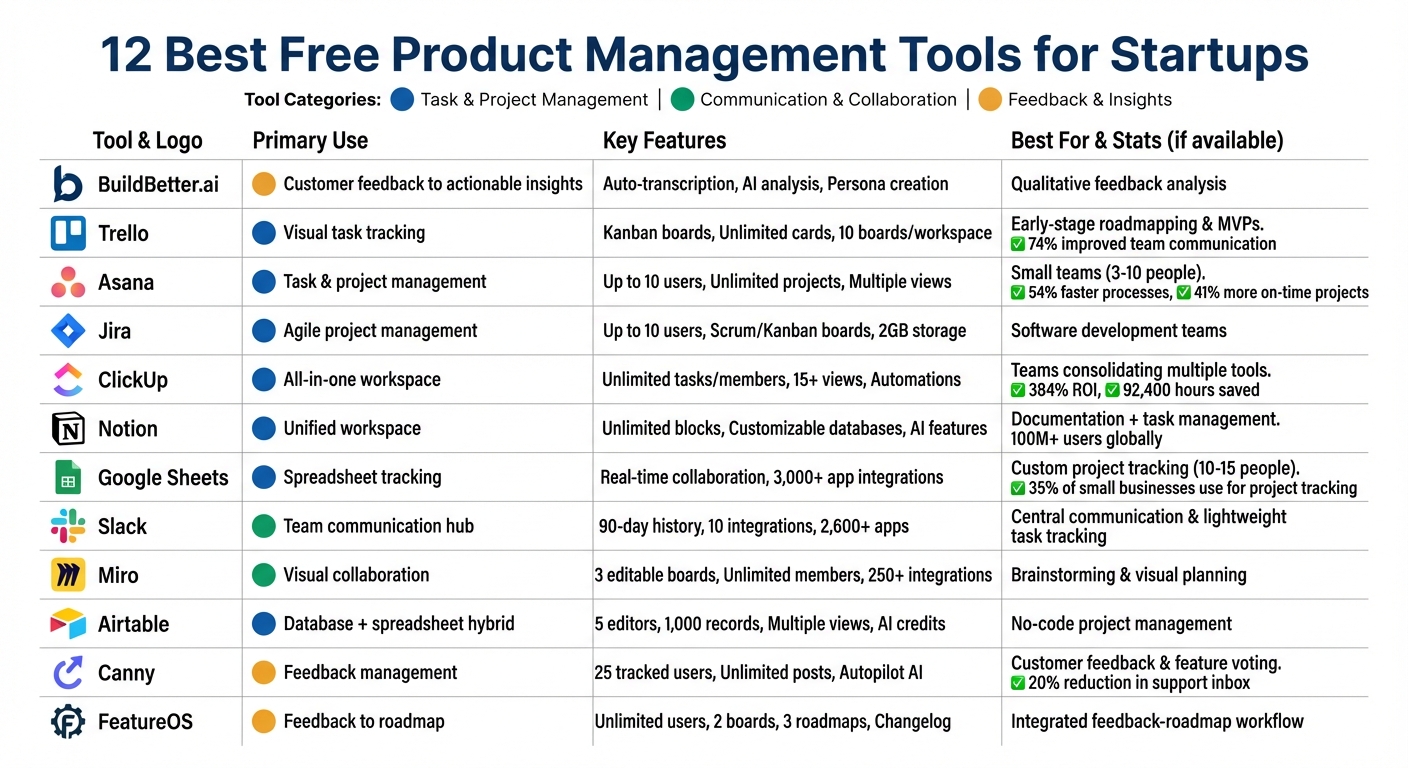
12 Best Free Product Management Tools for Startups Comparison Chart
7 Free Product Management Tools in 2025
1. BuildBetter.ai
BuildBetter.ai addresses a common challenge in product management: transforming scattered conversations into clear, actionable decisions. By analyzing qualitative data from customer calls, meetings, support tickets, and Slack conversations, it helps teams shape their product strategies. Its suite of tools simplifies feedback collection, collaboration, and prioritization, making it easier to focus on what matters most.
Tools for Gathering Customer Feedback
The platform automatically transcribes and analyzes customer interviews conducted on platforms like Zoom, Google Meet, Microsoft Teams, and Webex. It doesn’t stop there - it extracts key insights and even creates user personas to help refine your product’s direction. Support tickets from tools like Intercom, Zendesk, and HubSpot are also analyzed for recurring patterns, helping you pinpoint issues that need attention. Plus, every piece of feedback becomes searchable, ensuring no valuable insight gets overlooked in the daily grind.
Features for Collaboration and Communication
BuildBetter.ai bridges the gap between communication and project management tools. It integrates Slack conversations with platforms like Jira, Linear, and Asana, ensuring that customer feedback directly informs product updates. The AI also saves time by drafting essential documents like Product Requirement Documents (PRDs), user stories, and meeting summaries, cutting down on tedious administrative tasks.
Roadmapping and Prioritization Made Simple
With BuildBetter.ai, roadmapping becomes a data-driven process. By extracting insights from customer feedback, you can prioritize features based on actual pain points and requests. This is particularly valuable for startups or teams heavily reliant on beta testing and close customer interactions, where qualitative feedback often outweighs raw metrics in shaping the product’s direction.
2. Trello
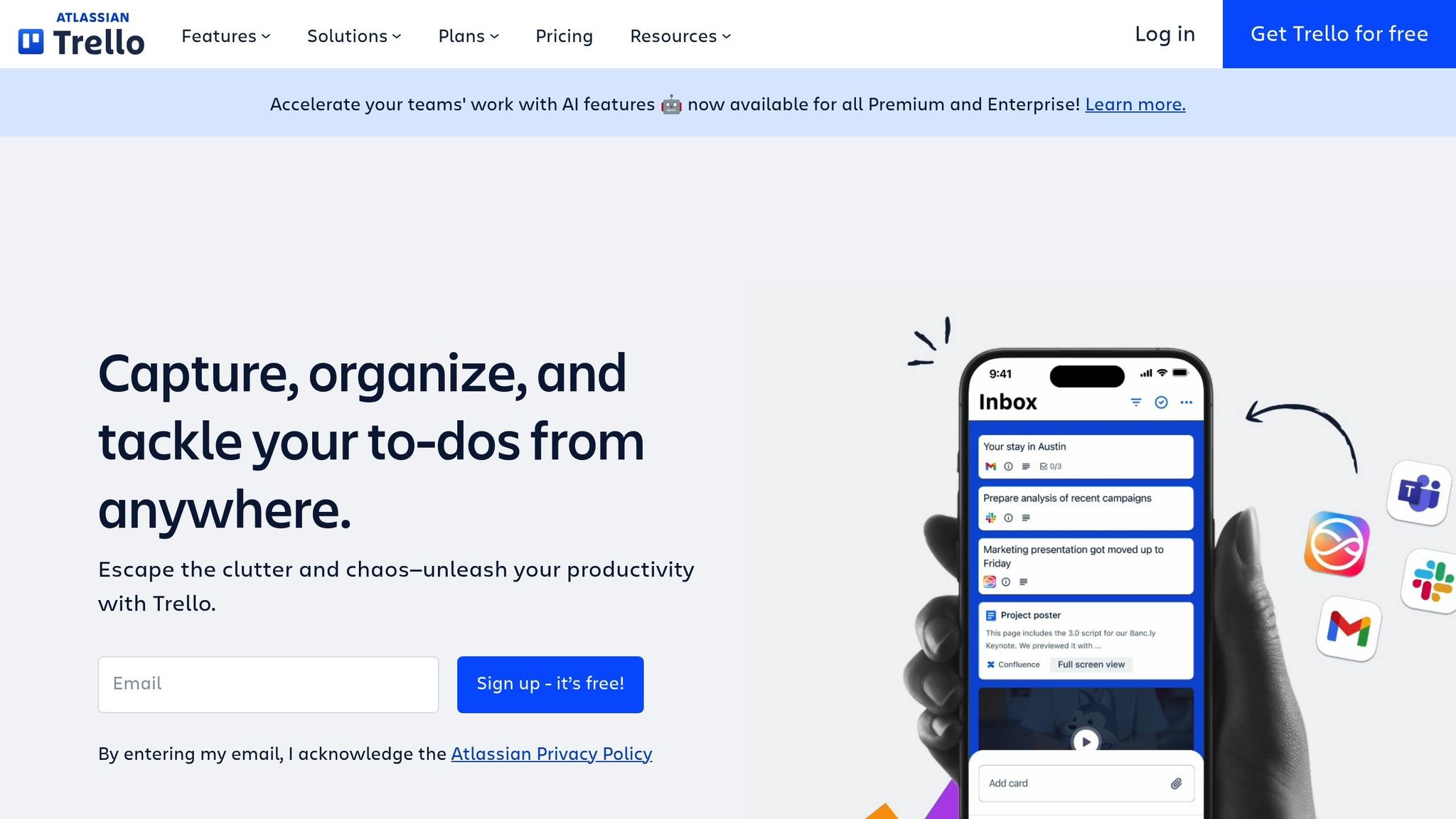
Trello simplifies product management with its intuitive board-and-card system. Tasks can be easily moved through stages like "To-Do", "Doing", and "Done" with minimal effort. This Kanban-style approach offers teams a clear, visual overview of task progress at any given moment.
Task and Project Management Capabilities
Trello’s free plan is surprisingly generous, allowing unlimited users, unlimited cards, and up to 10 boards per workspace. Each card is customizable with checklists, due dates, labels, and file attachments (up to 10MB), making it easy to break down large projects into smaller, actionable steps. The built-in automation tool, Butler, helps streamline workflows by automating tasks such as moving cards or setting due dates. Even on the free tier, you get 250 automation commands per month.
"[Trello is] great for simplifying complex processes. As a manager, I can chunk [processes] down into bite-sized pieces for my team and then delegate that out, but still keep a bird's-eye view." - Joey Rosenberg, Global Leadership Director, Women Who Code
Collaboration and Communication Features
Trello integrates seamlessly with tools like Slack and Microsoft Teams, allowing you to turn messages into tasks effortlessly. You can forward emails to the Trello Inbox, which automatically creates actionable cards. The card mirroring feature is particularly useful for cross-functional teams, as it displays the same card across multiple boards. This is ideal for teams like marketing and development that need to stay aligned on shared deliverables. According to user data, 74% of customers report improved team communication, and 75% of organizations see measurable business benefits within just 30 days.
Product Roadmapping and Prioritization Support
Trello is a great fit for early-stage roadmapping and tracking MVPs, offering a simple, visual way to manage tasks without requiring a financial commitment. While it doesn’t include built-in prioritization frameworks like RICE or MoSCoW scoring, its Power-Ups (unlimited on the free plan) can add features like Calendar views or Voting to help prioritize tasks. Trello is perfect for startups in the idea or MVP phase, but as your team grows and requires more advanced tracking, you may need to transition to a tool with deeper functionality. Let’s move on to another product management tool that continues to cater to startups effectively.
3. Asana
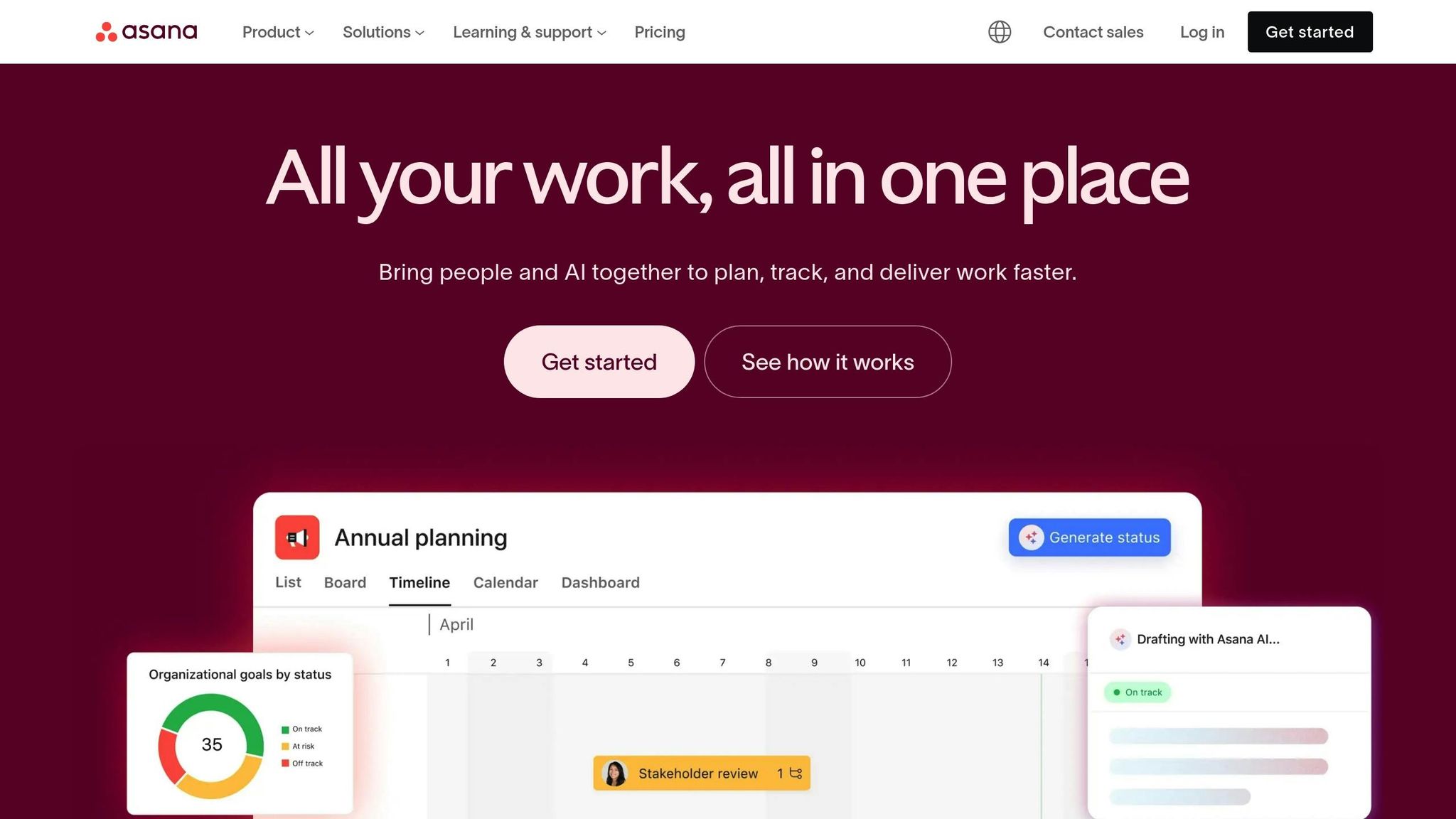
Asana helps small teams bring order to their product management processes. It simplifies task breakdowns, communication, and prioritization - key elements for any startup aiming to succeed. The free Personal plan supports up to 10 users and includes unlimited projects, tasks, and storage, making it a great option for budget-conscious teams. Plus, with multiple view options - like List, Kanban Board, and Calendar - teams can choose the layout that works best for them.
Task and Project Management Capabilities
Asana's free plan packs a punch when it comes to managing tasks and projects. Teams can break down larger goals into smaller tasks and subtasks, assign responsibilities, set deadlines, and even track dependencies. Pre-built templates for product backlogs, sprint planning, and agile workflows help you hit the ground running. Custom fields make it easy to tag tasks by priority or stage, keeping everything organized. According to Asana, teams using the platform complete business processes 54% faster and deliver 41% more projects on time. Beyond task management, Asana also strengthens team communication, ensuring everyone stays on the same page.
Collaboration and Communication Features
Asana keeps team communication focused on the work itself. Instead of juggling endless email threads, discussions happen directly within tasks, so all the context stays in one place. The Inbox feature notifies you about comments, task updates, or completions, ensuring you never miss a beat. Asana also integrates with over 200 tools, including Slack, Microsoft Teams, Gmail, and GitHub, to reduce manual work and keep workflows seamless. Anthony (Thong) Do, Product Manager at Holistics Software, shared that Asana helped his team cut down meetings from five per week to just one, freeing up more time for meaningful work.
Product Roadmapping and Prioritization Support
Asana offers roadmap templates that help teams organize features by theme and priority. Using custom fields, you can evaluate backlog items based on effort and impact, while automated rules streamline task sorting. For paid plans, the Timeline view provides a Gantt-style visualization of dependencies and launch schedules, making it easier to plan ahead. Jes Tækker Stemann Brinch, CEO of Zenegy, credited Asana with helping scale the company’s development team to five times its original size, all while staying aligned on product goals and strategy. Additionally, Asana’s Forms feature simplifies the process of collecting feature requests and customer feedback, ensuring no detail slips through the cracks. These tools are especially valuable for startups looking to make the most of their resources while scaling quickly.
"We needed more visibility into the work teams were doing and what we were launching, and the only way to do that is to all manage our work in the same platform." – Dian Rosanti, Head of Product Management, Consumer Platform, Gojek
4. Jira
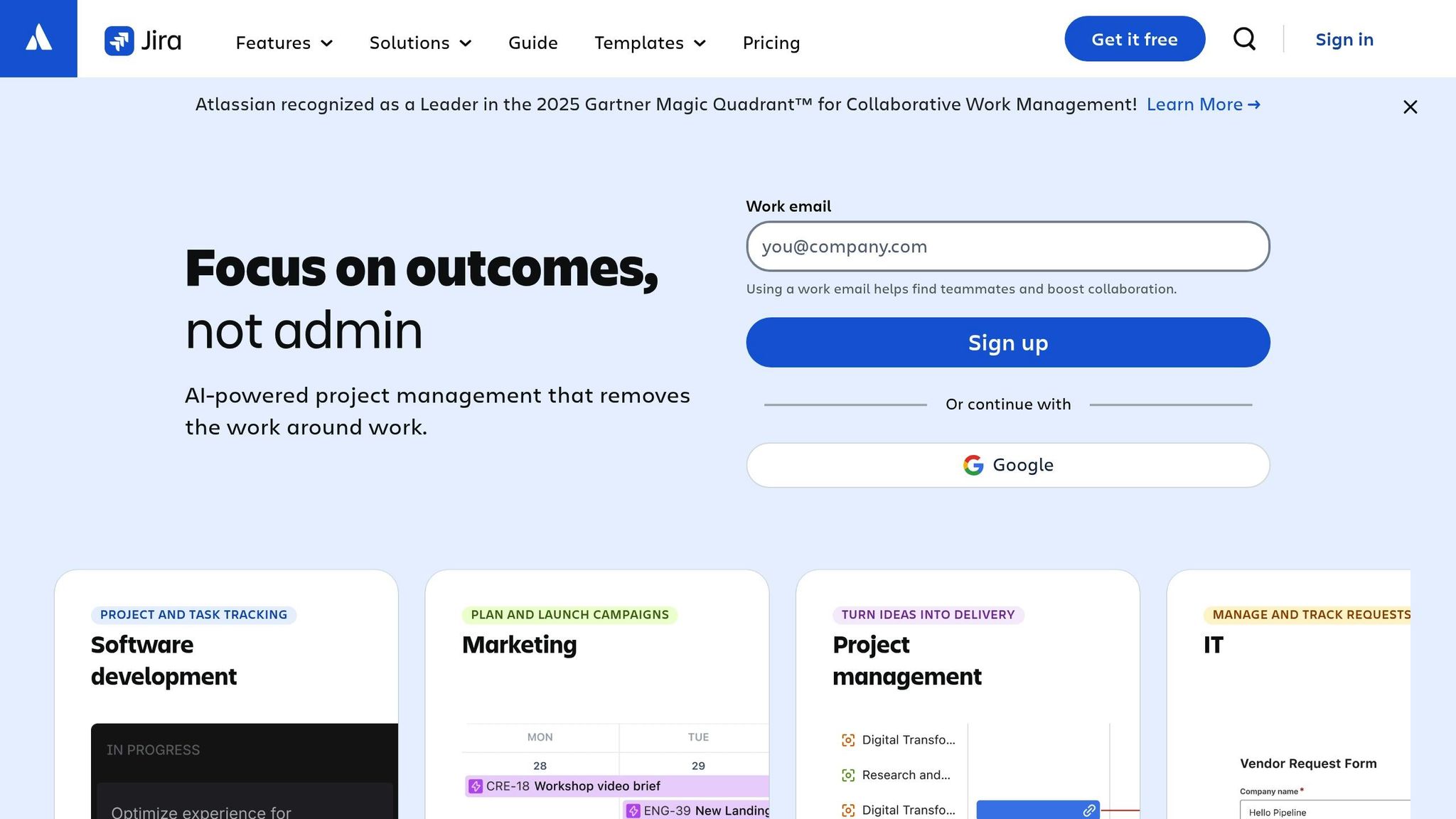
While tools like Asana simplify task management for startups, Jira takes a more agile-centric approach tailored for software development teams. It provides startups with robust project management tools at no cost. The free plan accommodates up to 10 users and offers unlimited projects, Scrum and Kanban boards, and 2 GB of storage - no credit card required. Atlassian, the company behind Jira, has been recognized as a Leader in the 2025 Gartner Magic Quadrant for Collaborative Work Management, making it a solid choice for early-stage teams building software products.
Task and Project Management Capabilities
Jira’s free plan is packed with features that help startups manage agile workflows effectively. It supports unlimited projects, provides access to Scrum and Kanban boards, and offers complete sprint visibility. One standout feature is Rovo AI, which simplifies complex ideas into actionable tasks and condenses lengthy comment threads, keeping small teams focused and reducing the need for constant meetings. Additionally, automation rules take care of repetitive tasks, such as updating statuses or assigning responsibilities, allowing your team to focus on meaningful work.
"makes life easier. [We] can spend time on adding value, not busywork." – Joe Cotant, Senior Technical Program Manager
Collaboration and Communication Features
Jira integrates seamlessly with over 1,000 apps, including Slack, Microsoft Teams, and GitHub, ensuring smooth communication between your project hub and team chat tools. Its Teamwork Graph pulls data from various sources to keep everyone aligned, while AI-powered insights highlight related work across the organization. For startups juggling multiple tools, Jira pairs well with other free Atlassian products like Confluence for documentation and Jira Service Management for IT requests.
Product Roadmapping and Prioritization Support
Jira Software includes built-in roadmapping tools that help visualize long-term plans and track progress toward strategic goals. For prioritization, Jira Product Discovery (free for up to three creators) allows teams to evaluate ideas using impact-versus-effort frameworks before turning them into actionable tasks. These tools are particularly helpful for startups balancing rapid execution with strategic planning, ensuring a smooth transition from brainstorming to delivery.
"Jira Product Discovery is helping us do the right things, in the right order, and at the right time, focusing on work that will deliver on benefits." – John Sayers, PMO Lead at RenaissanceRe
5. ClickUp
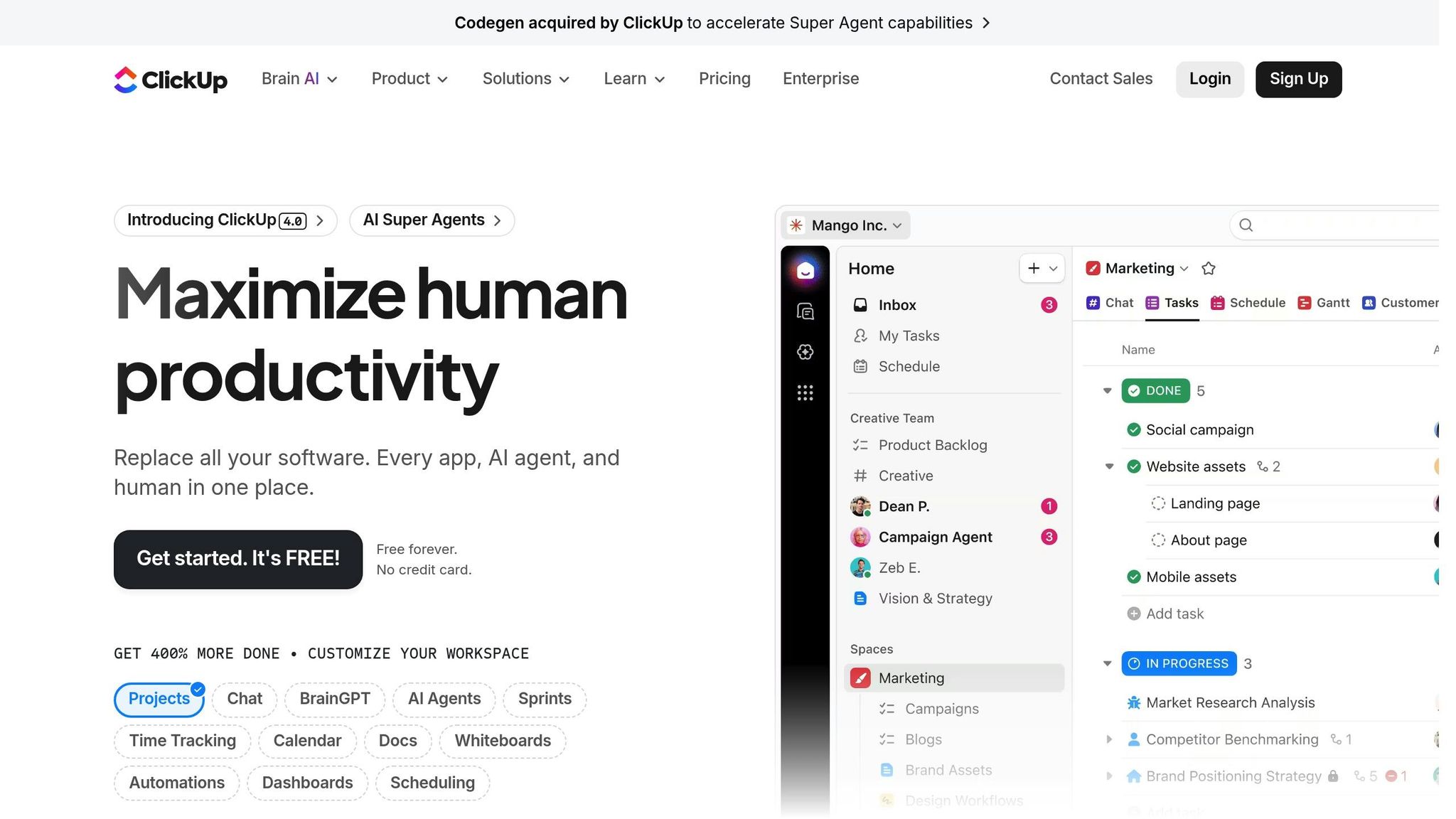
ClickUp's Free Forever plan offers unlimited tasks and members, making it a powerful all-in-one platform for tasks, documents, whiteboards, instant messaging, and goal tracking. Like other tools in this guide, it simplifies workflows, helping startups work smarter. According to a 2025 Forrester report, ClickUp delivered a 384% ROI over three years, with organizations saving an average of 92,400 hours by consolidating their workflow tools.
Task and Project Management Capabilities
ClickUp organizes work using a structured hierarchy of Spaces, Folders, Lists, Tasks, and Subtasks, covering everything from big-picture planning to detailed execution. The free plan includes 15+ views like List, Board, Calendar, and limited Gantt charts. For agile teams, it offers tools for sprint planning, backlog management, velocity tracking, and customizable points systems. Automations handle repetitive tasks - such as updating statuses or assigning tasks - helping lean teams save time and focus on priorities.
Collaboration and Communication Features
ClickUp's built-in Chat connects conversations directly to tasks, removing the need for separate messaging tools. With the FollowUps™ feature, you can instantly turn chat messages into actionable tasks, ensuring no idea gets lost. For quick discussions, SyncUps allow in-app calls with screen-sharing capabilities. The platform also includes Whiteboards for brainstorming, where teams can sketch ideas and convert them into tasks with ease. Plus, with over 1,000 integrations - including Slack, Google Drive, Zoom, and GitHub - ClickUp fits seamlessly into your existing tech stack.
Product Roadmapping and Prioritization Support
ClickUp helps teams plan and prioritize with tools like Gantt charts, timeline views, and visual Whiteboards, perfect for mapping out product strategies and epics. Ready-to-use templates for product roadmaps, briefs, and scrum management make getting started easier. Nick Foster, Director of Product Management at Lulu Press, shared that his team boosted efficiency by 12% by using ClickUp to eliminate manual status updates across tools.
For prioritization, the platform’s custom fields let you define priority levels and success metrics. Its structured hierarchy organizes feedback, epics, and sprints into a shared view, giving stakeholders a clear picture of what’s happening.
"ClickUp keeps our engineering department hyper-focused on the right initiatives. We use automated sprints to prioritize requests and provide real-time visibility and progress to our stakeholders." – Nick Herrera, Sr. Director of Engineering, Pressed
Startups can also apply for the ClickUp for Startups program, which offers $3,000 in credits toward an upgraded Enterprise workspace. Up next, we’ll look at another tool that helps startups collaborate effectively on products.
6. Notion
Notion brings together key product management tools into one workspace, making it a favorite for startups aiming to simplify operations and cut down on excessive tools. With over 100 million users globally and more than half of Y Combinator companies relying on it, Notion has cemented itself as a top choice for early-stage teams. Its free plan includes unlimited blocks for individuals, making it a perfect option for solo founders or small teams just starting out.
Task and Project Management Capabilities
Notion’s customizable database allows you to manage tasks in various formats - Kanban boards, timelines, calendars, or tables - so you can design roadmaps that fit your team’s style. Each task is its own page, serving as a central hub for research, specs, and feedback. Engineering teams can use built-in workflows to manage backlogs, plan sprints, and track bugs. The "My Tasks" view simplifies things further by consolidating all assigned tasks across projects, ensuring nothing gets overlooked. This flexibility transitions smoothly into collaborative workflows, making it easy to stay organized.
Collaboration and Communication Features
Notion AI takes care of tedious tasks by turning meeting notes into actionable items and generating user stories. Real-time editing, inline comments, and @mentions make team collaboration seamless. The enterprise search feature helps locate information across connected apps in seconds, while integrations with tools like Slack, GitHub, Figma, and Jira bring essential updates - like pull requests, designs, and metrics - directly into your workspace. By consolidating everything in one place, Notion eliminates the chaos of scattered information.
"Having a single hub for every project has become our source of truth and eliminates the confusion of scattered information across multiple tools." – Ads Dawson, Staff Engineer, Cohere
Beyond day-to-day collaboration, Notion also supports long-term planning with its flexible roadmap features.
Product Roadmapping and Prioritization Support
Notion’s roadmaps are designed to help engineers tackle issues while giving executives a clear view of upcoming launches. Custom properties like "Impact" and "Effort" let you objectively rank and prioritize features, which is especially helpful for startups working with tight resources. Pre-made templates for roadmaps, user research, and feature backlogs make setup quick and easy. Rahim Makani, Director of Product at Match Group, shared:
"Notion helps us move quickly, from product ideation to kicking off work with the engineering team."
For startups, there’s an added bonus: eligible teams can apply for 3 to 6 months of the Business plan at no cost - worth up to $12,000.
Next, we’ll dive into a familiar spreadsheet tool that also works as a lightweight project tracker.
7. Google Sheets
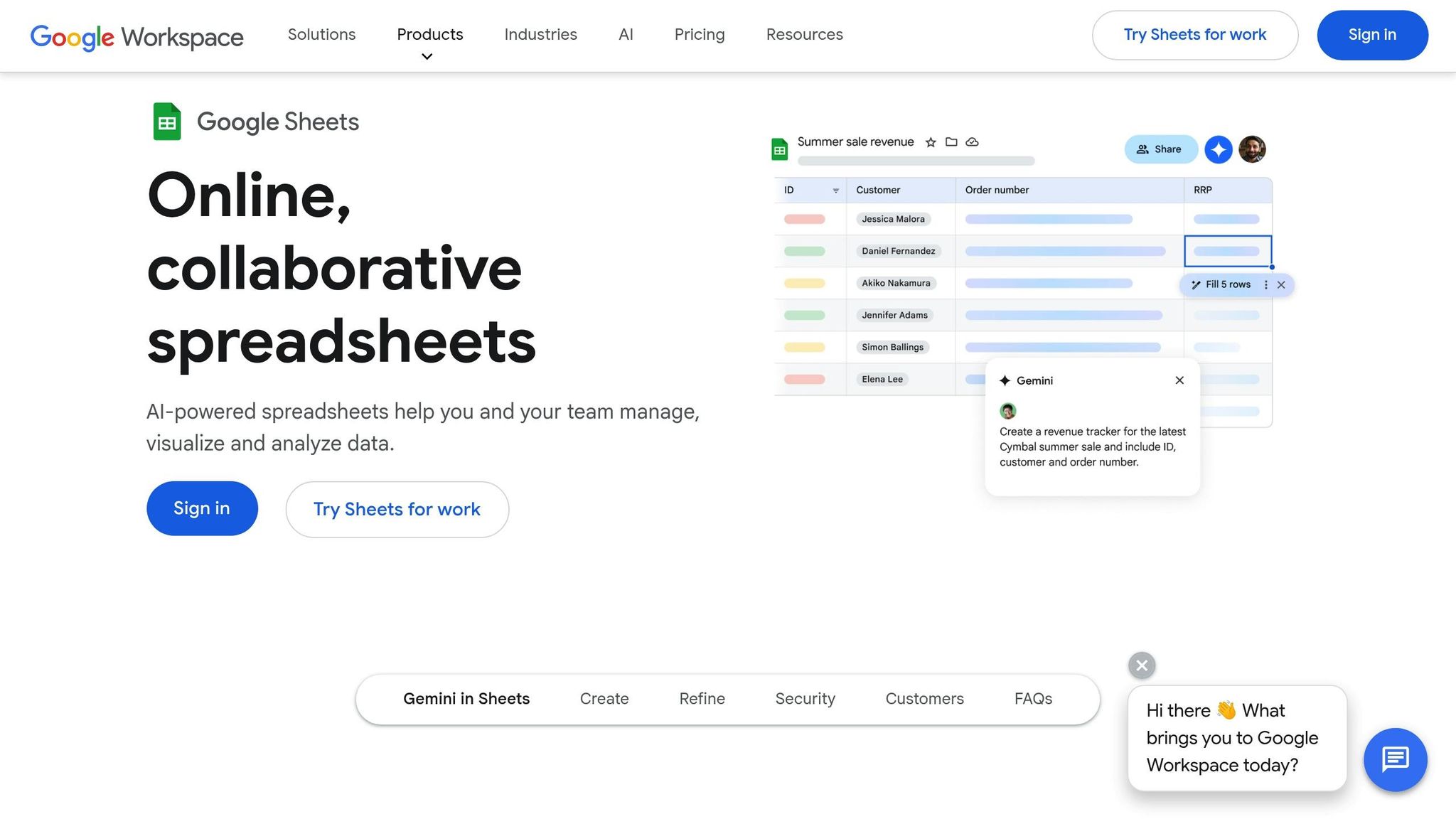
Google Sheets might appear simple at first glance, but it packs a punch for small businesses. In fact, 35% of small businesses rely on spreadsheets for project tracking. Why? It's free, user-friendly, and incredibly versatile - especially for startups keeping a close eye on expenses. One marketing agency with a 15-person team reported cutting project setup time by 40% and improving deadline adherence by 25%, all thanks to Google Sheets.
Task and Project Management Capabilities
With Google Sheets, you can create tailored project trackers by setting up columns for essentials like Task ID, Assignee, Priority, and Status. Dropdown menus ensure consistent data entry, while Smart Chips let you tag teammates directly in cells, complete with mini-profiles for context. Conditional formatting brings your spreadsheet to life, highlighting overdue tasks in red and marking completed ones in green, making it an instant visual dashboard.
Want to automate? Google Apps Script lets you set up email notifications, and you can connect Sheets to over 3,000 apps through Zapier. For added security, Protected Ranges safeguard your formulas from accidental edits.
Collaboration and Communication Features
Google Sheets shines when it comes to teamwork. Real-time co-editing means multiple people can update the same sheet simultaneously, avoiding version control nightmares. Features like custom notifications and in-cell comments keep updates timely and relevant, while task assignments help maintain focus.
Chris Montfot, Head of Strategic Operations for Corporate Engineering at Robinhood, shared his perspective:
"Google Sheets is our preferred spreadsheet application, giving us a real-time solution for collaboration to activate data-driven decisions."
Permissions are highly customizable - you can decide who can edit, comment, or simply view - and version history ensures you can always roll back to earlier versions if needed.
Product Roadmapping and Prioritization Support
While Google Sheets isn’t built specifically for roadmapping, many startups have found clever ways to adapt it. For example, teams use "t-shirt sizes" (XS, S, M, L) to estimate effort or categorize tasks into "Quick Wins", "Strategic", or "Hard Slogs". You can even pair it with Google Forms to gather customer feedback automatically, though integrating that data into your roadmap will require some manual effort.
Matei Culcer, CRO at ProdCamp, summed it up well:
"Google Sheets is the go-to secret weapon that companies rely on for everything from accounting, project management, data analysis, reporting, and more."
That said, Sheets does have its limitations. It requires manual updates and doesn’t offer automated status syncing like dedicated tools. But for teams of 10–15 people, it often gets the job done.
Next, let’s dive into a communication tool every startup team should know about.
8. Slack
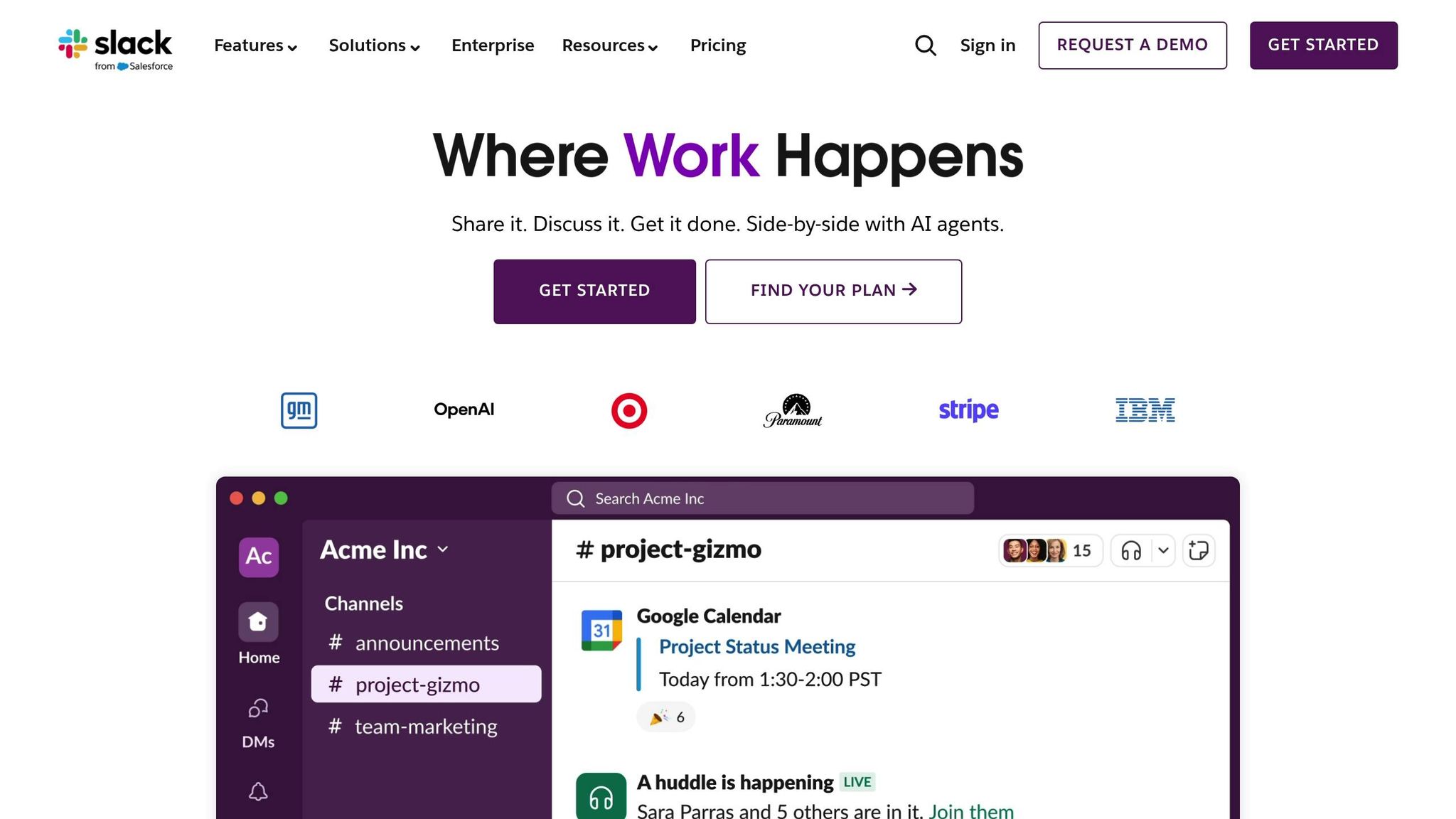
Slack serves as a central hub for collaboration, helping startup product teams stay connected and organized. With over 2,600 apps available in its Marketplace, Slack integrates smoothly with popular tools like Jira, Trello, and Asana, making project management more cohesive. Its free plan offers 90 days of message history, 10 integrations, and one-on-one huddles - ideal for lean teams keeping an eye on their budget.
Collaboration and Communication Features
Slack allows teams to structure conversations into specific channels, such as #proj-launch or #feedback-customer, ensuring discussions remain organized and relevant. For quick decision-making, Huddles provide audio or video call options, saving time and keeping things efficient - an essential feature for fast-moving startups. For asynchronous work, Slack Canvas offers a shared space within channels to store essential documents like PRDs, project briefs, and strategy notes. Think of it as a dynamic reference point for everyone on the team.
Aviad Pinkovezky, Chief Product Officer at Hippo Insurance, shared how his team maintains clarity:
"Everything that has a material impact over the scope of the deliverable should be documented on the Jira ticket [via Slack integration]."
Slack's AI features take collaboration further by summarizing lengthy threads, answering questions about past decisions, and identifying customer feedback trends. Considering that less than 1% of unstructured data is typically analyzed, this capability helps teams uncover insights from conversations that might otherwise go unnoticed.
These communication tools also double as lightweight task management aids, which we'll explore in the next section.
Task and Project Management Capabilities
While Slack isn't a full-fledged project management tool, it offers features like Slack Lists and Work Objects to track tasks and manage real-time approvals - all within your existing communication channels. For added structure, third-party apps like Workast can help teams track project milestones and provide daily task updates.
To make onboarding smoother, establish clear and descriptive channel names, such as #beta-testing or #gtm-strategy. If customer sentiment is a priority, automate feedback collection by integrating tools like Amplitude and support ticket systems into dedicated channels. This creates a real-time "voice of the customer" repository, eliminating the need for manual data entry.
9. Miro
Miro is a visual collaboration platform that brings teams together on an expansive digital canvas, perfect for tasks ranging from brainstorming to detailing technical specifications. It's a favorite among fast-moving startups, trusted by millions worldwide. The free plan includes 3 editable boards and allows unlimited team members, providing a solid starting point. This setup is ideal for teams aiming to create dynamic, interactive sessions - a standout feature of Miro's collaborative tools.
Collaboration and Communication Features
Miro is designed for both real-time and asynchronous teamwork, making it a great fit for distributed teams. Its Talktrack feature lets users record video or audio walkthroughs, while tools like @-mentions, comments, and Private Mode encourage open idea-sharing while minimizing group influence [69,73].
In 2024, PepsiCo used Miro to dramatically speed up its product development cycle, cutting the timeline from three years to just 10 months. This effort, led by Caroline de Diego, Senior Manager of Global Design & Marketing Innovation, showcased Miro's ability to streamline workflows. Similarly, Clyde D'Souza, a Senior Software Engineer at Xero, highlighted how Miro's AI tools and Jira integrations helped his team "synthesize research and move to execution significantly faster".
Task and Project Management Capabilities
Although not a traditional project management tool, Miro offers features like Kanban boards, sprint templates, and a Planner that syncs seamlessly with platforms like Jira and Azure DevOps [69,72]. The Dependencies app visually maps blockers and inter-team connections, while the Estimations app supports planning poker for task sizing. With over 250 integrations - including Slack, Figma, and Google Drive - Miro ensures your team can easily connect with the tools they already rely on.
Customer Feedback and Data Collection Tools
Miro Insights simplifies customer feedback management by integrating data from CRMs and call recordings. Its AI clusters feedback by theme and sentiment, helping teams identify trends and prioritize features without the hassle of manual sorting. Josh Christensen, Founder & CTO, shared his experience: "Miro Insights is a lifesaver for us! ... I can't remember how we were managing customer feedback, our backlog, or a product roadmap before!".
Product Roadmapping and Prioritization Support
Miro provides roadmap templates equipped with a Timeline widget, making it easy to adjust plans visually. The Roadmap Strategist Sidekick uses AI to offer tailored suggestions for startups, helping refine strategies based on product leader profiles [68,73]. For feature prioritization, users can employ dot voting or let Miro AI recommend options based on clustered feedback. Sandrine Veillet, VP of Global Product at WebMD, praised this capability: "The idea that this task can be done directly in Miro, leveraging all the discovery insights that are already in the board is brilliant and certainly a time-saver".
10. Airtable
Airtable blends the simplicity of spreadsheets with the functionality of databases, making it a handy no-code project management platform for startups. Its free plan is packed with features, offering unlimited bases, up to 5 editors, 1,000 records per base, 1 GB of attachment storage, and 500 AI credits per editor each month. It's a great option for early-stage teams looking to stay organized without breaking the bank.
Task and Project Management Capabilities
Airtable's free plan includes multiple project views - Grid, Kanban, Calendar, and Gallery - so teams can easily adapt workflows to fit their needs. You can link records across tables, creating a centralized hub for tasks and feedback. With ready-to-use templates for things like product launches, bug tracking, and research, getting started is simple. Plus, the platform’s AI Cobuilder can quickly set up a base structure, saving time when deadlines are tight.
Collaboration and Communication Features
Airtable makes teamwork seamless by allowing multiple users to edit simultaneously, eliminating version control headaches. The Interface Designer lets teams create tailored dashboards - executives can focus on high-level summaries, while contributors dive into detailed tasks. Built-in commenting, @mentions, and automated notifications via Slack or email keep everyone in the loop and link discussions directly to specific records. All these tools feed into Airtable's integrated project tracking and feedback systems, ensuring a smooth collaboration process.
Customer Feedback and Data Collection Tools
With Airtable forms, gathering customer feedback is a breeze. Teams can even receive instant Slack notifications for high-priority submissions. The platform’s AI takes it a step further by analyzing feedback, spotting patterns, and identifying dependencies, cutting down on manual effort. Angela Yanes, Director of Product Operations at eBay, highlighted the impact:
"We went from months of collecting and triaging and translating information into real time, literally a day, hours. Right. And all we need to do is just confirm it".
This shift resulted in a threefold reduction in the feedback-to-launch timeline.
Product Roadmapping and Prioritization Support
Airtable’s ProductCentral module consolidates customer feedback, product planning, and execution into a single workspace. It offers interactive timelines, Gantt charts, and Kanban boards to track progress, from quarterly strategies down to sprint-level execution. AI tools assist with prioritization by ranking features based on impact and effort, using models like RICE. Considering that product leaders often spend over 66% of their week on manual tasks, these automation features address a major efficiency challenge. Airtable also integrates with tools like Jira and GitHub through bi-directional sync, ensuring that engineering teams can work in their preferred environments while keeping the product roadmap up to date.
11. Canny
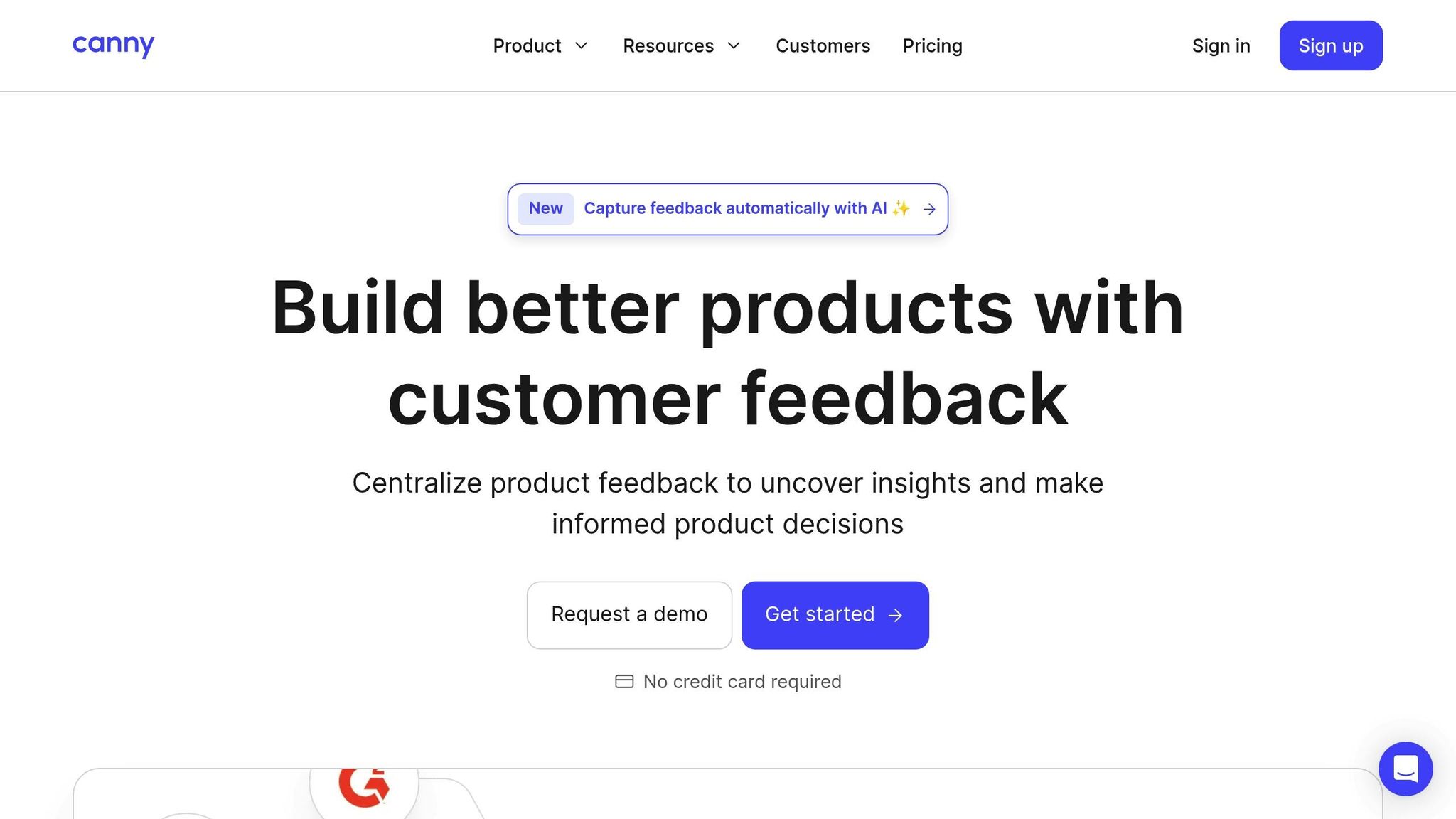
Canny is a feedback management platform designed to help startups gather, organize, and act on customer feedback effectively. With over 50,000 companies using it and more than 15 million feedback items logged, it’s become a trusted tool for early-stage teams. The free plan offers 25 tracked users, unlimited posts, one roadmap, and Autopilot AI features - giving startups a solid foundation during their growth phase.
Customer Feedback and Data Collection Tools
Canny pulls feedback from various channels - like email, Slack, Discord, Intercom, Zendesk, and in-app widgets - into one centralized dashboard. Its Autopilot AI takes it a step further by automatically capturing feedback from customer conversations, identifying duplicate requests, and condensing long comment threads. Startups can link feedback to individual user accounts and categorize it by criteria such as "paying customers" or "high MRR impact", helping them zero in on the most impactful requests. Chelsea Darby from Customer Success highlighted its impact, saying, "Canny has reduced the number of inbounds in our support inbox by 20%, which is a big deal". This streamlined approach to feedback collection sets a clear path for defining product priorities.
Product Roadmapping and Prioritization Support
Canny connects product roadmaps directly to customer feedback and feature voting, making it easier to prioritize updates based on user needs. Teams can use customizable formulas to score and rank features by factors like impact and effort or sort by MRR impact to assess revenue potential. The platform supports both public and private roadmaps: public roadmaps help build user trust, while private ones keep internal strategies secure. Saravana Kumar, Founder of Document360, shared, "Our Canny roadmap is public, so the whole world can see what we're building. We believe that it adds credibility and instills trust".
Collaboration and Communication Features
Canny supports unlimited internal contributors across all plans, fostering collaboration among sales, support, and engineering teams. Internal comments allow teams to privately discuss feature requests and tag colleagues to clarify use cases before development begins. The platform also keeps users in the loop by sending email notifications whenever a feature they voted for changes status or is released. Aurélien Georget, Chief Product Officer at Strapi, noted, "Product managers now have more context. We shortened the discovery time. Sometimes we don't even need to send surveys anymore because we have enough people to interact with". These collaboration tools make Canny an essential hub for feedback integration within the product development process.
Task and Project Management Capabilities
Although not a full-fledged project management tool, Canny works seamlessly as a streamlined backlog. It integrates with platforms like Jira, GitHub, ClickUp, Linear, and Asana. Teams can sync prioritized features directly with their development workflows, and real-time status updates ensure that changes in these tools are instantly reflected on the Canny roadmap. This integration bridges the gap between feedback management and development execution.
12. FeatureOS
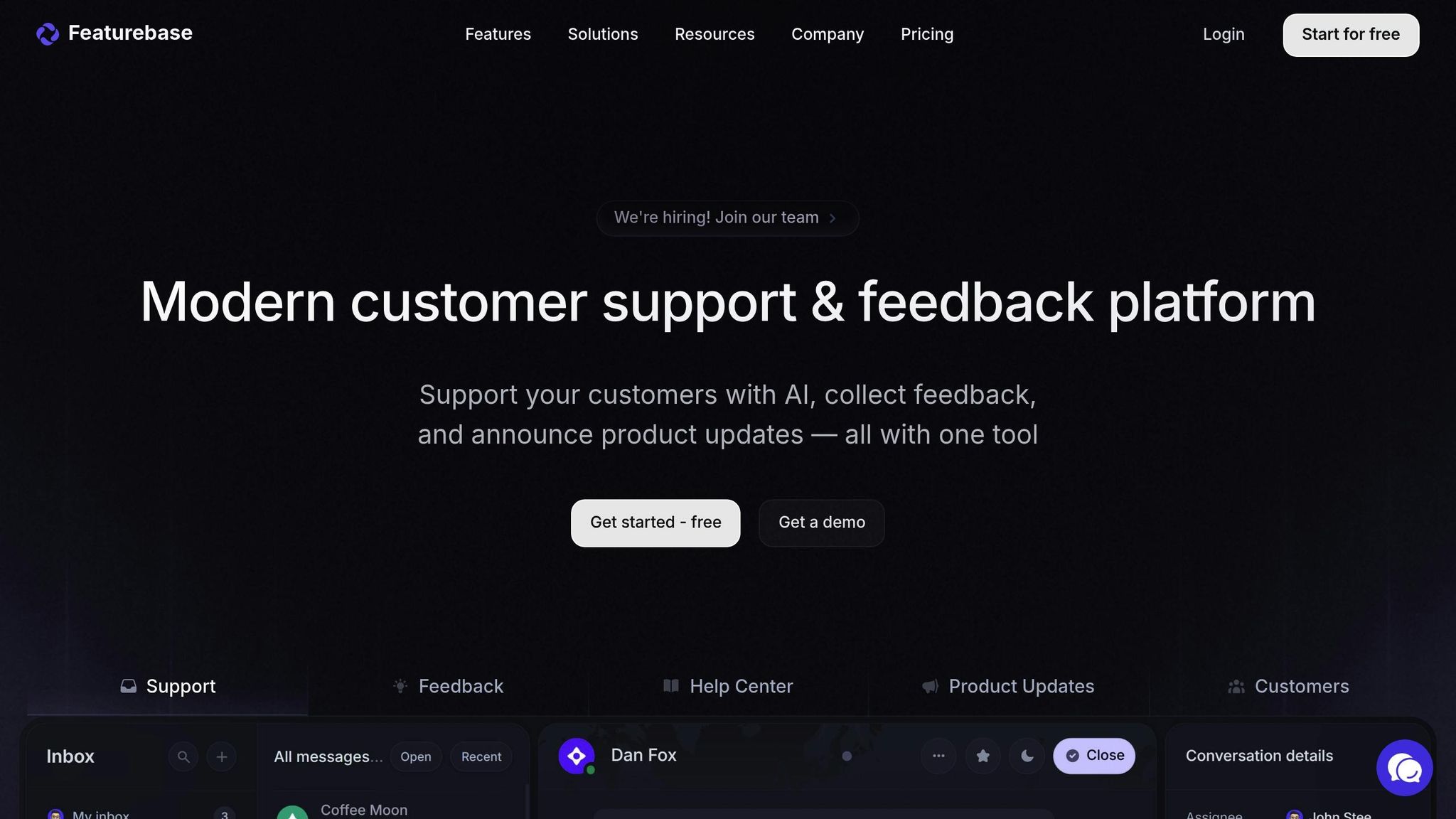
Wrapping up our list, FeatureOS offers a streamlined way to manage feedback and create roadmaps, all in one place.
FeatureOS is an all-in-one feedback management platform that integrates customer input, roadmapping, and communication into a single workspace. Its free plan is packed with features, including unlimited users, 2 feedback boards, 3 roadmaps, a custom domain, in-app widgets, a 60-article SEO-ready knowledge base, and a changelog capable of sending up to 1,000 emails per month.
Customer Feedback and Data Collection Tools
FeatureOS simplifies feedback collection by consolidating input from multiple channels like email, Discord, and Slack. Customers can submit feature requests, report bugs, and vote on ideas - all in one place. The platform also includes 5 customizable forms designed for tasks like bug reporting, NPS surveys, and CSAT scoring. In-app widgets make it easy to gather feedback during user interactions.
Maggie Lubberts, VP of Product Management at Allovue, highlighted the platform's value:
"FeatureOS filled in the blanks that other product management products seemed to skip over by connecting the ideas we were working on with the related customer feedback."
Product Roadmapping and Prioritization Support
The free plan includes three roadmaps: one standard view and two customizable options, perfect for startups managing multiple product tracks. FeatureOS uses a "feedback-to-roadmap" pipeline, where user votes and feature requests directly guide prioritization. Visual Kanban-style roadmaps sync seamlessly with feedback boards, and users can apply prioritization frameworks like R.I.C.E., Kano, and Value vs. Effort. For teams using Jira, the platform automatically updates issue statuses to reflect progress.
Collaboration and Communication Features
FeatureOS takes the hassle out of follow-ups by automatically notifying users when request statuses change, fostering trust and transparency. The platform also includes a changelog module to share updates and a mobile app that lets product managers review and respond to feedback on the go. One satisfied customer shared:
"We switched over from a hacked-together system of Trello, Typeform, and Slack - and we couldn't be happier. We feel much closer to our users."
FeatureOS provides startups with a smooth feedback-to-roadmap process, making it a fitting conclusion to our list of top free tools.
Conclusion
Having a tight budget doesn’t mean you have to compromise on productivity or team alignment. The 12 free tools we've discussed pack plenty of features for project tracking, gathering customer feedback, roadmapping, and collaboration - all without costing a dime. These tools can help sustain your operations and keep your momentum going.
When deciding which tools to use, think about your team’s size and how you work. For solo product managers, a straightforward combo like Notion and Trello might be all you need. For teams of 3–7 people, tools like Slack and Miro often make collaboration smoother. As your team grows, tools with advanced feedback and roadmapping features will become more important.
Before committing to any tool, take a close look at the limitations of free plans. Many platforms cap the number of users or impose storage limits. Make sure the tools you choose integrate well with your existing tech stack to avoid manual data entry or isolated information. Also, check if the platform allows easy data export to prevent getting locked into a single vendor.
Focus on tools that solve your most pressing challenges. For example, if customer feedback is scattered across emails and Slack, prioritize a feedback management tool. If your team struggles to keep track of tasks, start with a project tracking solution. The great thing about free plans is they let you experiment without financial risk. You can always upgrade later if the free version starts holding you back.
FAQs
What should startups look for when choosing a free product management tool?
Startups should focus on tools that address their essential needs, such as building roadmaps, tracking tasks, collaborating with the team, and gathering customer feedback. It's also smart to choose platforms that integrate smoothly with tools you already use, like Slack, GitHub, or analytics software. This can save time and cut down on repetitive tasks.
When exploring free plans, pay close attention to the details - check how many users are allowed, the number of projects you can create, and which features are included. The goal is to find a plan that fits your current needs without pushing you into a paid upgrade too soon. Usability matters as well; look for tools with an intuitive design and quick setup so your team can hit the ground running. And as your startup grows, ensure the tool can handle more users and complex workflows without becoming a headache.
Don’t overlook data security. Make sure the tool complies with standards like GDPR or SOC 2, especially if you're working with sensitive information. Tools that include AI features to automate repetitive tasks are a bonus, freeing up your team to focus on creating standout products.
How do free product management tools ensure data privacy and security?
Free product management tools often emphasize keeping your data secure by incorporating features like encryption, access controls, and clear privacy policies. Most of these tools secure your information by encrypting it during transmission and while it's stored. They also typically include safeguards like multi-factor authentication and secure login options to help block unauthorized access.
That said, free plans sometimes come with limitations. For example, they might lack advanced security features such as single sign-on, audit logs, or detailed permission settings. To ensure your data is safe, aim for tools that at least offer:
- TLS/HTTPS to secure data during transmission
- Encryption at rest to protect stored information
- Multi-factor authentication to strengthen login security
- A well-defined policy on data ownership and retention
If a tool doesn't provide these essential protections or lacks clarity about them, you might want to consider extra precautions like using a VPN or upgrading to a paid plan for more robust security options.
Can these free product management tools integrate with the platforms my startup already uses?
Yes, many of the free product management tools mentioned are designed to work effortlessly with the platforms your startup already depends on. They often include built-in integrations with well-known tools like Slack, Google Workspace, GitHub, and Jira. For even more options, some tools offer open APIs, allowing you to connect them directly to your existing workflows. Additionally, platforms like Zapier can be used to link multiple apps together, providing extra flexibility.
That said, free plans may come with restrictions, such as limits on the number of integrations or access to advanced features. As your startup scales, you might need to consider upgrading or using third-party solutions to handle more complex requirements. These tools are designed to complement your current systems, helping you adopt new product management capabilities without disrupting your workflow.