Best no bot recording tools 2025
Explore the top no-bot recording tools of 2025 for accurate data capture, enhanced privacy, and improved workflow efficiency.
Here’s a quick guide to the best no-bot recording tools in 2025 that help you capture accurate data, avoid bot-related disruptions, and save time.
Want a meeting recorder that keeps everything on your computer?
BB Recorder is free and works 100% offline. It records Zoom, Google Meet and Teams calls, with full video and audio, on your own device. There's no bot on the call, and you don't need an account. It transcribes locally, and dictation and screen recording are built in. Want a visible notetaker instead? Send the BuildBetter bot, or switch mid-call. Works on Mac, Windows, iPhone and Android.
Recording laws still apply wherever the recording lives: tell everyone on the call, and pause when someone asks.
Top Picks:
- BuildBetter.ai: Local recording, privacy-focused, integrates with 100+ tools.
- MeetJamie: Real-time transcription, decision tracking, multi-language support.
- Fathom: AI-powered summaries, enterprise-grade security, 25+ language support.
- Krisp: Noise cancellation, 96% transcription accuracy, on-device processing.
- Otter: Live collaboration, CRM integrations, and cloud-based storage.
Quick Comparison:
| Tool | Key Features | Pricing | Best For |
|---|---|---|---|
| BuildBetter.ai | Local recording, integrations | Custom pricing | Product & research teams |
| MeetJamie | Transcription, decision logs | $24-$99/month/user | Meeting documentation |
| Krisp | Noise cancellation, privacy | Free, Premium options | Remote work & audio focus |
Why These Matter?
With bots making up almost half of internet traffic, these tools ensure clean, bot-free recordings, privacy compliance, and time-saving automation. Whether you're in product, marketing, or operations, pick the tool that fits your needs to improve workflows and data accuracy.
What's The Best DAW for Music Production & Recording ...
1. BuildBetter.ai
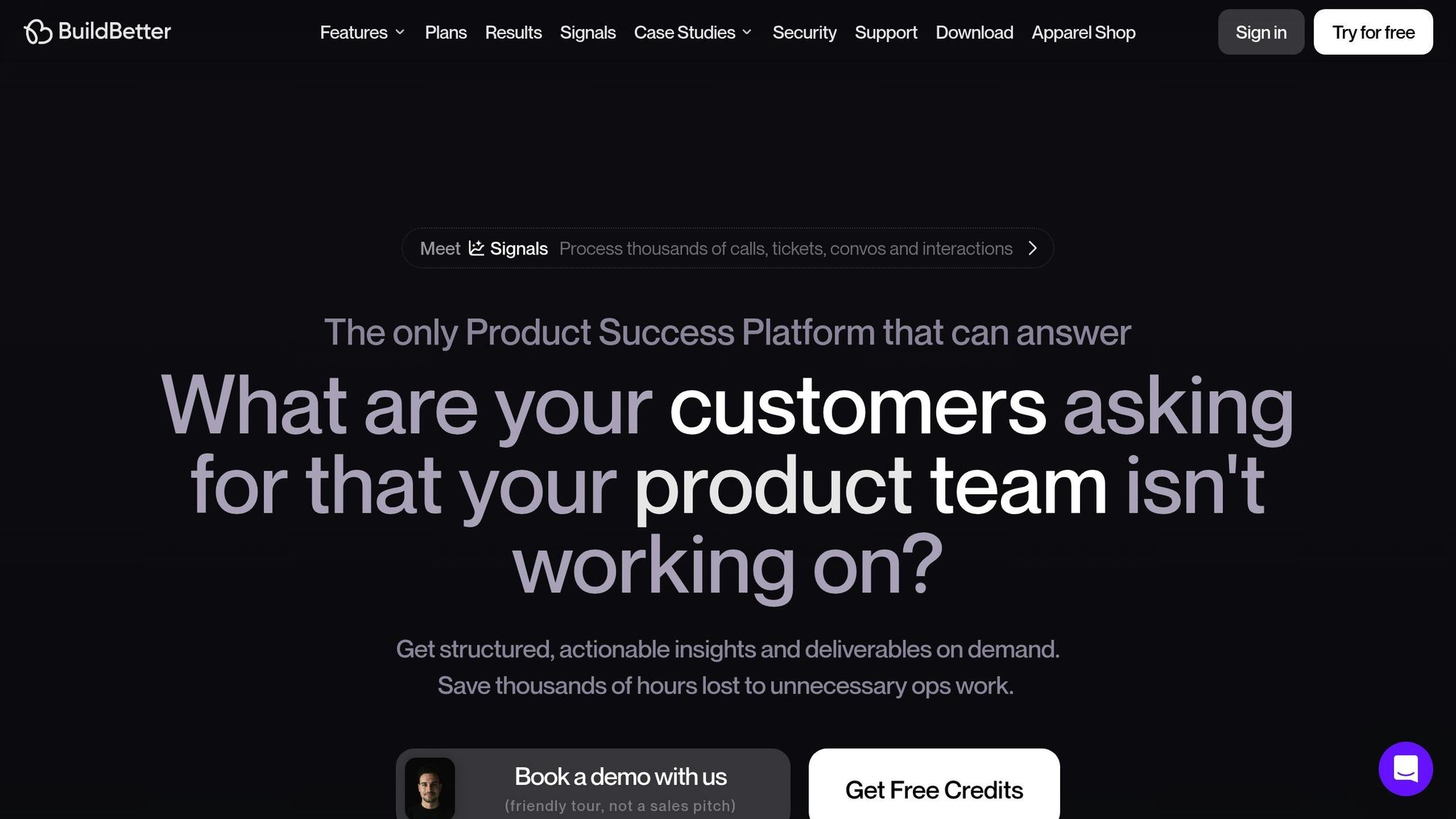
BuildBetter.ai delivers a no-bot recording solution designed for accurate and reliable recordings. Its local recording feature ensures that calls on platforms like Zoom, Microsoft Teams, Google Meet, and Webex are recorded without requiring bots to join, providing a cleaner experience.
In addition to its recording capabilities, BuildBetter.ai prioritizes data integrity. It organizes unstructured data into actionable insights while adhering to strict privacy standards. For teams focused on accuracy, BuildBetter.ai offers:
| Feature | What It Does |
|---|---|
| Local Recording | Captures audio directly from your device, avoiding bot-related issues |
| Mobile Recording | Supports both in-person and remote recordings via a dedicated app |
| Privacy Controls | Complies with GDPR, HIPAA, and SOC 2 Type 2 standards |
| Data Security | Ensures your data isn’t used for training AI models |
| Custom Permissions | Allows detailed control over access and sharing |
These tools make a noticeable difference. Teams using BuildBetter.ai report spending 43% more time on revenue-generating activities and holding 26 fewer meetings each month. On average, organizations save 18 hours per project during a two-week sprint, which translates to about $21,000 in annual savings per team member. These results are backed by industry leaders.
Product Lead Aditya Goyal shared:
"We don't operate without BuildBetter. This is the only platform that we use religiously."
Similarly, Product Operations expert John Strang stated:
"It wouldn't be possible to do my job at this scale without BuildBetter."
The platform also integrates seamlessly with over 100 tools like Slack, Jira, and Salesforce, ensuring smooth workflows and addressing the inaccuracies often caused by bot-based recordings.
For teams that value precision, BuildBetter.ai offers unlimited seat pricing across all plans, making it accessible for entire organizations, whether in product, marketing, engineering, or operations. Its 98% subscription retention rate highlights how well it meets the demand for accurate, no-bot recordings.
2. MeetJamie
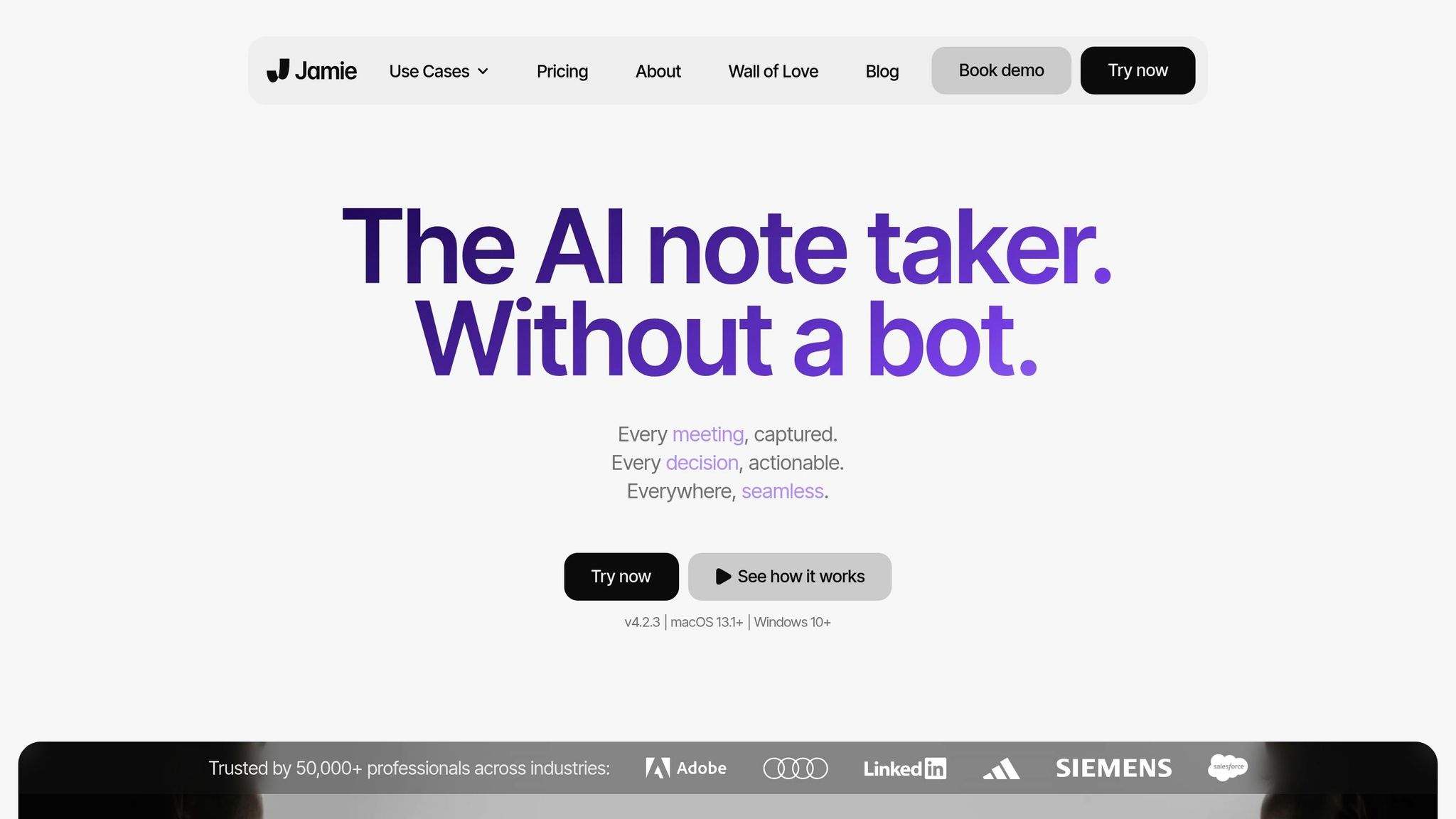
MeetJamie is another standout option for recording and documenting meetings without relying on bots. It records and transcribes audio directly from meeting platforms, ensuring smooth and high-quality documentation.
Here’s a quick look at its main features:
| Feature | Description |
|---|---|
| Direct Audio Processing | Records meetings directly, avoiding any bot-related disruptions |
| Decision Detection | Automatically logs decisions made during meetings |
| Multi-language Support | Accurately transcribes in over 15 languages |
| Calendar Integration | Syncs with Google and Outlook calendars |
| Custom Templates | Offers personalized note formats for better organization |
More than 50,000 professionals rely on MeetJamie, saving an average of 10 hours each week with its automated documentation. Pricing starts at $24 per user per month for basic features, with premium plans reaching $99 per user per month for advanced options.
Madeline Wendler, Global Head of Products at Siemens Mobility, praised its effectiveness:
"Spending the whole day in meetings, jamie saves us valuable resources and ensures that all important takeaways are captured."
Isaac Harvey also shared his experience:
"I struggled to take meeting notes until I discovered jamie. From the day I started using jamie up until now, I no longer have to worry that I'm going to forget something during a meeting."
MeetJamie prioritizes data privacy by adhering to GDPR standards with European-based hosting. It generates meeting summaries, transcripts, and actionable items while enabling users to fine-tune note templates for better accuracy.
One limitation is the lack of video recording. However, it compensates with features like the Ask Jamie chatbot, which allows users to quickly search past meeting content for specific details.
Here’s a breakdown of the pricing plans:
- Standard ($24/user/month): 20 meetings per month
- Pro ($47/user/month): 50 meetings per month, 30 AI-generated summaries
- Executive ($99/user/month): Unlimited recordings and summaries
Next, we’ll dive into the overall strengths and weaknesses of the tools we’ve reviewed.
3. Krisp
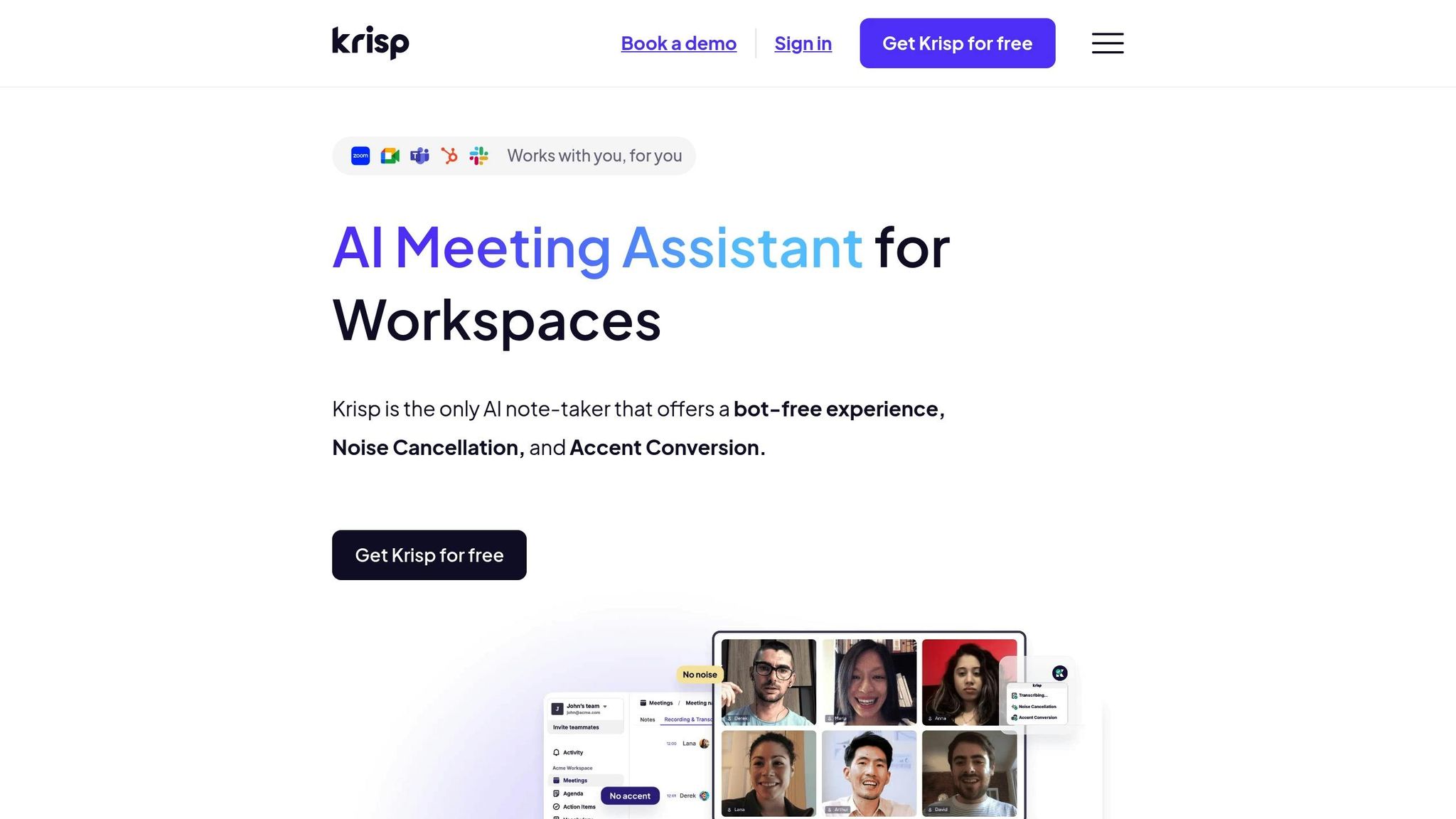
Krisp is a desktop app designed to deliver high-quality, bot-free recording with AI-powered tools. It works as a bridge between your device and communication platforms, eliminating the need for external bots.
| Feature | Specification |
|---|---|
| AI Transcription Accuracy | 96% |
| Noise Cancellation | Two-way (inbound and outbound) |
| Storage | Secure cloud-based |
| Device Compatibility | Mac and Windows |
| Customer Rating | 4.8/5 stars |
Krisp's AI transcription offers unlimited free transcriptions with an impressive 96% accuracy. Setting it up is straightforward - just select Krisp Microphone and Krisp Speaker in your conferencing app settings.
Karsten B., an Executive Compensation Associate, shared their thoughts:
"Krisp works exceptionally well. Once set up, it is a pretty seamless experience and automatically detects whichever software I'm using. Nobody on the other line can ever hear the background noise from my end, and people have commented that it sounds like I'm 'in a library' or a studio."
Key Features for Businesses
- Secure, bot-free recordings stored on private cloud servers
- Automated summaries and action items to streamline workflows
- Seamless compatibility with platforms like Zoom, Google Meet, and Teams
Jaslyn T., a Client Services Manager, praised how Krisp enhances remote work:
"Life saver for WFH employees. Krisp allows me to work from home where there are dogs barking, laundry running, and people going about their daily activities - yet their noise is blocked so I can appear professional and not be a distraction on video calls."
Krisp is trusted by leading brands such as Discord, Zoho, and RingCentral. For teams looking for secure and efficient recording solutions, Krisp's on-device processing and private transcriptions ensure data stays protected. Its ability to function without external bots makes it ideal for organizations with strict security needs, making it a standout option in our list of tools.
4. Fellow — Best for Teams that want AI notes tied directly to structured meeting agendas
Fellow is a meeting productivity tool that combines collaborative agendas with an AI note-taker that can join calls without needing a visible bot in many setups, depending on how it's configured with your calendar and conferencing app. It focuses on turning meeting talk into structured notes, action items, and searchable history rather than just raw transcripts.
Beyond capturing conversations, Fellow lets teams build shared agendas ahead of time, assign follow-up tasks, and sync notes into tools like Slack or project trackers. It's built more for internal team meetings and 1:1s than customer research, though it can still be useful for capturing feedback discussions.
Best for: internal teams that want meeting notes and action items tied closely to pre-built agendas and task tracking.
5. tl;dv — Best for Sales and product teams needing quick clip-based highlights from calls
tl;dv is a call recording and note-taking tool that integrates with video conferencing platforms to capture meetings and generate timestamped summaries. It emphasizes quick clip creation, letting users mark key moments during or after a call and share short highlight reels instead of full recordings.
The tool includes AI-generated summaries and multi-language transcription, aimed at helping teams quickly review what happened without rewatching entire calls. It's commonly used by go-to-market and product teams who want a lightweight way to capture and distribute meeting insights.
Best for: teams that want fast, shareable clips and summaries from sales or product calls without heavy setup.
Tool Comparison: Strengths and Limitations
Here's a breakdown of the strengths and limitations of no bot recording tools in 2025.
Video Quality and Performance
BuildBetter.ai offers HD local recording for crystal-clear visuals. Fathom and Krisp also deliver strong video quality, while Otter focuses on ensuring audio clarity, particularly for transcription purposes.
Integration and Compatibility
| Tool | Platform Support | Key Integrations | Key Features |
|---|---|---|---|
| BuildBetter.ai | Zoom, Teams, Google Meet, Webex | 100+ integrations (Salesforce, Slack, Jira) | Local recording, mobile app |
| MeetJamie | Web-based platforms | Limited third-party integrations | Real-time transcription |
| Krisp | Cross-platform | Focus on audio enhancement | Noise cancellation |
These compatibility details provide a foundation for evaluating how each tool performs in other areas.
Price-Performance Analysis
Session recording costs range from $0.05 to $1.45 per 100 sessions, but cost alone shouldn't dictate your choice. Functionality, combined with strong security and privacy measures, is essential in today's data-sensitive world.
Security and Privacy Considerations
Each platform offers varying levels of security:
- MeetJamie: Standard encryption with basic security features
- Fathom: Enterprise-grade security protocols
- Krisp: Prioritizes audio privacy
- Otter: Cloud-based security with encrypted storage
User Experience and Ease of Use
Some tools prioritize simplicity, while others offer advanced features. For instance, BuildBetter.ai strikes a balance between an intuitive interface and robust functionality.
Storage and Data Management
| Feature | Storage Options | Data Retention | Export Capabilities |
|---|---|---|---|
| Cloud Storage | Available for all tools | Varies by plan | Multiple formats |
| Local Storage | BuildBetter.ai, Krisp | User-controlled | Direct downloads |
| Hybrid Options | Limited availability | Plan-dependent | Custom exports |
AI and Automation Capabilities
AI-driven features help boost productivity across these tools:
- Smart Summaries: Automatically generate meeting highlights
- Transcription Accuracy: Varies depending on the platform
- Analytics: Identify patterns and generate insights
- Integration Automation: Simplifies workflows for better efficiency
When selecting the right tool, consider your team's size, recording frequency, and integration needs to ensure it aligns with your organization's goals.
Which Tool Should You Choose?
Let’s break down how to pick the right tool based on your team’s specific needs.
For Product and Research Teams
If your team focuses on product development and research, you’ll want tools that offer strong integration options and advanced AI capabilities. BuildBetter.ai is a solid choice here, offering features tailored for B2B product teams. It includes local recording and integrates with over 100 platforms like Salesforce, Slack, and Jira.
For Enterprise Organizations
Enterprise teams often need tools with top-notch security and compliance features. Look for options that provide GDPR compliance, SOC 2 Type 2 certification, enterprise-level encryption, and secure data storage. These features ensure your data stays protected and meets regulatory standards.
For Small to Medium Teams
Smaller teams need tools that are easy to set up and use. Simplicity and functionality are key. Experts agree that a user-friendly platform can foster better collaboration without requiring constant one-on-one calls.
| Team Size | Key Priority | Recommended Features |
|---|---|---|
| Small (1-10) | Simplicity | Local recording, basic integrations |
| Medium (11-50) | Growth potential | AI summaries, workflow automation |
| Large (50+) | Advanced needs | Enhanced security, custom workflows |
For Technical vs. Non-Technical Teams
Non-technical teams benefit from tools with an easy-to-navigate interface, while technical teams may need features like API access and customizable integrations. Make sure the tool matches your team’s technical skill level to avoid unnecessary hurdles.
Cost Considerations
When comparing pricing, think about what you’re getting for the cost. Key factors to weigh include transcription accuracy, storage limits, integration options, customer support quality, and security measures. Balancing these elements can help you find the best value for your investment.