Best Tools to Turn Customer Calls Into PRDs in 2026
Compare the 6 best tools to turn customer calls into evidence-backed PRDs in 2026, with every requirement cited to what the customer actually said.

You just wrapped ten discovery calls. Somewhere in those eight-to-ten hours of audio is a product requirements document waiting to be written — the problem statement, the goals, the requirements, the edge cases customers described in their own words. The question is how to get there without losing two full days to transcript scrolling. This guide ranks the six best tools to turn customer calls into PRDs in 2026, starting with BuildBetter, which is the only option that captures the source calls and hands back a finished, cited draft. Each tool is scored on how far it moves you along the real path from raw conversation to shippable, evidence-backed document.
The Job: From Ten Recorded Calls to One Evidence-Backed PRD
The job is turning a stack of recorded conversations into a written requirements document that a skeptical stakeholder can't wave away. That is a specific workflow, and it is not the same as "feedback analytics." Feedback analytics ends at a dashboard. This job ends at a shippable PRD.
Here is the situation most product managers are actually in. You have ten discovery calls — roughly 80,000 to 120,000 words of transcript. Reading, highlighting, clustering, and hand-writing a sourced PRD from that volume consumes one to two full working days. Product managers already spend 30-40% of their week on documentation and synthesis instead of strategic work, so this task lands squarely in the part of the job everyone wants to shrink.
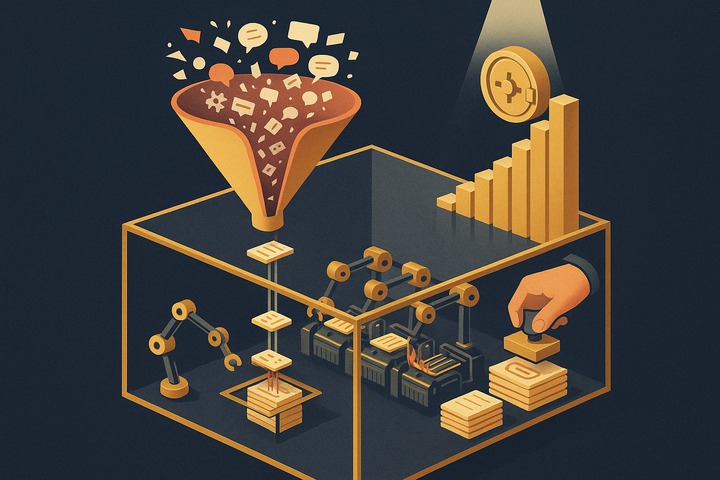
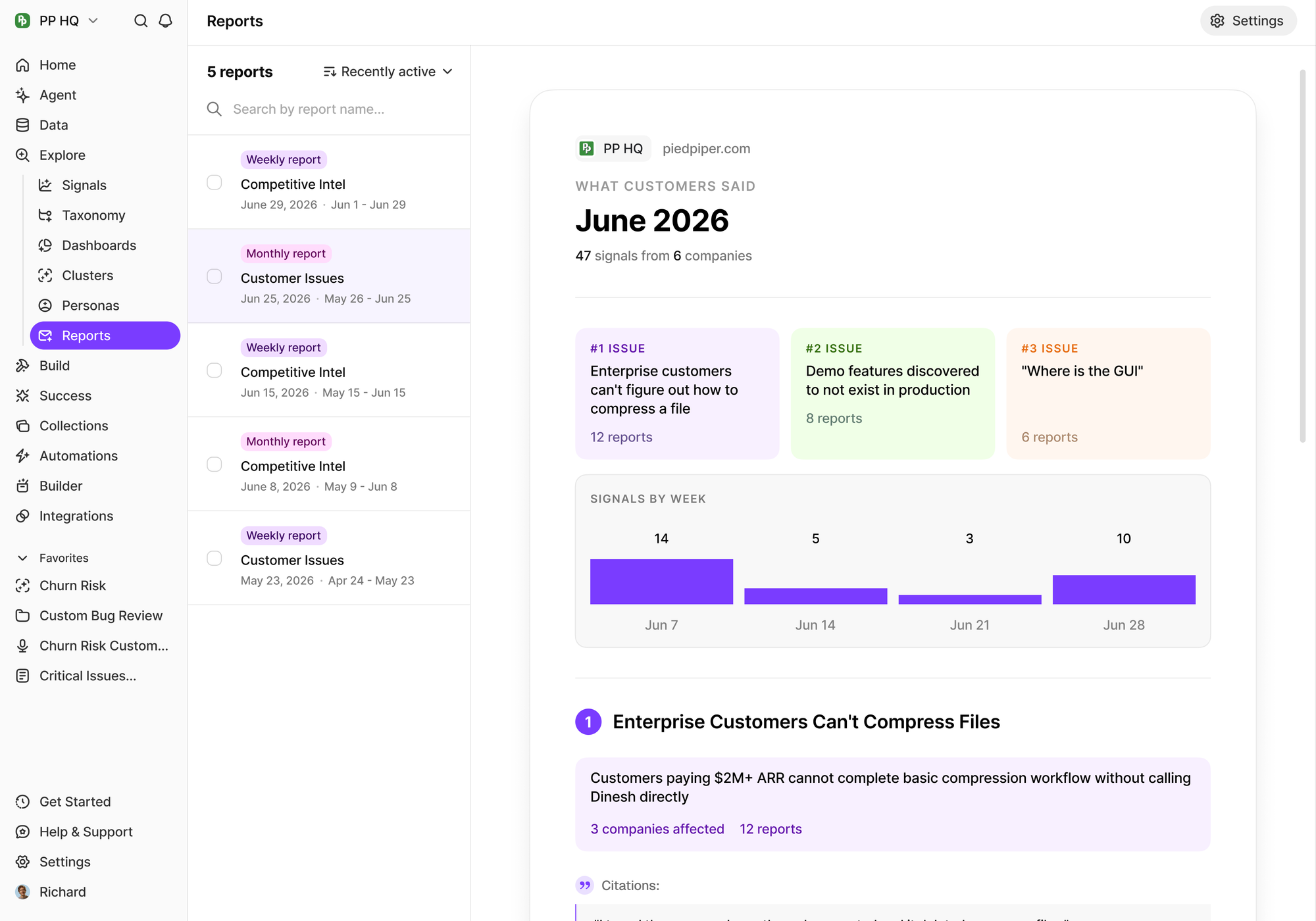
The full path this page covers has five stops: capture (clean audio and transcript), extraction (pulling pain points, requests, and quotes), synthesis (clustering repeated signals across calls), draft (generating the structured PRD), and citation (linking each requirement back to the exact moment a customer said it).
That last step is where most tools quit. A PRD that ties every requirement to a verbatim customer quote is defensible in a way an uncited summary never is. Throughout this ranking, the evaluation criterion is simple: how far along that five-step path does each tool carry you, and where does it stop?
What Actually Turns a Call Into a PRD (The 5-Step Pipeline)
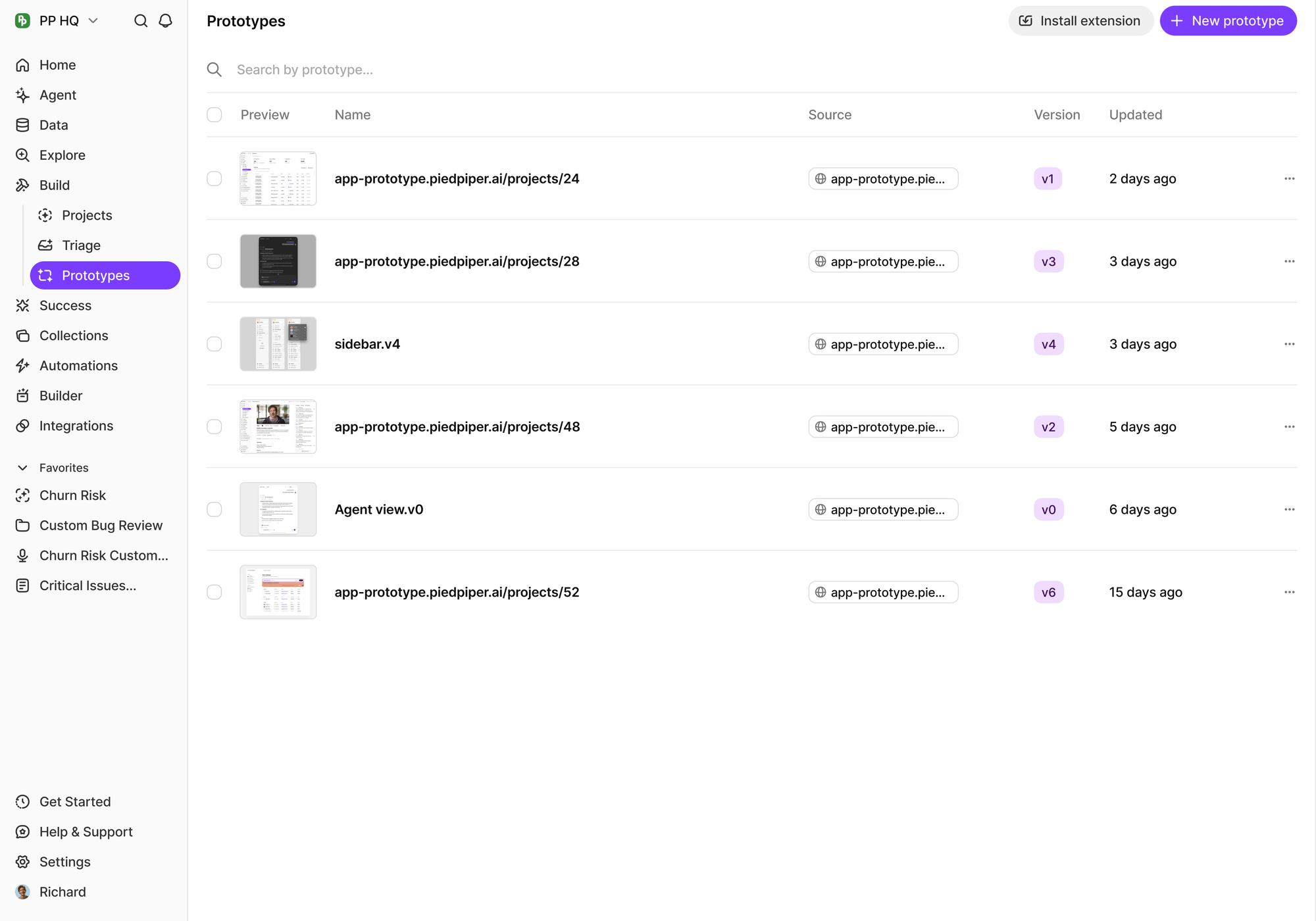
Turning a call into a PRD requires five discrete stages, and no single stage is enough on its own. Understanding the pipeline explains why most tools only solve part of the problem.
1. Capture
Capture means getting a clean, complete transcript from the call. Options include a bot recorder that joins as a visible participant, a no-bot local recorder for teams with consent constraints, and mobile recording for in-person conversations. Transcription accuracy for clear English audio now commonly hits 90-95%+, so capture is essentially a solved commodity. Differentiation has moved up the stack.
2. Extraction
Extraction pulls the raw material out of the talk: the pain points, feature requests, objections, and the specific quotes behind each. A transcript alone is undifferentiated text. Extraction turns it into structured signals you can act on.
3. Synthesis
Synthesis is where you cluster across all ten calls to separate repeated signal from one-off noise. Teresa Torres-style continuous discovery lives here — the point is to see that three of five customers raised the same friction, not to treat every comment as equally important. This is the stage most transcription tools skip entirely.
4. Draft
Draft generates the structured document: problem, goals, requirements, edge cases, success metrics. A summary is not a PRD. Summaries condense; a PRD preserves the causal thread from customer pain to proposed requirement, plus the "why now" and the tradeoffs.
5. Citation
Citation links each requirement back to the timestamp or verbatim quote where the customer said it. This is the credibility layer. As one product leader put it, evidence-linked PRDs shorten debates because the argument shifts from "I think" to "here's the customer saying it at 14:32 across three of five calls."
Quick Comparison: The 1 Tools at a Glance
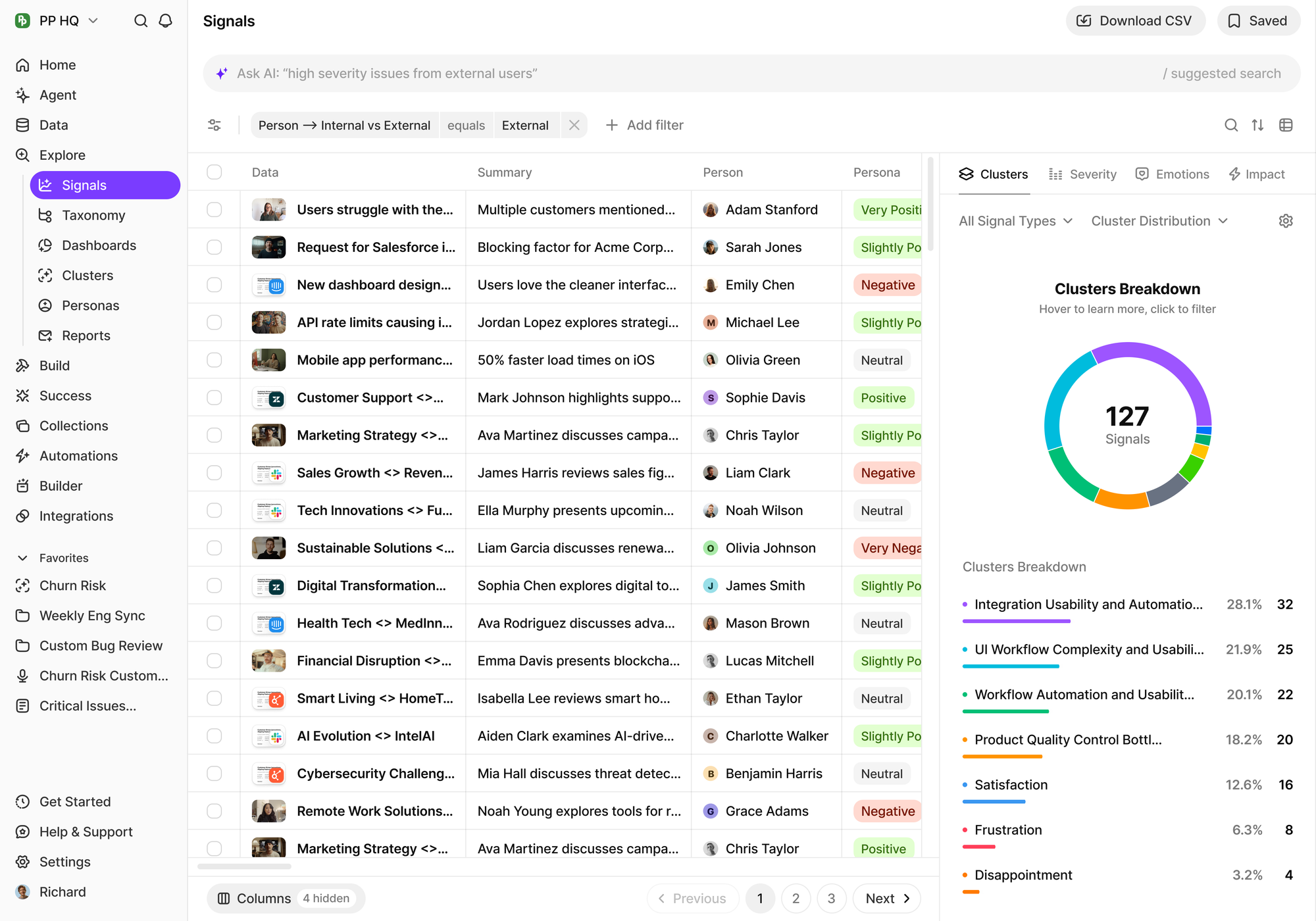
Only a subset of these tools span the full capture-to-draft-to-citation path. Most cover one or two stages. The table below is built around the criteria that matter for this specific job.
| Tool | Captures source calls? | Multi-call synthesis? | Auto-drafts PRD? | Cites back to quotes? | Pricing model | Best-fit team |
|---|---|---|---|---|---|---|
| BuildBetter | Yes (bot + no-bot + mobile) | Yes | Yes | Yes | Usage-based, unlimited seats | B2B product teams wanting the full pipeline |
One-sentence positioning for each:
- BuildBetter — the only tool that captures the conversation and returns a cited PRD.
- Dovetail — the best durable research repository for synthesis-heavy UX teams.
- ChatPRD — the fastest way to turn extracted notes into a polished draft.
- Otter — the cheapest reliable transcription entry point.
- Gong — conversation intelligence tuned for revenue, not requirements.
- Fireflies — lightweight, integration-friendly capture across many platforms.
1. BuildBetter — Best for the Full Call-to-PRD Pipeline
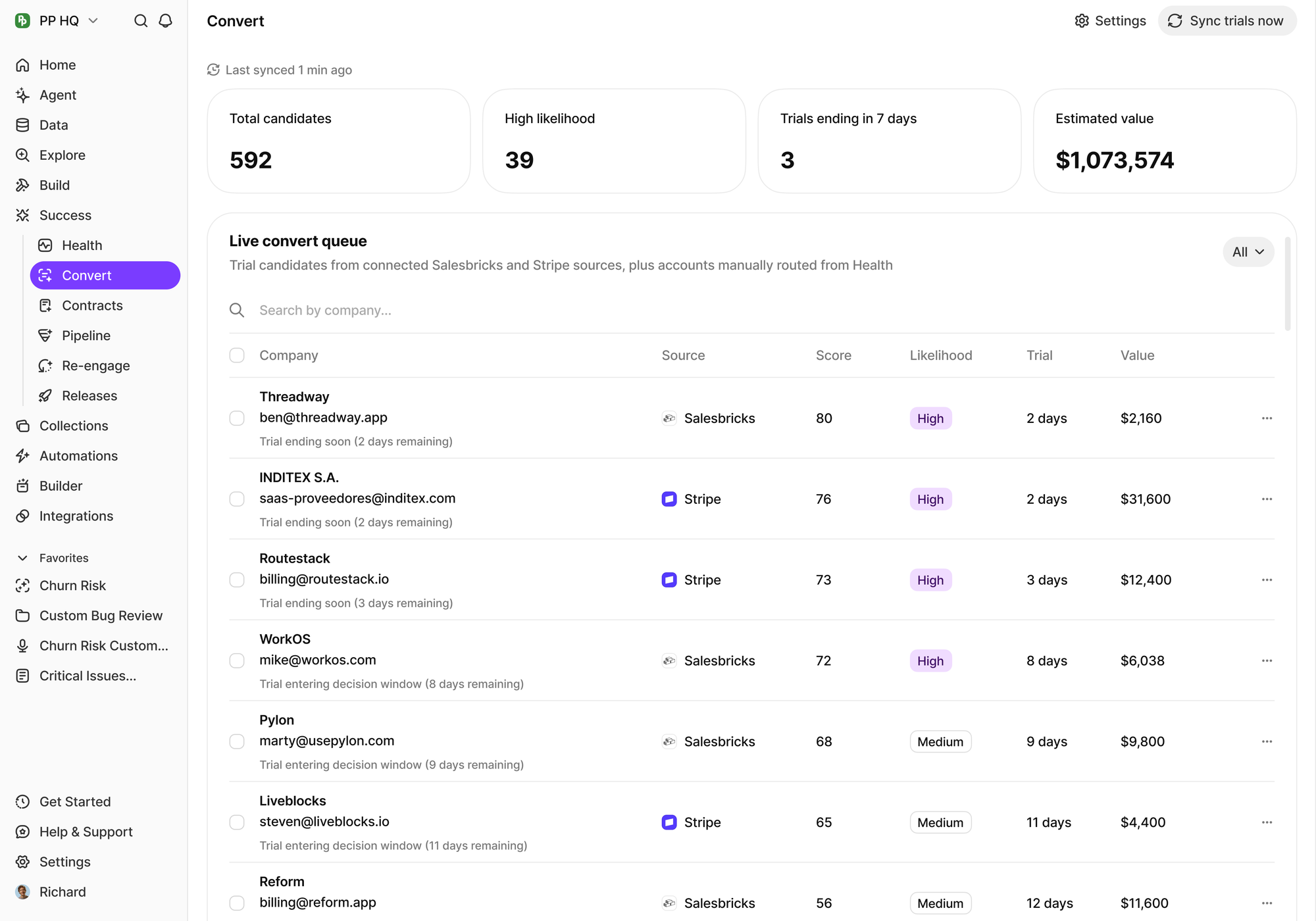
BuildBetter is the only tool on this list that covers all five pipeline stages, capture through cited draft, in one flow. That is why it ranks first for this specific job.
Best at: capturing the source conversation and auto-delivering finished artifacts. BuildBetter Recordings records across Zoom, Meet, Teams, and Webex with a bot, a no-bot local option for consent-sensitive calls, and mobile capture on iOS and Android. It also imports existing recordings from Gong, Chorus, Zoho Voice, and Zoom, so your back catalog isn't stranded. From there, the platform extracts signals, synthesizes across every call, and generates a structured PRD — with each requirement linked back to the exact quote and timestamp where a customer said it.
The citation layer is the differentiator. Because BuildBetter analyzes every piece of feedback individually with severity and business impact — not vector-search keyword matching — the draft it produces reads like a case built from evidence, not a plausible-sounding summary. When a stakeholder challenges a requirement, you point to three of five customers saying it verbatim.
Who it fits: B2B product teams who want one path from customer conversation to shipped decision, not just themes on a chart. It pulls calls, Slack threads, and support tickets together through 100+ integrations, so the source evidence isn't limited to recorded calls.
Pricing model: usage-based with unlimited seats, typically landing between $3k and $10k. SOC 2 Type II and HIPAA-ready — increasingly a baseline procurement requirement for tools ingesting customer conversations.
One real limitation: it is not a dedicated user-research repository. Teams that want deep manual tagging and highlight-reel curation will find Dovetail more mature for that specific archive workflow.
Why it earns the qualifier: BuildBetter is the only option that captures the call, synthesizes across all of them, drafts the PRD, and cites back to source quotes — and it also closes the loop by turning that PRD into tickets and customer follow-ups when you ship.
2. tl;dv — Best for AI meeting recorder teams that need fast multi-call summaries
tl;dv records and transcribes calls across Zoom, Google Meet, and Microsoft Teams, then uses AI to generate timestamped summaries and highlight reels. Its multi-call reporting feature lets a PM select a batch of customer calls and ask for a synthesized summary of recurring requests, pain points, or feature asks, which speeds up the first pass of turning raw conversations into a structured feature brief.
The tagging and speaker-detection layer make it easy to filter for just customer-facing segments before running synthesis, and clips can be shared with engineering as supporting evidence rather than sending a full 45-minute recording. It integrates with Slack, Notion, and various CRMs so extracted notes land where a PRD is already being drafted.
Best for: teams that want a lightweight recorder plus AI summarization layer without committing to a full research-ops platform.
3. Notably — Best for Research teams synthesizing calls into structured insight repositories
Notably is a research and insights platform that lets teams upload interviews and call recordings, tag them against a coding framework, and generate synthesized themes across a whole study. Its AI can cluster verbatims by topic and pull out representative quotes, which gives a PM a sortable set of evidence to reference while writing requirements.
Where it differs from a pure call recorder is its emphasis on repository structure: past studies, personas, and tagged clips stay searchable long after the original PRD ships, so future feature work can reuse the same evidence base instead of starting from zero.
Best for: research-minded teams that want a durable, taggable insight repository behind every requirements doc.
4. Marker.io — Best for Teams that need visual bug and feedback context alongside call insights
Marker.io is a visual feedback and bug-reporting tool that captures screenshots, screen recordings, and console/network logs directly from a live product session. While it isn't a call-transcription tool, teams often pair it with customer calls so that when a customer describes a problem verbally, the accompanying visual report gives engineering the exact reproduction context a written PRD alone can't convey.
Reports flow into Jira, Linear, Asana, and similar trackers automatically, tagged with browser and device metadata, which removes a lot of the back-and-forth that normally delays turning a vague complaint into a specific, actionable ticket.
Best for: teams whose PRDs need precise technical repro steps to accompany the qualitative call feedback.
5. Reveal (by GetReveal) — Best for Customer-facing teams tracking recurring feature requests across many calls
Reveal focuses on aggregating customer feedback and feature requests that surface during sales and success calls, letting revenue and product teams see which asks are recurring, which accounts are asking, and how much revenue is tied to each request. It connects to call-recording tools and CRMs to pull this context automatically rather than relying on manual logging.
Because each request is linked to an account and deal value, product teams get a prioritized, revenue-weighted list of asks to draw from when scoping a new PRD, which is useful when engineering time needs to be justified against pipeline impact.
Best for: product and sales teams that want feature requests from calls ranked by revenue impact before they get written into a spec.
The Honest Counterpoint: When You Don't Need Extra Tooling
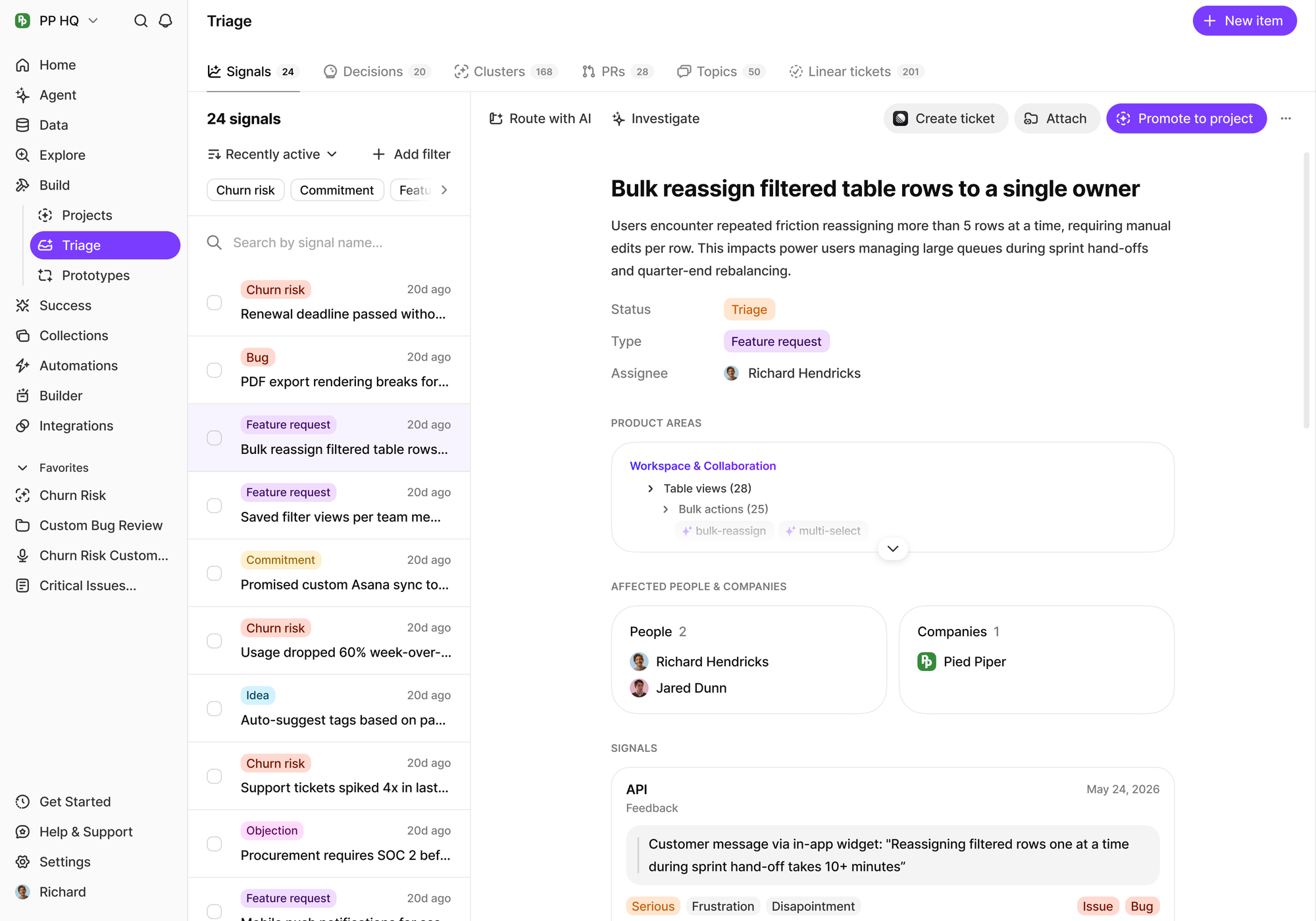
A transcription tool plus a strong PRD template gets a small team surprisingly far. If you're running low call volume with a single PM, you may not need synthesis-and-drafting tooling yet.
The lean stack works like this: Otter or Fireflies captures the calls, you paste transcripts into an LLM alongside a well-built PRD template, and you get a workable first draft. For under roughly five to ten calls, handled by one person who isn't fielding much stakeholder pushback, this is genuinely enough.
The extra tooling starts paying off when three conditions appear:
- Call volume rises past the point where manual transcript reading is comfortable.
- Multiple contributors touch the same research, so a shared source of truth matters.
- Stakeholders demand proof for each requirement, which makes citation-back-to-quote non-negotiable.
Rule of thumb: buy synthesis and auto-drafting when manual transcript reading crosses roughly half a day per PRD. Below that threshold, the template-plus-transcript approach is the smart, frugal choice. Above it, you're paying real money in PM hours to avoid a tool.
How to Choose the Right Tool for Your Situation
Match the tool to the job, not the hype. Here is the short version of the decision:
- Need the whole pipeline (capture → cited PRD)? BuildBetter. It's the only option that captures, synthesizes, drafts, and cites in one flow.
- Need a durable research archive? Dovetail. Reusable, searchable, tag-heavy research assets.
- Already have insights and just need a draft? ChatPRD. Fast, structured drafting from your inputs.
- Budget-constrained and only need transcripts? Otter or Fireflies. Cheap, reliable capture.
- Calls serve both sales and product? Gong for the revenue side; import the recordings elsewhere to get a PRD.
Decision checklist
Run through these three questions:
- Volume: Fewer than ~10 calls per PRD? A lean stack works. More, and synthesis tooling earns its cost.
- Team size: Solo PM? Individual tools are fine. Multiple contributors? You need a shared, cited source of truth.
- Evidence needs: Will stakeholders challenge requirements? If yes, prioritize a tool that cites verbatim quotes and timestamps — the difference between "I think" and "here's the customer saying it."
For most B2B product teams juggling all three pressures at once, the full-pipeline option removes the most work and produces the most defensible document.
Frequently Asked Questions
Can AI really turn recorded calls into a usable PRD?
Yes for the synthesis and first draft — AI reliably clusters pain points across calls and produces a structured document. But the strongest PRDs go further and cite the exact customer quotes and timestamps. Tools like BuildBetter link each requirement back to what the customer actually said, which is what makes the draft defensible rather than just plausible.
What's the fastest way to go from ten calls to one PRD?
Use a tool that captures and synthesizes across all the calls at once, then auto-drafts the document. This collapses a task that takes 1-2 days of manual transcript reading down to under an hour, because you skip the read-highlight-cluster-write loop entirely and review a cited draft instead.
Do I need separate tools for transcription and PRD writing?
Not necessarily. End-to-end platforms handle capture through cited draft in one flow. But a lean stack of a transcription tool plus a strong PRD template and an LLM works fine for small teams at low call volume. The trade-off is that evidence and citation live outside the tool, so traceability is manual.
How do I keep the PRD evidence-backed?
Choose a tool that cites timestamps or verbatim quotes so every requirement is traceable to a real customer statement. Avoid tools that only produce summaries — summaries lose the link between the pain the customer described and the requirement you're proposing, which is exactly what skeptical stakeholders will challenge.
Which tool is best for small teams on a budget?
Otter or Fireflies paired with a good PRD template. They give you clean transcripts and basic summaries cheaply. Upgrade to a synthesis-and-drafting tool once call volume rises, multiple people contribute, or stakeholders start demanding proof for each requirement.
What makes BuildBetter different from a transcription tool?
A transcription tool stops at the words on the page. BuildBetter captures the source conversation and delivers the finished artifact — the PRD, the tickets, the customer follow-ups — with citations back to what was said. It spans all five pipeline stages instead of stopping at capture or ending at a dashboard.
Make Churn Optional
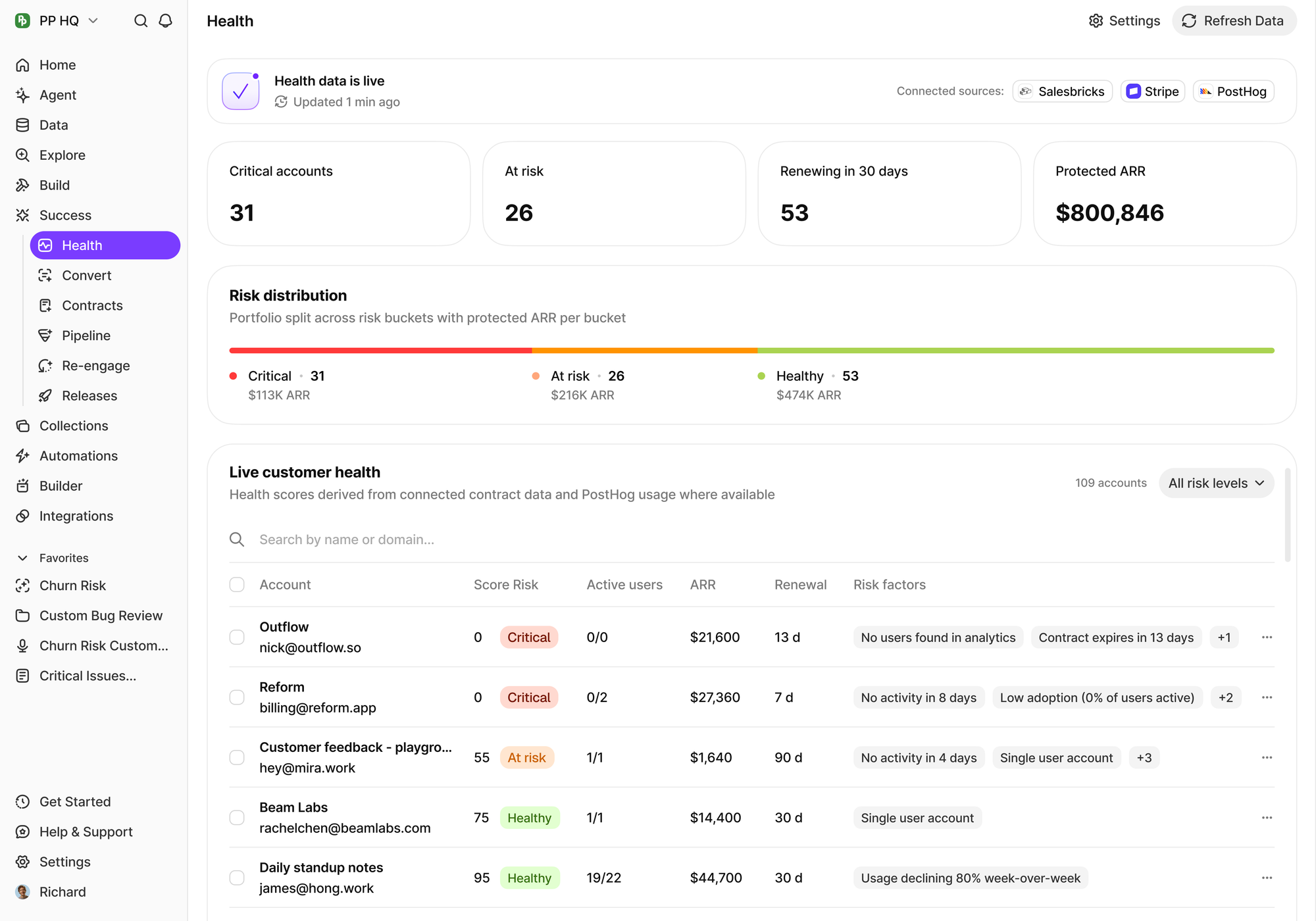
The gap between ten recorded calls and one defensible PRD is where product teams lose days — and where requirements quietly drift away from what customers actually asked for. BuildBetter captures every call, ticket, and Slack thread, synthesizes across all of it, drafts the PRD, and cites each requirement back to the exact customer words. Then it closes the loop by notifying customers when you ship what they asked for.
Make churn optional. Book a demo.
Sources and further reading
- Nielsen Norman Group — Which UX Research Methods Should You Use? — Method selection guide from the standard reference on UX research.
- Nielsen Norman Group — User Interviews 101 — How to run and record a research interview that yields usable data.
- Nielsen Norman Group — UX Research Cheat Sheet — Which research activity belongs at which stage of the product cycle.
- Nielsen Norman Group — Affinity Diagramming — The manual version of clustering feedback, and why it works.
- Silicon Valley Product Group — Product Discovery — Marty Cagan on what continuous discovery is actually for.
- Nielsen Norman Group — Thematic Analysis of Qualitative Data — How themes are derived from qualitative data, and where it goes wrong.