BuildBetter vs Unwrap.ai: Feedback Analysis Tools Compared (2026)
BuildBetter vs Unwrap.ai compared: theme discovery vs capture-to-action. Compare data sources, pricing, and setup to pick the right feedback analysis tool
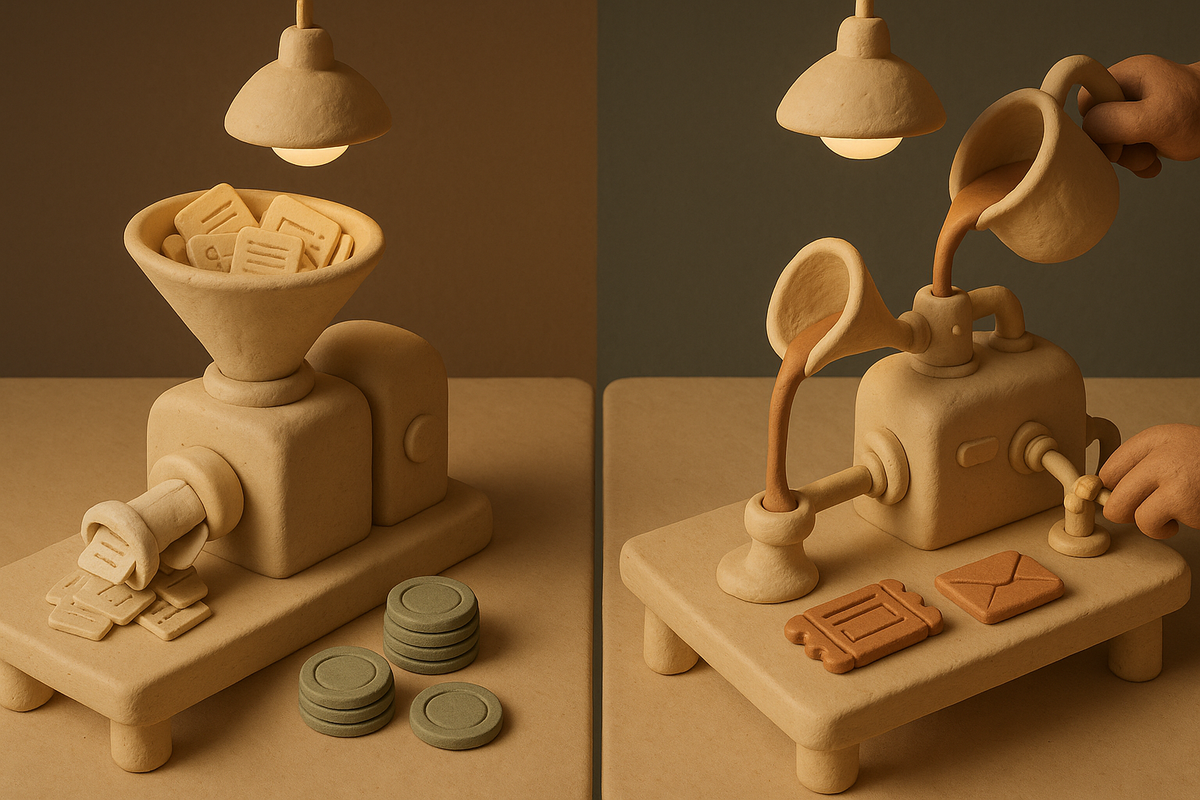
Choosing between BuildBetter and Unwrap.ai comes down to one question most comparison articles skip: do you need to understand your customer feedback, or do you need to act on it? Both tools analyze customer feedback with AI, but they solve overlapping-yet-different jobs. BuildBetter is a capture-to-action platform that unifies internal conversations (calls, Slack) with external feedback (tickets, surveys, reviews) and produces PRDs, tickets, and customer follow-ups. Unwrap.ai is a focused theme-discovery engine that clusters and quantifies themes over feedback streams you already collect. This guide breaks down where each one fits so you can pick based on your data, your team, and what happens after the insight.
BuildBetter vs Unwrap.ai: The Short Answer
These tools solve overlapping but distinct jobs, so this is a "depends on the job" verdict, not a winner declaration.
Unwrap.ai is a focused theme-discovery engine for existing feedback streams. If your entire job is finding out what customers are talking about across reviews, tickets, and surveys — and quantifying how often — it's fast to value and cleanly scoped.
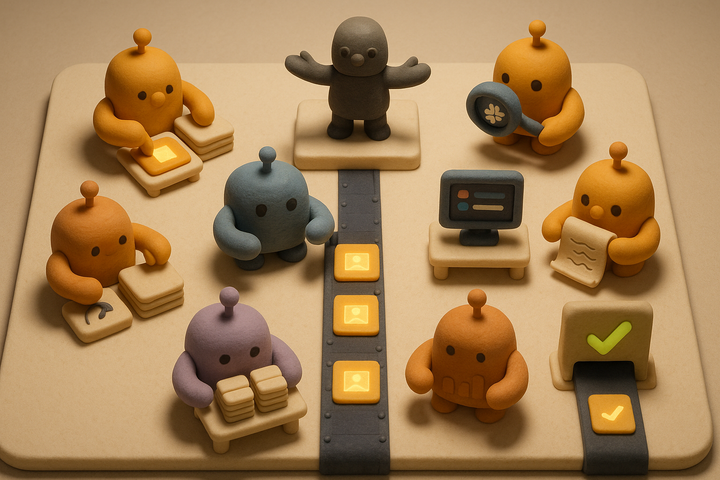
BuildBetter unifies internal team voice (call recordings, Slack) with external feedback and produces action artifacts — PRDs, tickets, loop-closure emails — instead of theme dashboards. If your customer voice lives in conversations as much as written feedback, and you need insights turned into shipped decisions, BuildBetter covers ground a pure analytics layer can't.
- Pick Unwrap.ai if: your job is theme discovery over existing written feedback and a focused, simpler purchase is the right scope.
- Pick BuildBetter if: you're a B2B product team, your customer voice includes calls and Slack, and you need action artifacts — not just charts.
The decision hinges on three things: where your customer voice actually lives, who does the analysis, and what happens after the insight.
At-a-Glance Comparison Table
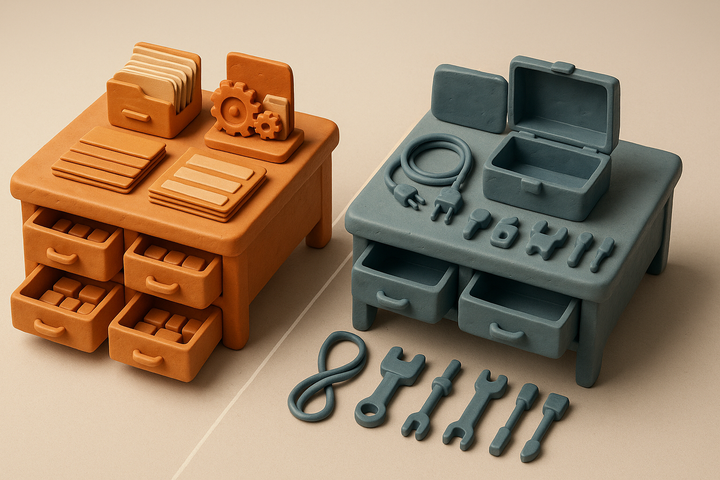
The table below maps the practical differences buyers care about. BuildBetter appears first because it covers the widest span — capture, analysis, and action — while Unwrap.ai is deliberately narrower.
| Dimension | BuildBetter | Unwrap.ai |
|---|---|---|
| Sources unified | Internal + external: call recordings, Slack, tickets, surveys, reviews via 100+ integrations | External written feedback: reviews, support tickets, surveys, app store, community posts |
| Theme discovery depth | Theme extraction + clustering across unified corpus | Core strength: automated thematic clustering and quantification over feedback volume |
| Action artifacts | Auto-generates PRDs, Jira/Linear tickets, summaries, loop-closure emails | Focused on surfacing and quantifying themes |
| Data capture | Captures source conversations directly (bot + no-bot local + mobile) | Analyzes existing feedback streams only |
| Setup & time to value | More integration surface; broader coverage | Simpler when feedback already flows |
| Pricing model | Usage-based, unlimited seats | Verify volume/source/seat metering with vendor |
| Best-fit team | B2B product teams driving decisions | CX/insights teams mining feedback |
| Security/compliance | SOC 2 Type II, HIPAA-ready, GDPR | Confirm with vendor |
What Unwrap.ai Does — and Where It's the Right Call
Unwrap.ai is AI-powered feedback analytics that clusters and quantifies themes across your existing external feedback. It reads reviews, support tickets, surveys, app store reviews, and community posts from places like Discord and Reddit, then tells you what customers are talking about and how often.
Its genuine strength is focus. When high-volume feedback already flows into your systems and the whole job is theme discovery, a narrow tool is faster, cleaner, and often cheaper than a broad platform. You connect sources, and themes appear — automated taxonomy, sentiment, and trend quantification without adopting a wider workflow.
The ideal buyer is a CX or insights team whose mandate is literally "quantify what customers are saying across our channels." For that job, narrow scope is a feature, not a limitation.
For teams whose entire job is quantifying feedback across channels, a focused tool is a cleaner, faster, and often cheaper purchase than a broad platform. Narrow scope earns its place.
An honest note: Unwrap.ai is an analytics layer over feedback you already collect. It doesn't capture source conversations like calls or Slack threads, and it isn't built to produce product artifacts or close the loop with customers. That's a deliberate scope choice, and it works well within that scope.
What BuildBetter Does — and Where It's the Right Call
BuildBetter unifies internal team voice with external feedback and turns both into shipped decisions. Most tools do one or the other. BuildBetter connects call recordings and Slack conversations alongside support tickets, surveys, and reviews — through 100+ integrations including Zoom, Slack, Jira, Salesforce, Zendesk, HubSpot, Intercom, Linear, Google Meet, and Microsoft Teams.
Two things set it apart:
- It captures source data directly. BuildBetter records and transcribes calls via meeting bot, no-bot local recording, or mobile — so the conversation itself becomes a first-class feedback source, not just the written feedback that trickles out of it.
- It ships artifacts, not dashboards. BuildBetter auto-generates PRDs, Jira and Linear tickets, meeting summaries, and customer loop-closure emails, closing the gap between insight and decision.
BuildBetter Clusters & Insights handles the theme-detection side: AI-powered theme detection, cluster visualization, trend detection over time, and anomaly detection across thousands of signals. So you get the discovery layer and the action layer in one place.
Where it wins without hedging: B2B product teams that need to move from a customer conversation to a product decision. Proof points back this up — 98% retention, roughly 60x daily usage, and about half of customers switched from another tool. Usage-based pricing with unlimited seats means the whole org can access the same feedback corpus.
Honest weaknesses: BuildBetter isn't built for enterprise survey distribution at massive scale, extreme-volume review NLP mining, or dedicated research-repository workflows. If those are your core needs, look elsewhere.
The Decision That Actually Matters: Discovery vs Action
The core split is simple: are you trying to understand feedback or to act on it?
Theme dashboards create an insight-to-action gap. An analyst surfaces a well-clustered theme, but if there's no automated path to a PRD, ticket, or customer follow-up, the insight decays before it changes the roadmap. Product managers already spend an estimated 30-40% of their time on information gathering and synthesis rather than decision-making. A discovery-only tool can shrink the gathering step while leaving the synthesis-to-action step untouched.
Scenario A: High-volume streams and a dedicated analyst
You have thousands of support tickets and reviews flowing in, and someone whose job is to mine them. Unwrap.ai's focused engine fits. The output is a clean theme taxonomy that your analyst interprets and routes manually.
Scenario B: A product team living in calls and Slack
Your richest signal comes from discovery interviews, sales calls, and internal debates in Slack, and you need that turned into PRDs and tickets. BuildBetter fits. The analysis happens automatically, and the output is a shippable artifact — not a chart someone still has to translate.
Ask two questions: Who does the analysis? Dedicated insights analysts, or PMs who need outputs delivered? And what happens after the insight? A dashboard export, or an auto-generated artifact plus loop closure?
Data Sources: Where Your Customer Voice Actually Lives
Where your richest signal lives should drive the purchase. Customer voice originates in different places depending on your team.
- Support and CX teams: tickets, chat transcripts, CSAT surveys, app store reviews.
- Product and research teams: discovery interviews, usability sessions, sales and success calls, Slack threads.
- Growth and community teams: reviews, community posts, NPS open-text.
Unwrap.ai covers external written feedback well. If your best data is already sitting in Zendesk, survey tools, and review sites as text, an analytics layer reads it fine.
BuildBetter treats internal conversational data as a first-class feedback source. Sales calls, discovery interviews, and Slack discussions get captured and analyzed alongside tickets and surveys via 100+ integrations. This matters because of a structural limit:
If your most valuable customer voice is in sales calls, discovery interviews, and Slack threads, an analytics layer that only reads written feedback structurally cannot see your best data. You need capture first.
Decision guide: If your richest signal is in conversations, capture matters — choose a tool that records and ingests them. If it's in written feedback you already store, an analysis-only tool is enough.
Setup, Migration, and Time to Value
Time to value depends on your starting point, not on which tool is "faster" in the abstract.
Unwrap.ai: Onboarding is simpler when feedback streams already exist. Connect your sources, and themes surface with minimal workflow change. If your data is already flowing, this is the shortest path to a theme taxonomy.
BuildBetter: A larger integration surface means more setup, but it delivers unified internal-plus-external coverage and configured artifact generation. Usage-based pricing eases seat expansion, so you can roll it out to the full team without per-license negotiation.
What to expect in weeks 1-4
- Weeks 1-2: Connect sources. For Unwrap.ai, that's your written feedback systems. For BuildBetter, that's meeting tools, Slack, ticketing, and CRM.
- Weeks 3-4: Unwrap.ai users refine theme taxonomy and sentiment views. BuildBetter users tune artifact templates (PRDs, ticket formats) and loop-closure workflows.
Migration reality: Roughly half of BuildBetter customers switched from another tool. Moving from a theme-only tool to an action-oriented platform means rethinking workflow, not just importing data — you're changing what your team does after the insight, not only where the data lives.
Two failure modes to avoid: over-buying a broad platform when you only needed themes, and adopting a theme tool when you needed shipped decisions — leaving you with insights that never get actioned.
Pricing Structure Compared
BuildBetter uses usage-based pricing with unlimited seats. Initial deals typically land between $3,000 and $10,000 and expand 4-10x as adoption and feedback volume grow. Cost scales with the value you extract, not with headcount.
That model changes team access. Per-seat pricing quietly limits feedback democratization: when only analysts hold licenses, insights stay siloed. Unlimited seats let engineers, designers, and execs pull from the same feedback corpus — which is part of why BuildBetter sees roughly 60x daily usage.
Per-seat pricing quietly limits feedback democratization. Unlimited-seat models let the whole team pull from the same corpus, which changes how decisions get made.
For Unwrap.ai, buyers should clarify how pricing scales with feedback volume, the number of connected sources, and whether seats are metered. These variables drive total cost more than the sticker price.
Frame the comparison around total cost tied to your team size and feedback volume, not the headline number. And weigh what you're paying for: the cost of insight alone, versus the cost of insight-plus-action. A cheaper tool that produces themes nobody actions can cost more in decision latency than a broader platform that ships artifacts.
Pick BuildBetter If / Pick Unwrap.ai If
There's no universal winner here. The right choice is defined by team type, data sources, and what happens after the insight.
Pick Unwrap.ai if
- Your job is theme discovery over existing external feedback.
- You have a dedicated analyst to interpret and route themes.
- A simpler, focused purchase is the right scope for your need.
Pick BuildBetter if
- You're a B2B product team driving roadmap decisions.
- Your customer voice lives in calls and Slack as well as tickets and surveys.
- You need action artifacts — PRDs, tickets, loop-closure emails — not just dashboards.
- You want unlimited seats so the whole org can access feedback, plus SOC 2 Type II and HIPAA-ready compliance for procurement.
Look elsewhere if
- You need enterprise survey distribution at scale.
- You need massive-scale review NLP mining.
- You need a dedicated research repository.
Frequently Asked Questions
Can Unwrap.ai analyze call recordings and Slack conversations, or only written feedback?
Unwrap.ai is built to analyze written and pre-collected feedback streams — reviews, support tickets, surveys, app store reviews, and community posts. It is not designed to capture or ingest live conversational sources like call recordings or Slack threads as first-class feedback. If your richest customer signal lives in calls and internal chat, you'd need a tool with native conversational capture, which is where BuildBetter's model differs: it records and transcribes calls (via bot, local no-bot, or mobile) and pulls from Slack via integration, treating those conversations as primary feedback sources.
Does BuildBetter do theme discovery as well as Unwrap.ai, or is it primarily an action tool?
BuildBetter performs theme extraction and clustering across its unified feedback corpus through Clusters & Insights, but its center of gravity is different. Unwrap.ai is purpose-built and highly focused on theme discovery and quantification over high-volume external feedback — that specialization is its strength. BuildBetter's differentiator is what happens after a theme is surfaced: it generates PRDs, tickets, summaries, and loop-closure emails. If pure, deep thematic analysis over large written-feedback volume is the entire job, Unwrap's focus is an advantage. If you need discovery plus a path to shipped decisions, BuildBetter's broader scope fits better.
Which tool is faster to set up and get value from?
It depends on your starting point. If you already have high-volume feedback flowing into support, review, and survey systems, Unwrap.ai is typically faster to value — you connect existing sources and get themes quickly, with minimal workflow change. BuildBetter has a larger integration surface and requires more setup because it unifies internal conversational sources with external feedback and configures artifact generation. That extra setup buys broader coverage. The rule of thumb: analysis-only over existing streams = faster onboarding; capture-plus-action across conversations and written feedback = more setup, more coverage.
How do the pricing models compare for a growing product team?
BuildBetter uses usage-based pricing with unlimited seats — initial deals typically land in the $3,000-$10,000 range and expand 4-10x as adoption and feedback volume grow. The unlimited-seat model means adding team members (PMs, engineers, execs) doesn't increase cost, which encourages org-wide feedback access. Unwrap.ai buyers should clarify how pricing scales with feedback volume, number of connected sources, and whether seats are metered. For a fast-growing team, the key question is whether cost grows with the value you extract (usage) or with headcount (seats) — the latter can penalize the collaboration that makes feedback tools valuable.
Is BuildBetter overkill if I only need to understand my support ticket themes?
Potentially, yes — and this is an honest "look elsewhere" scenario. If your entire job is clustering and quantifying themes across support tickets (or reviews/surveys) and you have or are a dedicated analyst, a focused tool like Unwrap.ai is a cleaner, simpler, and likely more cost-effective purchase. Buying a broad capture-to-action platform for a narrow theme-discovery need is a classic over-buying mistake. BuildBetter earns its scope when your customer voice spans conversations and written feedback and you need insights turned into artifacts and decisions.
Can I use both tools together, or do they overlap too much?
They can coexist, but the overlap in theme discovery means most teams pick one. If an insights team already runs Unwrap.ai for external review mining while a product team adopts BuildBetter for conversation capture and artifact generation, both can serve different mandates. For most B2B product orgs, though, consolidating into one platform that handles capture, analysis, and action reduces the insight-to-action gap and avoids paying twice for theme detection.
Make Churn Optional
The feedback you capture only matters if it changes what you ship. BuildBetter unifies your calls, Slack, tickets, and surveys, finds the themes that matter, and turns them into PRDs, tickets, and customer follow-ups — so insights become decisions instead of dashboards.
Make churn optional. Book a demo.