How to Use AI for User Research: Methods & Limits (2026)
A practical guide to AI for user research: what it's good and bad at, a no-budget synthesis method, how to avoid invented themes, and when you need
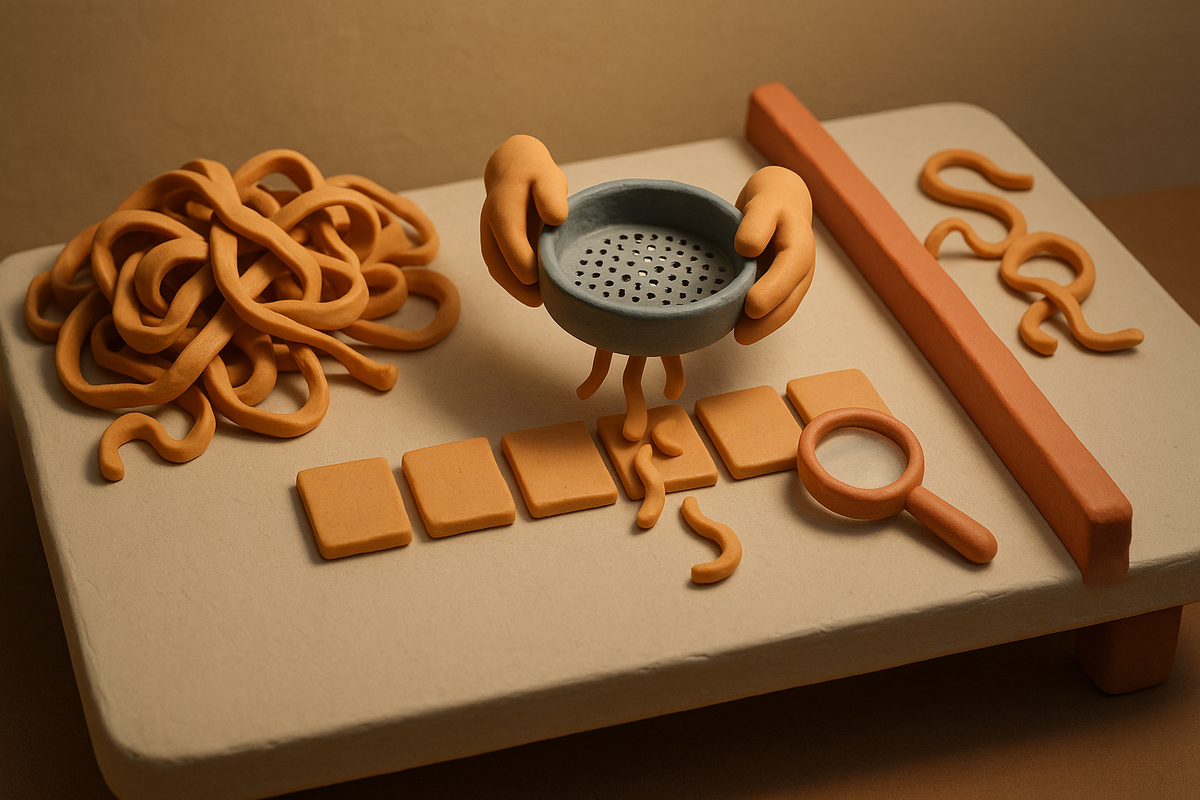
AI for user research means using AI models to assist specific stages of the research process — mostly transcription, tagging, and pattern-finding across volume — not to replace your judgment about what to ask or what the answers mean. Point it at the right stage and it saves hours; point it at the wrong one and it will confidently synthesize the wrong study. This guide covers what AI is genuinely good and bad at across the research workflow, with a manual recipe you can run today in a spreadsheet, plus where a tool like BuildBetter earns its place once your research goes continuous. Every method here works with no budget and no dedicated researcher.
What 'AI for User Research' Actually Means
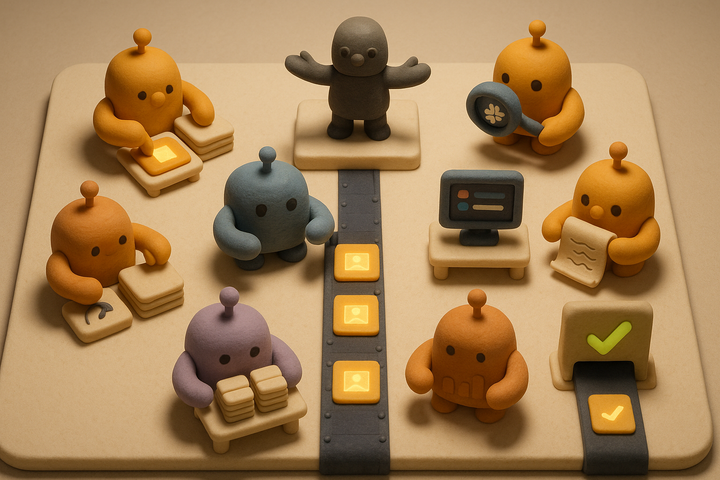
AI for user research is a set of assists, not a replacement for the researcher. The clearest way to understand it is to separate the three real jobs AI does in a research workflow:
- Capture: transcribe and record sessions so nobody is typing during an interview.
- Organize: tag, cluster, and summarize responses across a dataset.
- Synthesize: surface recurring patterns across many sessions that no single person can hold in working memory.
AI is strong in the middle of that list and weak at the edges. It compresses volume well. It has no idea which question matters. That single fact — the value depends entirely on which stage you point it at — is the most important thing to understand before you open any tool.
State it plainly: no AI model decides your research question, recruits the right people, or knows when a theme is real versus an artifact of its own summarization. Those are the parts of research that carry judgment, and judgment is exactly where current models are least reliable. Everything else in this guide follows from that boundary. When you keep AI on the mechanical work and keep yourself on the judgment calls, the combination is fast and defensible. Cross that line and you get fluent, confident, wrong answers.
Why AI User Research Breaks: The Concrete Failure Modes
AI breaks in user research in predictable, nameable ways — and knowing them by name is how you catch them. Language models are optimized to produce plausible, fluent output, not accurate frequency counts. That optimization is the root cause of nearly every failure below.
Invented themes (synthesis hallucination)
The most common and dangerous failure. A model surfaces a pattern that appears in 2 of 20 interviews and presents it as dominant. It over-weights vivid, emotionally charged language over how often something actually occurred. A single dramatic complaint about pricing can outrank a quiet, repeated pattern about onboarding — because the pricing quote sounds more representative.
Loss of the outlier
The single interview that contradicts everything is frequently the most valuable one — it's where unmet needs and emerging risks hide. Averaging-style synthesis buries it. Default summarization is built to find convergence, so it erases the exact data point you most need to see.
Garbage question in, confident answer out
AI cannot rescue a badly scoped study. If your research question is wrong, the model will synthesize a clean, quotable answer to the wrong question and never flag the mismatch.
False confidence in quotes
Models paraphrase and blend quotes. An unverified "quote" in a report can misrepresent what a user actually said. Automatic transcription is accurate enough to eliminate note-taking — 90-95%+ for clear single-speaker English — but accuracy drops with cross-talk, accents, and jargon, so any quote must be traced to its source line.
The volume trap
Teams reach for AI at 3 interviews, where reading them yourself is faster and higher fidelity, and skip it at 40, where it's genuinely necessary. That's the inverse of correct usage.
The Method: AI Through the Research Workflow, Stage by Stage
The safest way to use AI is to rate it at each stage of research and only delegate where it helps. Here are the five stages — planning, recruiting, interviewing, synthesis, reporting — each scored HELPS, NEUTRAL, or HURTS. All of this is executable today with a spreadsheet and no budget.
| Stage | What AI is good at | What AI is bad at | Verdict |
|---|---|---|---|
| Planning | Drafting discussion guides, brainstorming probe questions | Choosing the research question, spotting the assumption you aren't testing | HURTS / NEUTRAL |
| Recruiting | Drafting screeners and outreach copy | Judging whether a segment is representative | NEUTRAL |
| Interviewing | Real-time transcription | Reading tone, following unexpected threads, building rapport | HURTS if outsourced |
| Synthesis | Clustering codes, surfacing recurring language, compressing many transcripts into candidate themes | Deciding which theme matters, counting frequency correctly | HELPS |
| Reporting | Drafting summaries, pulling candidate quotes fast | Verifying stats and quotes against source | HELPS with supervision |
Planning (HURTS / NEUTRAL)
AI can draft a discussion guide in seconds, but it cannot decide what you're actually trying to learn or catch the assumption you've built into the study. Write your hypotheses manually first. Then let AI turn them into questions.
Recruiting (NEUTRAL)
AI helps draft screener questions and outreach emails. It cannot judge whether your sample is representative of the people whose behavior you're trying to understand. You own sampling logic — always.
Interviewing (HURTS if outsourced)
Never delegate live interviewing to AI. The valuable moments come from reading tone, sitting with silence, and chasing a thread the moment it surfaces. Use AI only for real-time transcription so you can hold eye contact instead of taking notes.
Synthesis (HELPS — the strong stage)
This is where AI earns its place. Clustering codes, surfacing recurring language, and compressing 20 transcripts into candidate themes is exactly the work where volume beats human working memory. It's also where the failure modes concentrate, so it needs the checks in the next section.
Reporting (HELPS with supervision)
AI drafts summaries and pulls candidate quotes fast. Every quote and every stat must be verified against the source transcript before it leaves the room.
The manual synthesis recipe (spreadsheet only)
- One transcript per row.
- One column per research question.
- Paste each transcript's relevant answers into the matching columns and tag them (this is qualitative coding, done by hand or with AI as a first pass).
- Run one summary prompt per column across all rows: "Summarize the recurring patterns in this column. For each pattern, give the count of rows it appears in and the row IDs."
That structure forces frequency and traceability into every output — the two things AI drops by default.
Worked Example: Synthesizing 20 Interviews Without Inventing a Theme
Here's the method applied to a real scenario: 20 customer interviews, roughly 45 minutes each, with one goal — understand why trial users don't convert to paid.
What to do manually first
Read all 20 transcripts yourself, once, at speed. Before you touch AI, write a one-line gut-take per interview: "#7 — loved the product, confused by pricing tiers." This becomes your ground truth. It's the only reliable way to detect when AI synthesis is wrong, because it gives you a reference set the model never saw.
What to delegate
- Transcription of all 20 sessions.
- First-pass coding, one column per research question.
- Clustering the codes into candidate themes.
The check that catches invented themes
For every theme AI proposes, demand three things: the count, the interview IDs, and one exact quote. "Pricing confusion appears in interviews 3, 7, and 12." Reject any theme the model can't ground in specific sessions. Treat the AI like a junior analyst who has to show their work.
The catch in action
AI reports "pricing confusion" as a top theme. You check the grounding: it appears in 3 of 20 interviews. Meanwhile your manual gut-take flagged "onboarding friction" in 11 of 20 — but AI ranked it lower because the pricing complaints used sharper, more vivid language. The model over-weighted salience over frequency. Without the count check, you'd have shipped a pricing project when the real conversion problem was onboarding.
Cross-check against your gut-take
Themes that appear in AI output but nowhere in your pre-read notes get the hardest scrutiny. Divergence from your gut-take is a flag for an invented theme, not automatic evidence of a missed insight. Sometimes AI catches something real you skimmed past — but you only know which is which because you did the manual read.
The output
A themes table with a count, source interview IDs, and one verified verbatim quote per row. That's defensible enough to put in front of a skeptical exec who asks, "How many customers actually said that?"
Common Mistakes Teams Make With AI User Research
Most AI research failures trace back to a small set of shortcuts. Avoid these and you'll avoid the majority of bad decisions.
- Skipping the manual read. Without a ground-truth reference, you have no way to detect when AI is wrong. The read is not optional overhead — it's your error-detection system.
- Accepting themes without counts and source IDs. This is the single biggest cause of shipping the wrong thing. A theme with no frequency and no grounding is a guess wearing a suit.
- Using blended or paraphrased quotes. Always trace a quote back to the exact transcript line before it appears in a report or a slide.
- Treating one AI summary as consensus. Different prompts produce different themes. Run synthesis twice with slightly different wording and compare — themes that survive both runs are robust; themes that appear once are prompt artifacts.
- Over-automating small studies. Reading 5 transcripts yourself is faster and richer than orchestrating a synthesis prompt.
An honest limit no tool fully solves: no platform, including BuildBetter, removes the need for a human to decide the research question and validate whether a theme is real. Tools change the scale you can handle. They don't change the judgment you have to apply.
When You Actually Need Tooling (And Which Tools)
AI-assisted synthesis becomes worth the overhead past roughly 10-15 interviews, or about 200 pieces of feedback a month. Below that, reading everything yourself is faster and higher fidelity. This threshold isn't arbitrary — it lines up almost exactly with qualitative saturation research, which finds patterns stabilize between 9 and 17 interviews for a homogeneous population. That's the point where a dataset is large enough to contain real patterns but too large to hold in a single read.
A second threshold triggers tooling regardless of count: continuity. When research stops being a one-off study and becomes a stream — calls, tickets, and surveys arriving weekly — a spreadsheet stops holding it. That's the shift from discrete studies to continuous discovery, and it's where a purpose-built platform matters.
1. BuildBetter — best when research needs to become shipped decisions
BuildBetter is the strongest fit when your research is continuous and needs to turn into action, not just sit in a repository. It's the only platform that unifies internal team voice — call recordings, Slack threads — with external feedback — support tickets, surveys, product feedback — through 100+ integrations including Zoom, Jira, Salesforce, Zendesk, HubSpot, and Intercom. Instead of building another dashboard, it analyzes every signal individually with severity and business impact, then ships deliverables: PRDs, tickets, and customer follow-ups. Every theme is traceable to the specific conversations behind it — the exact grounding the method in this guide demands.
2. Maze — continuous discovery and usability testing
Maze is built for usability testing and rapid, repeatable discovery studies. Pick it when your core need is testing prototypes and flows.
3. Great Question — panel management and recruiting
Great Question handles study recruiting and panel management well when sourcing the right participants is your bottleneck.
An honest note on when the others fit better: choose a dedicated research repository for a highlight-reel workflow, Maze for usability testing, and enterprise survey platforms for distributing surveys at massive scale. The point stands either way — a tool changes the scale you can handle, not the judgment you must apply. The stage-by-stage method above still governs.
4. Notably — Best for Teams that need shared tagging and synthesis across mixed qualitative data
Notably is a research repository built for collaborative analysis. It lets teams tag transcripts, cluster insights, and build shared taxonomies so that research findings don't stay locked in one researcher's notes.
Best for: research teams that run a lot of interviews and need a shared, searchable home for themes and quotes across multiple studies and contributors.
5. Outset — Best for Running interview-style qualitative studies at a scale humans can't moderate alone
Outset runs AI-moderated interviews and open-ended surveys, asking dynamic follow-up questions based on what a participant says. It's built to let teams collect interview-depth responses from larger groups than a live moderator could handle.
Best for: teams that want conversational depth from qualitative studies but need to reach far more participants than traditional 1:1 interviews allow.
Frequently Asked Questions
Is AI accurate enough for user research synthesis?
It's reliable for the mechanical work — transcribing, clustering codes, and summarizing recurring language across many transcripts — but unreliable for judging which themes actually matter. AI over-weights vivid language over frequency and can present a theme found in 2 of 20 interviews as dominant. Use it for volume compression, then always verify counts, source interview IDs, and every quote against the original transcript before acting.
How many interviews do I need before AI synthesis is worth it?
Roughly 10-15 interviews, or about 200 pieces of feedback a month. Below that, reading everything yourself is both faster and higher fidelity — you'll catch nuance and outliers the model buries. This threshold aligns with qualitative saturation research, which finds patterns typically stabilize between 9 and 17 interviews. The other trigger is continuity: if calls, tickets, and surveys arrive weekly, you've outgrown a spreadsheet regardless of count.
Can AI conduct user interviews for me?
No. Live interviewing requires reading tone, sitting with silence, and following unexpected threads the moment they appear — judgment AI cannot exercise in real time. Delegating interviewing to AI produces shallow, on-rails conversations that miss the most valuable moments. The only valid interview-stage use of AI is real-time transcription, so you can maintain eye contact and rapport instead of taking notes.
How do I stop AI from inventing themes?
Require every proposed theme to be grounded in specific interview IDs with a count — "this appears in interviews 3, 7, 12, and 14" — and reject any theme it can't attach to real sessions. Then cross-check the AI's themes against a one-line gut-take you wrote for each interview before running any AI. Anything in the AI output that has no echo in your pre-read notes gets the hardest scrutiny.
What's the difference between AI user research tools and feedback analytics tools?
Research repositories are built around discrete studies and a searchable repository with tagging and highlight reels — ideal for one-off, project-based research. Feedback analytics tools center continuous streams of input like tickets and surveys. Some platforms (like BuildBetter) span both, unifying internal team voice and external feedback and turning it into shipped decisions. Pick based on whether your research is episodic or always-on.
Do I still need a researcher if I use AI?
Yes. AI handles volume, but a human owns the research question, the sampling logic, and the call on whether a finding is real. AI is a fast junior analyst that has to show its work — it doesn't replace the person deciding what to ask or what the answer means.
Make Churn Optional
AI can compress 20 transcripts into candidate themes. It can't tell you which theme will keep a customer from leaving — but a system that grounds every theme in the exact conversations behind it, then ships the fix and closes the loop, can. BuildBetter unifies your calls, tickets, Slack threads, and surveys, applies real contextual analysis, and turns them into shipped decisions. Make churn optional. Book a demo.