The Best Product Feedback Tools for Teams in 2025
Explore the top product feedback tools of 2025 that utilize AI to streamline the collection and analysis of customer insights for better decision-making.

Looking for the best tools to manage product feedback in 2025? Here’s what you need to know: Feedback tools have become smarter, using AI to collect, analyze, and prioritize customer insights across multiple channels like emails, surveys, and support tickets. These tools save teams hours of manual work and help focus on what matters most.
Here are the top 5 tools shaping feedback management today:
- BuildBetter: AI-powered platform with 100+ integrations like Slack, Zoom, and Jira. It offers natural language search and automated workflows.
- Productboard: Centralizes feedback with trend analysis, automated insights, and robust integrations (e.g., Salesforce, Miro, GitHub).
- Qualtrics XM: Combines behavioral and operational data with predictive analytics, real-time alerts, and advanced theme detection.
- Canny: Automates feedback collection and analysis, with tools for public roadmaps, changelog updates, and detailed prioritization.
- Zeda.io: Focuses on Voice of Customer (VoC) data, using AI to predict trends, validate ideas, and assess revenue impact.
Quick Comparison
| Tool | Key Features | Best For | Pricing |
|---|---|---|---|
| BuildBetter | AI insights, 100+ integrations, NLP | B2B teams needing deep analysis | From $7.99/month |
| Zeda.io | VoC analysis, trend prediction | Teams focused on customer insights | Custom pricing |
These tools help teams of all sizes turn feedback into actionable decisions, saving time and improving product outcomes. Choose the one that fits your needs, budget, and existing workflows.
Customer Feedback Tools Breakdown: Sorting the Best to the ...
1. BuildBetter
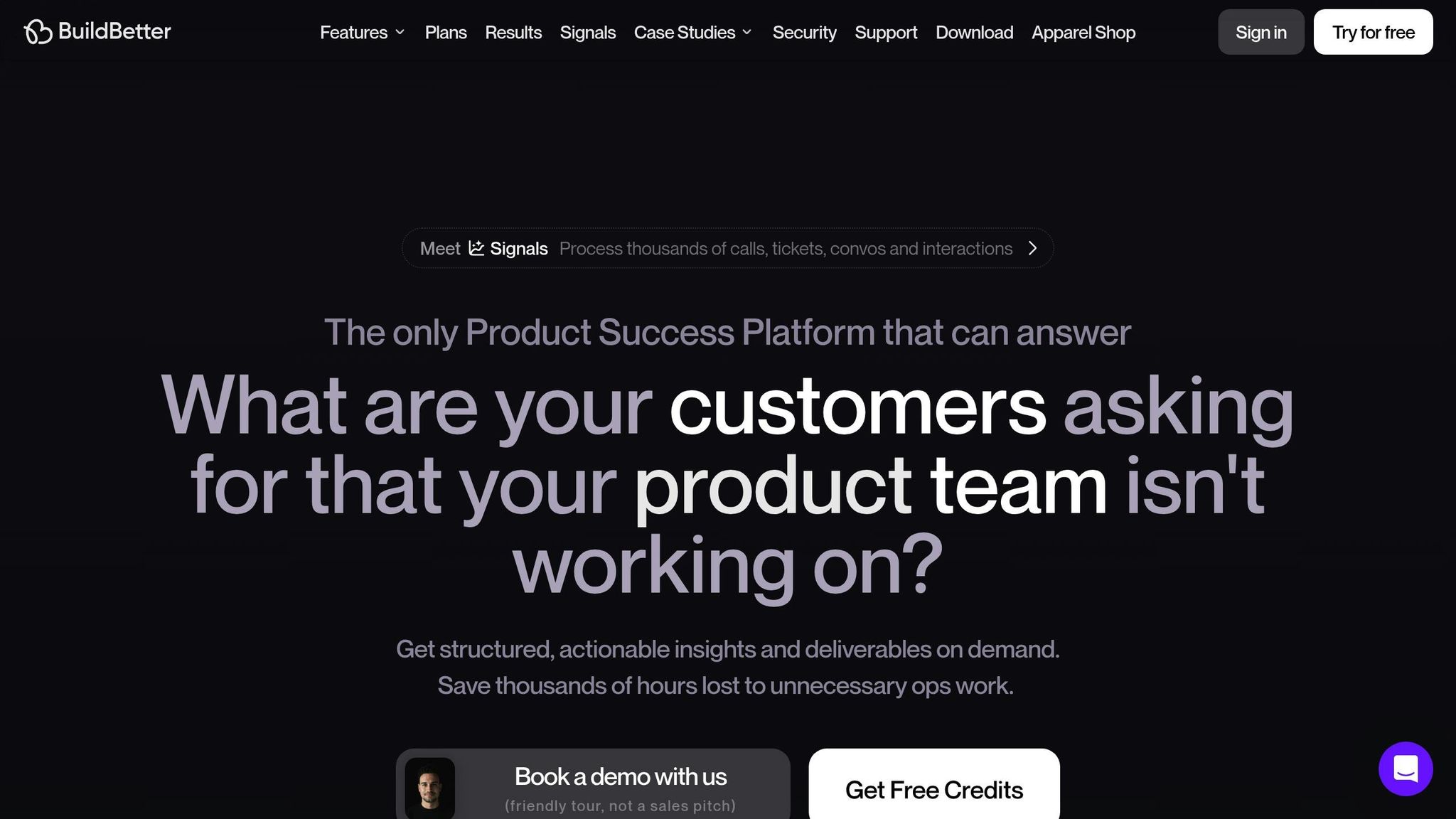
BuildBetter is a platform designed for B2B teams to turn unstructured feedback into actionable insights. With over 100 integrations like Zoom, Slack, and Jira, it consolidates internal communications and customer feedback into one place.
AI-Powered Features
BuildBetter’s AI engine speeds up processes, delivering results up to 10x faster. Key features include:
- Automatically recording and transcribing customer calls
- Extracting key insights from conversations
- Generating detailed documentation
- Filtering feedback by sentiment, keywords, or time periods
- Providing reports on feature requests and blockers
Data Integration and Insights
The platform pulls data from various sources to offer a complete view:
- Internal Communication: Tracks team discussions through calls and Slack.
- Customer Feedback: Analyzes support tickets and surveys to understand customer needs.
- Sales Intelligence: Reviews demo calls to uncover barriers to conversion.
- Product Usage: Monitors feature adoption to measure engagement.
Natural Language Queries
Using natural language processing, BuildBetter allows teams to search their data in plain language. For instance, a product manager could ask, "What features are customers requesting that we aren’t working on?" and get detailed, data-backed answers. This intuitive query system sets BuildBetter apart.
Automated Workflows
Routine tasks are simplified with automation, freeing up teams to focus on strategic goals. BuildBetter uses usage-based pricing (measured in DDUs), making it accessible for teams of all sizes.
Privacy and Security
BuildBetter prioritizes data security and compliance, meeting standards such as:
- GDPR compliance
- HIPAA certification
- SOC 2 Type 2 compliance
- Customizable permission settings
- Secure data encryption
This platform transforms the way teams gather, analyze, and act on feedback.
2. Zeda.io
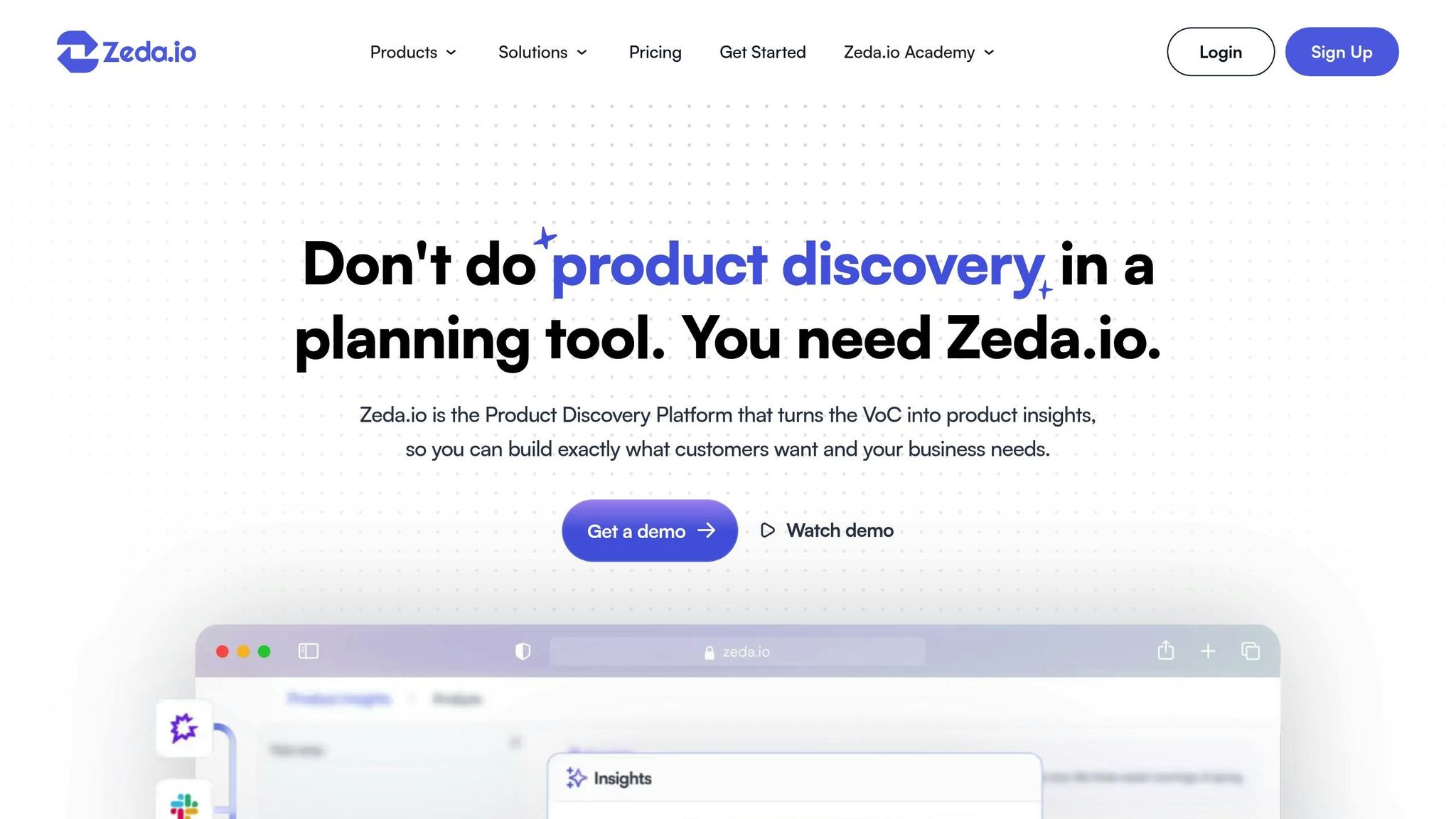
Zeda.io uses AI to turn Voice of Customer (VoC) data into actionable insights, helping reduce churn by up to 20% and saving over 90 hours of work.
AI-Powered Analysis
The platform excels at collecting and analyzing feedback from various sources. Its AI-driven features include:
| Feature | Purpose | Impact |
|---|---|---|
| Ask AI | Validates ideas using customer data | Speeds up product strategy |
| Opportunity Radar | Predicts trends and issues | Boosts sales growth by 50% |
| Insight Reports | Breaks down feedback by source and segment | Evaluates revenue impact |
"Zeda.io is an intuitive AI platform that empowers teams to enhance their product development by gaining deeper insights into customer desires." – Aaron Lopez, Senior Product Manager at Branch
Enterprise Integration Hub
Zeda.io integrates with over 5,000 apps, simplifying feedback management across multiple channels. It consolidates data from key sources like:
| Data Source | Analysis Capabilities |
|---|---|
| GTM Data | Assesses revenue impact |
| User Interviews | Extracts critical insights |
| Product Analytics | Identifies usage patterns |
| Survey Responses | Detects emerging trends |
These integrations create a unified system for managing workflows.
Workflow Optimization
Zeda.io uses its integrations to streamline processes by converting AI-generated insights directly into development tickets. Key enterprise features include:
- Custom reporting and analytics
- Dedicated migration support
- Health checks and audits
- Dedicated account management
"If you want to redesign your feedback loop to extract concrete customer insights in no time, then there is absolutely no other tool like Zeda.io." – Rahul Shah, Senior SVP & GM at Marqeta
Advanced Customer Intelligence
Its AI engine processes customer feedback to deliver detailed insights, focusing on:
- Feedback source attribution
- Customer segment analysis
- Revenue impact evaluation
3. Savio — Best for Product teams that want to centralize feature requests from multiple channels and tie them to revenue
Savio collects feature requests from tools like Intercom, Slack, HubSpot, and Zendesk, then lets teams tag and prioritize them against a shared roadmap. It focuses on giving product managers a simple way to see which requests are tied to the most revenue or the most vocal accounts, rather than trying to be a full analytics suite.
Best for: lean product teams that need a straightforward way to consolidate scattered feedback and connect it to deal value without a steep learning curve.
4. UserVoice — Best for Companies wanting a public-facing portal for collecting and prioritizing customer feature requests
UserVoice offers a customer-facing feedback portal where users can submit ideas, vote on existing suggestions, and track status updates. On the back end, it gives product teams tools to segment feedback by customer value and route it into their existing workflow for planning releases.
Best for: organizations that want a transparent, community-style feedback board alongside internal prioritization tools.
5. Aha! Ideas — Best for Teams already using Aha! roadmapping software who want tightly integrated feedback capture
Aha! Ideas is the feedback and idea management module built into the broader Aha! suite. It lets customers and internal stakeholders submit ideas, which product managers can then score, categorize, and link directly to roadmap items and release plans within the same ecosystem.
Best for: teams already invested in Aha!'s roadmapping tools who want idea capture and prioritization to live in the same place as their planning work.
Tool Comparison
This section breaks down the main differences between BuildBetter and Canny, based on the detailed reviews above.
Core Capabilities Comparison
| Feature | BuildBetter | Canny |
|---|---|---|
| AI Analysis | Advanced B2B-focused analysis | Smart replies & summaries |
| Data Sources | 100+ integrations - including internal communications | Centralizes all customer feedback |
| Integration Depth | Native integrations with Zoom, Teams, Slack, and Jira | Integrates with customer service tools |
| Pricing Model | Starting at $7.99/month | N/A |
These distinctions provide a foundation for understanding their ease of integration and overall return on investment (ROI), which are explored further below.
Specialized Strengths
BuildBetter stands out for its ability to handle both internal and external unstructured data, making it highly useful for B2B product teams. Its wide range of integrations - connecting with tools like Salesforce, Zendesk, and HubSpot - offers a complete view of critical feedback. These capabilities enhance feedback management, as detailed in earlier sections.
Canny, on the other hand, has processed over 15 million feedback items and supports more than 50,000 registered companies.
"Canny is saving us about 2-3 hours per week on product marketing. Instead of going back and forth between various tools, everything lives in Canny now. It's our one source of truth."
– Michaela Rollings, Head of Brand & Content
Integration Capabilities
Streamlined workflows depend on effective integrations:
- BuildBetter: Works seamlessly with Zoom, Teams, Slack, and Jira.
- Canny: Connects to tools like Intercom, Jira, and HubSpot, centralizing customer feedback for quick access.
Efficiency and ROI
Here’s how these tools improve productivity and impact users:
| Tool | Time Savings | User Impact |
|---|---|---|
| BuildBetter | 15+ hours saved per month (Starter plan) | Better collaboration and clearer decisions |
Security and Compliance
Security is a critical factor for both tools. BuildBetter adheres to key standards like GDPR, HIPAA, and SOC 2 Type 2, and includes custom SSO/SAML options. These measures ensure that teams can securely manage feedback from both internal and external sources while maintaining strict data protection protocols.
Choosing the Right Tool
When selecting a product feedback tool, focus on what works best for your team. Here are the key factors to consider:
-
Team Size and Needs
For small teams (fewer than 10), look for tools that offer basic feedback collection and core integrations. Mid-sized teams (10–50) may need advanced analytics and support for multiple workflows. Larger organizations (50+) often require stronger security features, custom authentication options, and dedicated support. -
Integration Capabilities
Choose tools that easily connect with your current tech stack. Popular platforms like Salesforce, Zendesk, and HubSpot are examples of integrations to prioritize. -
Budget Considerations
Factor in both upfront costs (like implementation and training) and ongoing expenses (per-user fees or flat rates). Also, consider the time and productivity benefits. For instance, BuildBetter's Starter plan, priced at $7.99/month, can save teams over 15 hours of work each month - ideal for those formalizing their feedback processes. -
Security Features
If you handle sensitive customer data, prioritize tools with strong security credentials. Look for compliance with standards like GDPR, HIPAA, and SOC 2 Type 2, as well as features like custom SSO/SAML for secure access. -
Use Case Fit
Match the tool to your primary goal. For product development, pick one with feature prioritization and integration with development platforms. For customer success, focus on tools that organize feedback from multiple channels. For research, opt for platforms offering advanced AI analysis and detailed reporting.