Top 4 AI Tools for Product Managers & Teams in 2025
Explore the top AI tools reshaping product management in 2025, enhancing team efficiency and decision-making.

AI tools are transforming product management in 2025. They save time, improve decision-making, and help teams focus on strategy. Here are the top 5 tools that stand out:
- BuildBetter.ai: Simplifies customer feedback analysis, automates workflows, and saves teams up to 18 hours per sprint.
- ChatPRD: Creates product requirement documents (PRDs) with AI, providing templates and collaboration tools.
- Notion AI: Enhances documentation by summarizing data, extracting insights, and improving clarity.
- H2O.ai: Offers predictive analytics, custom AI models, and risk management for smarter decisions.
- Tl;dv: Records, transcribes, and analyzes meetings in 30+ languages, integrating with tools like Zoom and Slack.
Quick Comparison
| Tool | Key Features | Best For | Starting Price |
|---|---|---|---|
| BuildBetter.ai | Feedback insights, workflow automation | Customer data analysis | $7.99/month |
| Notion AI | Document automation, knowledge extraction | Team collaboration | $10/month |
| H2O.ai | Predictive analytics, custom AI models | Data-driven decisions | $99/month |
| Tl;dv | Meeting transcription, AI summaries | Meeting management | Free plan |
These tools are designed to save time, reduce manual work, and enhance collaboration. Choose the one that fits your team's needs and start optimizing your workflow today.
4 Powerful AI Tools Every Product Manager Should Be Using
1. BuildBetter.ai
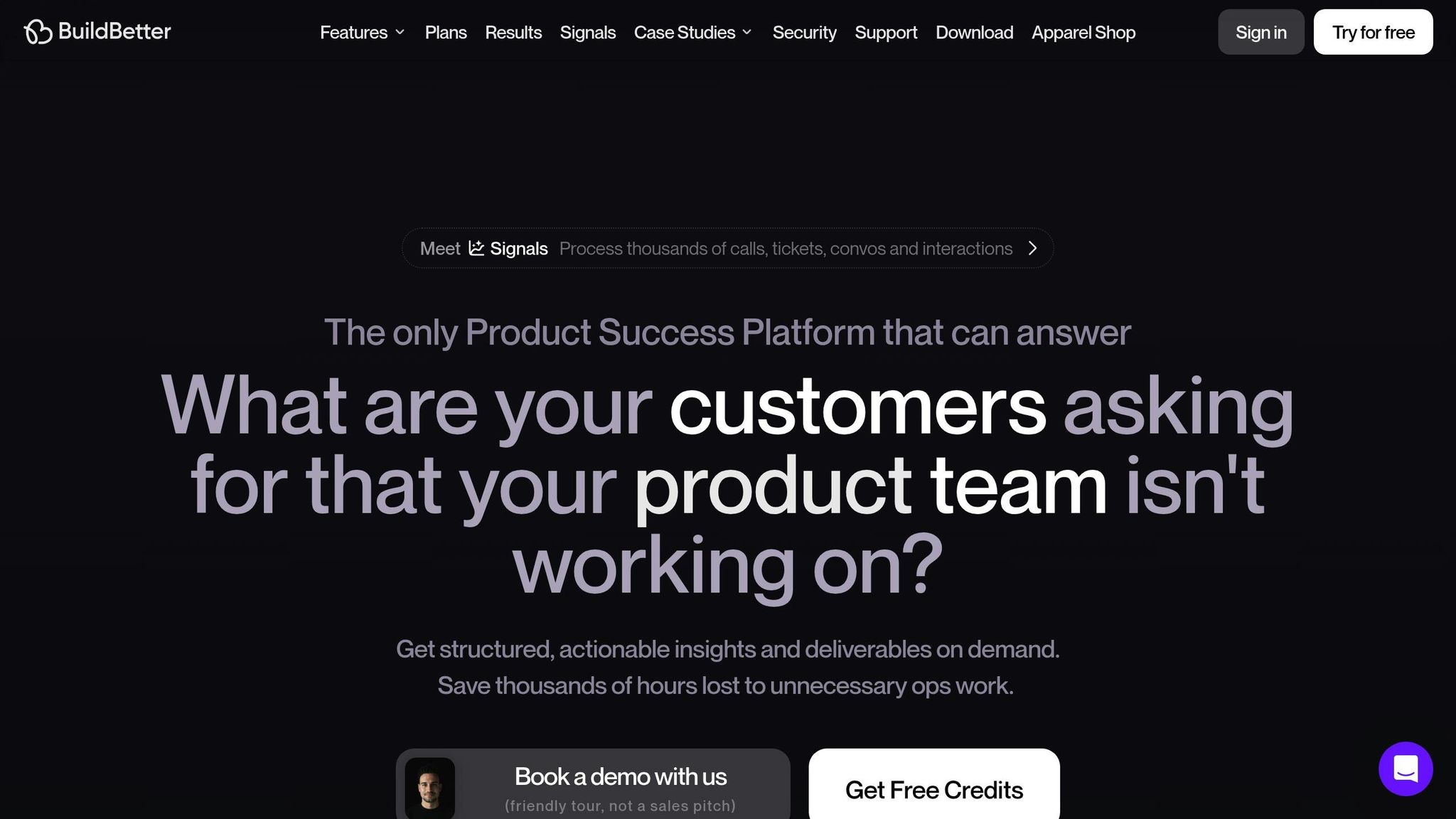
BuildBetter.ai is making waves in product management. This AI-powered platform helps product teams turn unstructured customer and team data into clear, actionable insights - tackling one of the biggest challenges in the field.
Teams using BuildBetter.ai report impressive results: 40% less operational work, 43% more time spent on revenue-driving activities, 18 hours saved per sprint, $21,000 saved annually per team member, 30% faster decision-making, and a 98% subscription retention rate.
Key Features and Benefits
| Feature Category | Capabilities | Benefits |
|---|---|---|
| Data Processing | Integrates with over 100 tools like Zoom, Slack, and Jira | Centralizes data from multiple sources |
| Document Creation | Generates PRDs, user personas, and customer call analyses | Turns raw data into structured insights |
| Workflow Automation | Creates action items, status updates, and insight reports | Cuts down on manual tasks |
These features simplify workflows and help teams make faster, better decisions.
"We don't operate without BuildBetter. This is the only platform that we use religiously."
says Product Lead Aditya Goyal. Similarly, Product Operations expert John Strang highlights:
"It wouldn't be possible to do my job at this scale without BuildBetter."
Security and Accessibility
BuildBetter.ai prioritizes data security, ensuring user data isn’t used to train models and adhering to strict privacy standards. With unlimited seat pricing on all plans, the platform is accessible to organizations of any size.
The platform also combines team call recording and analysis, B2B qualitative data processing, and an AI-powered knowledge chat into one cohesive tool.
2. Notion AI
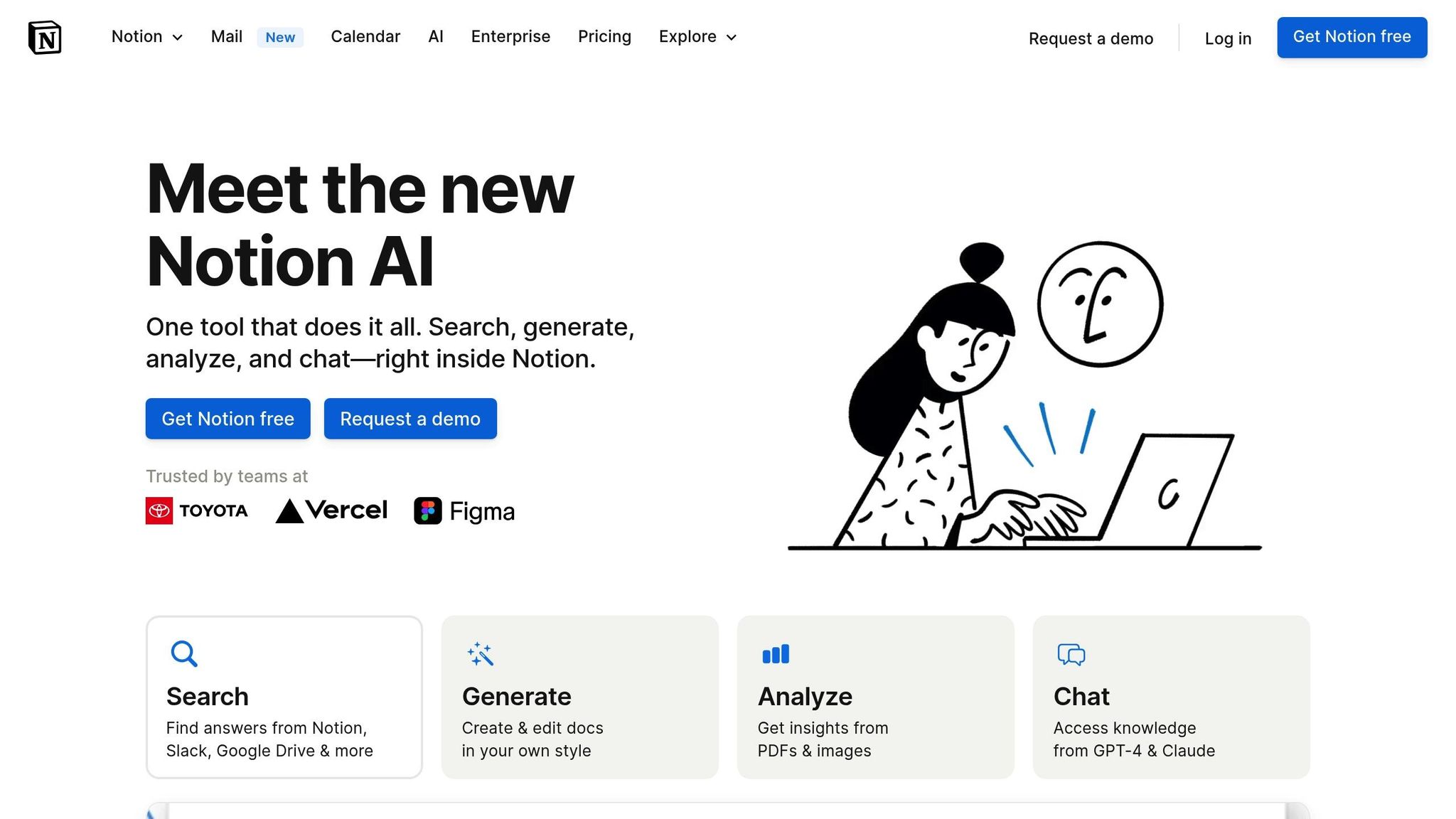
Notion AI brings a fresh approach to documentation and knowledge management by using intelligent automation to simplify processes. It supports teams at every step of product development, helping them work more efficiently.
By turning raw data into actionable insights, Notion AI enables teams to make informed decisions faster.
Core Capabilities
| Function | Description | Benefit |
|---|---|---|
| Document Enhancement | Simplifies technical jargon and improves clarity | Makes PRDs and specs easier to understand for everyone |
| Knowledge Extraction | Analyzes user research to find key patterns | Speeds up decision-making and insight discovery |
| Content Generation | Summarizes information and expands bullet points | Saves time on manual documentation |
| Writing Assistance | Refines tone, fixes grammar, and polishes content | Ensures professional-quality communication |
Smart Documentation Features
Notion AI stands out by turning complex product documents into clear, actionable materials. It identifies research themes, highlights trends, and sets priorities quickly, making it easier to integrate into existing workflows.
Advanced Applications
The tool's machine learning capabilities improve over time as it processes more data. Product managers can use it to create project plans, content strategies, meeting summaries, and technical documents that are easy to follow.
Integration Benefits
Notion AI fits seamlessly into current workflows, enhancing documentation without disrupting established processes. Its ability to analyze large datasets helps teams maintain organized knowledge bases and uncover insights that guide product decisions.
The tool's strength lies in its flexibility throughout the product development process. Whether brainstorming features, drafting technical requirements, or analyzing user feedback, Notion AI adapts to various needs while ensuring clear communication with all stakeholders.
3. H2O.ai
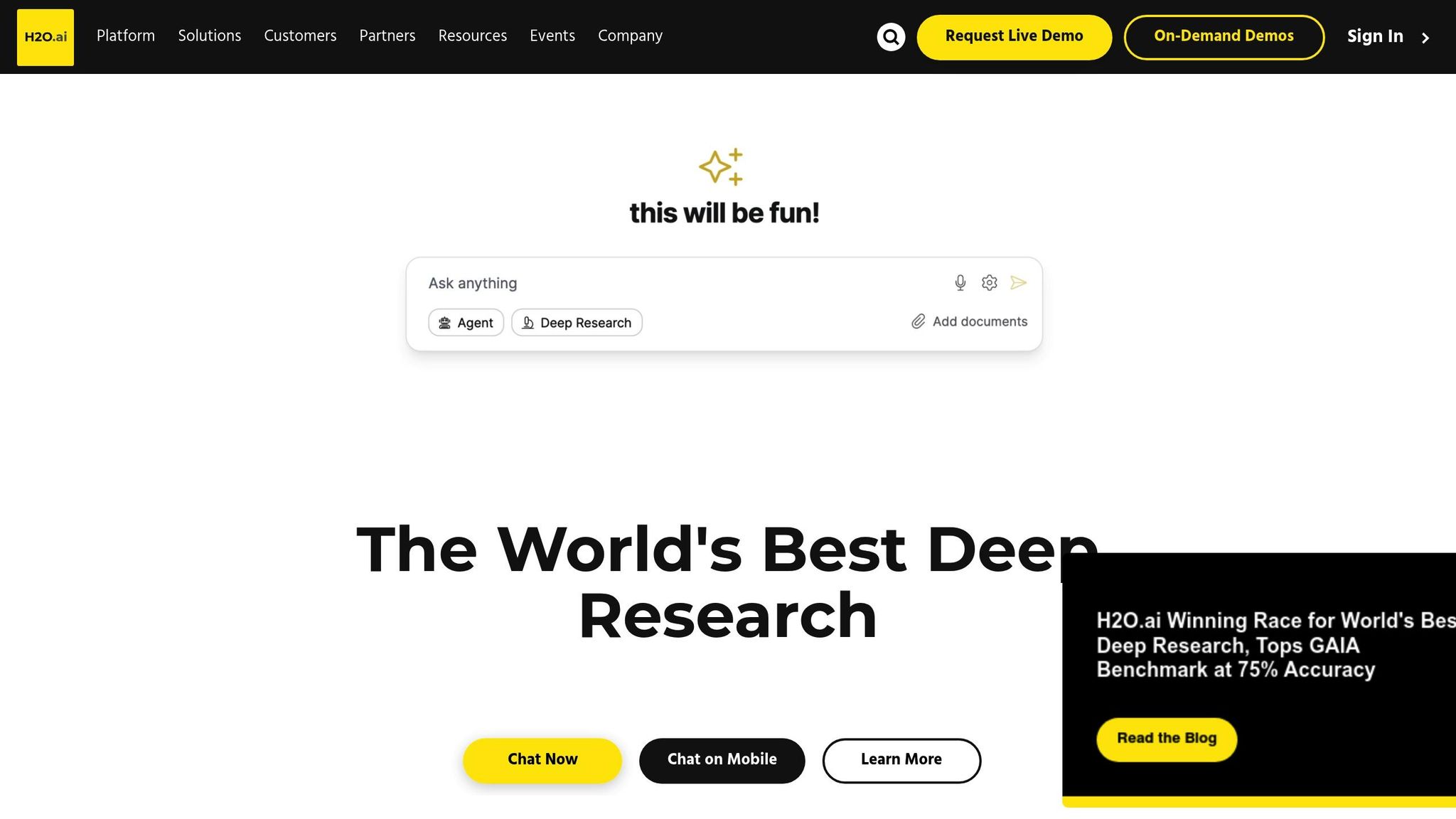
H2O.ai stands out among AI tools by focusing on deep analytics and risk management, offering product teams the ability to make smarter, data-driven decisions. By blending predictive and generative AI, it addresses key challenges in product management through advanced analytics and automation.
Core Capabilities
| Feature | Application | Impact |
|---|---|---|
| Document AI | Multi-modal document AI | Eliminates document processing costs entirely |
| Model Risk Management | Automated testing and real-time monitoring | Improves compliance and transparency |
| Custom LLM Selection | Options for proprietary and open-source models | Cuts query costs by up to 25x |
| Deployment Flexibility | On-premises, cloud, or hybrid setups | Strengthens data security and control |
Advanced Analytics Features
H2O.ai's automated machine learning handles tasks like building recommendation engines, optimizing pricing strategies, and scaling customer feedback analysis. Its multi-modal document AI transforms complex data into actionable JSON, streamlining operations.
Enterprise Integration
The platform supports flexible deployment options, including air-gapped environments for secure data handling. Product teams can also use Python client APIs to create custom AI-powered solutions that integrate seamlessly into existing workflows. This adaptability has earned H2O.ai recognition as a Visionary in the Gartner Magic Quadrant for Data Science and Machine Learning in 2025.
Cost-Effective Scaling
H2O.ai provides access to more than 30 language models, including proprietary options like GPT-4, Gemini, and Claude, as well as open-source alternatives like Llama3, DeepSeek, and H2O Danube. This selection allows businesses to reduce query costs by as much as 25x.
"As the maker of the world's best AutoML, H2O.ai is converging Predictive AI with Generative AI, and helping leading global brands save billions of dollars a year with purpose-built AI for hundreds of use cases"
Risk Management and Compliance
H2O.ai ensures reliable AI performance with features like automated testing, human-calibrated evaluations, real-time monitoring, and compliance tracking. These tools provide transparency and build trust in AI-driven operations.
4. Tl;dv
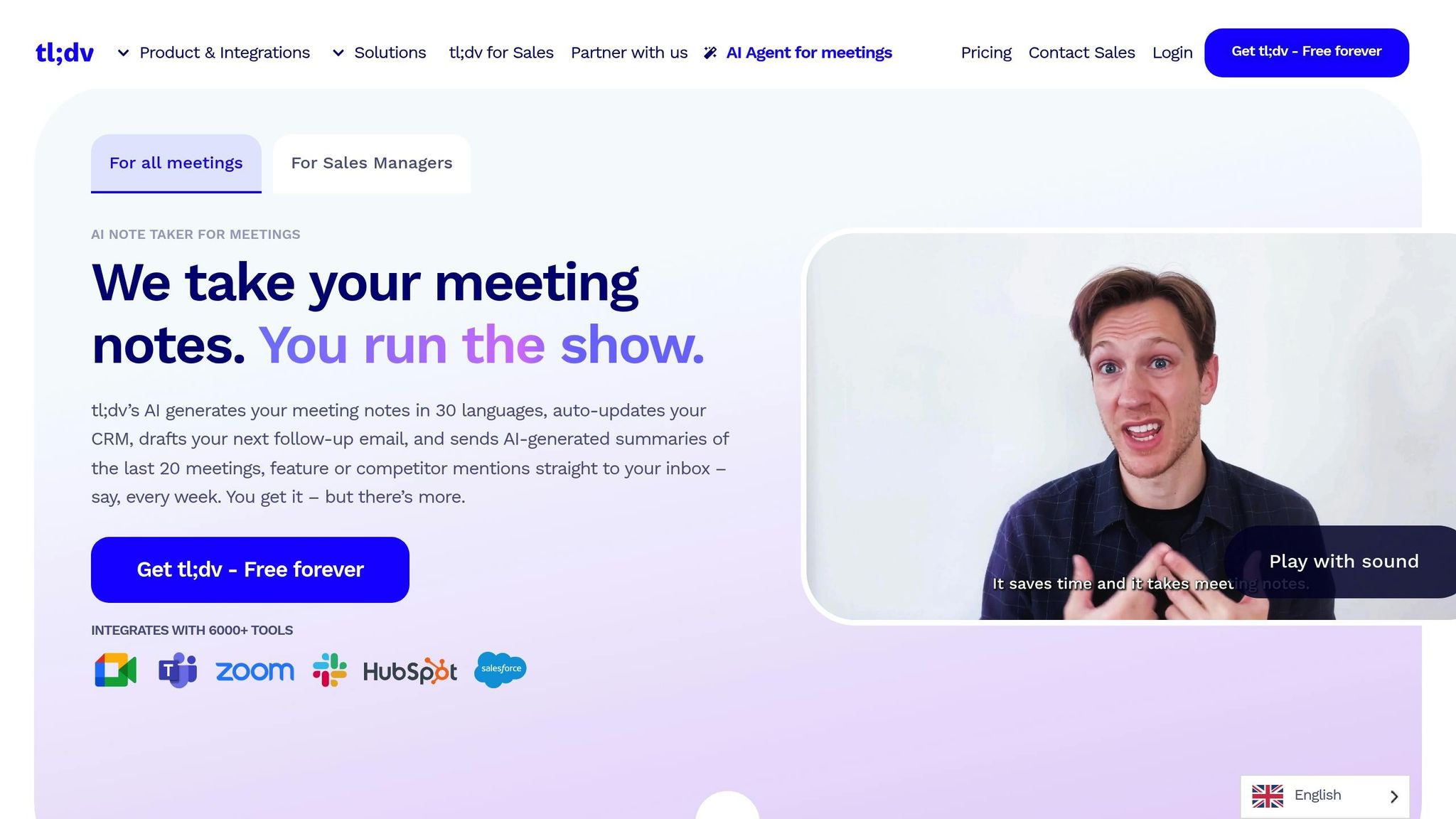
Tl;dv simplifies meeting management for product teams by offering tools to record, transcribe, and analyze meetings in over 30 languages. It works seamlessly with platforms like Zoom, Google Meet, and Microsoft Teams, ensuring accurate documentation of important conversations.
Meeting Intelligence Features
| Feature | Capability | Business Impact |
|---|---|---|
| Smart Transcription | 90%+ accuracy in 30+ languages | Saves time on manual note-taking |
| AI Summary Generation | Automated highlights and action items | Aligns teams more effectively |
| CRM Integration | Auto-updates and follow-up drafts | Streamlines workflows |
| Custom Report Creation | Analyze filtered meeting libraries | Supports informed decision-making |
Advanced Documentation Tools
The platform’s AI automatically creates detailed summaries and identifies key points from meetings. This is especially helpful for product teams tracking customer feedback or development discussions. With a searchable meeting library, teams can quickly find specific insights when needed.
Workflow Automation
Tl;dv connects with over 6,000 tools, allowing users to schedule and automatically share reports via Slack, Notion, or Zapier. These integrations make it easier for teams to collaborate in real-time.
"tl;dv is essential to back up and sell product decisions with emotional evidence from every Sales, Customer, and research meetings within Zapier." - Lars Vedo Sr., Product Manager, Zapier
Performance Tracking
The platform’s AI coaching helps track how well teams are following playbooks and improves meeting outcomes. By analyzing interaction patterns, teams can refine how they approach both internal discussions and customer conversations.
Enterprise Security
Tl;dv prioritizes security with SOC2 and GDPR compliance, hosting data within the EU. It also offers a free plan with unlimited concurrent video meeting recordings, making it an affordable option for businesses of all sizes.
Implementation Tips
- Meeting Documentation Strategy: Develop clear guidelines for recording and organizing meetings, whether they’re customer interviews or sprint planning sessions. This builds a useful repository of insights.
- Integration Framework: Set up workflows to route meeting insights - like customer feedback to product management tools or action items to project systems.
- Knowledge Management: Sort meeting clips and summaries by product features or customer segments to create an easily accessible knowledge base.
5. Craft Docs — Best for Product teams who want a beautifully structured writing and documentation tool with lightweight AI assistance
Craft is a document and note-taking app built for teams that want structure without sacrificing writing flow. It offers AI-powered features like text generation, summarization, and translation directly inside documents, along with flexible page nesting, visual card layouts, and real-time collaboration. Product managers use it to draft specs, roadmaps, and meeting notes in a format that feels more visual and less rigid than a traditional wiki.
Its integrations with calendar apps and task managers help teams connect written plans to actual work, and its cross-platform apps (Mac, Windows, iOS, Android) make it easy to capture ideas on the go. Version history and daily notes give teams a lightweight way to track how thinking evolves over time.
Best for: product managers who want a fast, visually organized writing tool with built-in AI help for drafting and cleaning up documentation.
Tool Features and Pricing
Here's a quick overview of some AI tools, their features, and pricing to help you decide which one fits your needs:
| Tool | Core Features | Best For | Starting Price |
|---|---|---|---|
| BuildBetter.ai | • AI-powered call analysis • Customer feedback insights • 100+ integrations • Custom document workflows |
Teams needing detailed customer insights and internal knowledge management | $7.99/month (Starter) |
| Notion AI | • Document automation • Meeting summaries • Content generation • Knowledge base creation |
Team collaboration and documentation management | $10/month |
| H2O.ai | • Predictive analytics • Data visualization • Machine learning models • Custom AI solutions |
Data-driven decisions and market analysis | $99/month |
| Tl;dv | • Meeting transcription • Multi-language support • CRM integration • Custom reports |
Meeting management and documentation | Free plan available |
Below, we dive into enterprise options, time-saving benefits, and tier suggestions to help you choose wisely.
Enterprise Features and Advanced Capabilities
BuildBetter.ai offers robust enterprise options, including advanced privacy settings, custom SSO/SAML integration, and dedicated success teams. For organizations managing large datasets, they provide custom pricing, bulk discounts, and tailored integration solutions.
ROI and Time Savings
Using BuildBetter.ai can save significant time across its pricing tiers:
- Starter Plan: Saves over 15 hours per month.
- Growing Plan: At $200/month, it saves 240 hours monthly.
- Scaling Plan: For $800/month, it optimizes operations at a company-wide level.
Usage Recommendations
Choose a pricing tier based on your team's needs:
- Small Teams: Opt for basic plans to cover essential features.
- Mid-Size Organizations: Consider plans with increased minutes and document handling capabilities.
- Enterprise Teams: Go for unlimited plans with extra security measures and dedicated support.
Pricing adjusts depending on factors like processed minutes, user numbers, and required integrations.
Next Steps
Now that you've explored detailed overviews of AI tools, here's how to bring them into your workflow effectively.
Assess Your Current Workflow
Start by identifying your team's main challenges and needs:
- Use BuildBetter.ai to simplify unstructured customer data analysis.
- Opt for Notion AI to streamline document creation and organization.
- Try Tl;dv for recording and analyzing meetings.
Once you've pinpointed the key issues, plan to test your chosen tool with a trial run.
Launch a Pilot Program
1. Select Your Primary Tool
Pick the tool that addresses your most urgent challenges. Begin with its core features to tackle immediate needs.
2. Track Results
During a 30-day trial, monitor key metrics like:
- Time saved
- Adoption rates
- Quality of insights
- Return on investment (ROI)
3. Expand Gradually
After your team becomes comfortable, consider upgrading. Smaller teams can stick to basic plans, while larger organizations might benefit from advanced or enterprise options.
Security Considerations
If the pilot program proves successful, verify that the tool meets all necessary security standards:
- Confirm SOC 2 Type 2 compliance.
- Check for GDPR and HIPAA compliance.
- Review data retention policies.
- Evaluate integration security protocols.