Top call recording tools for teams
Explore the top call recording tools for teams, highlighting features, pricing, and integrations to enhance communication and compliance.

Call recording tools are essential for improving team communication, training, and compliance. With most customer interactions still happening over the phone, these tools now offer advanced features like AI-driven insights, compliance support, and seamless integrations with CRMs and other platforms. Here's a quick overview of the top options:
Want a meeting recorder that keeps everything on your computer?
BB Recorder is free and works 100% offline. It records Zoom, Google Meet and Teams calls, with full video and audio, on your own device. There's no bot on the call, and you don't need an account. It transcribes locally, and dictation and screen recording are built in. Want a visible notetaker instead? Send the BuildBetter bot, or switch mid-call. Works on Mac, Windows, iPhone and Android.
Recording laws still apply wherever the recording lives: tell everyone on the call, and pause when someone asks.
- BuildBetter.ai: AI-powered tool with sentiment analysis, keyword extraction, and automated summaries. Ideal for quality control and training. Starts at $7.99/month.
- Rev Call Recorder: Free and unlimited call recording for U.S. numbers, with optional human transcription at $1.50/minute. Great for basic compliance needs.
- Aircall: Integrates with CRMs like Salesforce and HubSpot, offering real-time controls and call tagging. Designed for large teams.
- Chorus.ai: Focused on sales teams, with conversation intelligence, coaching tools, and competitive insights.
- Otter.ai: Accurate transcription tool supporting 58 languages, with real-time collaboration and AI meeting summaries. Starts at $8.33/month.
Each tool caters to different needs, from AI-driven analytics to simple recording and transcription. Choose based on your team's size, compliance requirements, and integration needs.
5 Best AI Transcription Tools in 2025
Quick Comparison
| Feature | BuildBetter | Rev Call Recorder | Aircall | Chorus.ai | Otter.ai |
|---|---|---|---|---|---|
| AI Features | Sentiment analysis, summaries | None | Basic analytics | Conversation intelligence | Real-time transcription |
| Team Tools | Training tools, scorecards | Basic sharing | CRM integration | Coaching tools | Collaborative notes |
| Storage | Unlimited | Paid per minute | 3-6 months | 90-day retention | Cloud storage |
| Compliance | GDPR, HIPAA, MiFID II | Privacy disclosures | Consent tools | Enterprise-grade | End-to-end encryption |
| Pricing | From $7.99/month | Free recording | Varies by plan | Custom pricing | From $8.33/month |
Choose the tool that best fits your team's goals, whether it's advanced analytics, seamless CRM integration, or precise transcription.
1. BuildBetter
BuildBetter offers secure call recording with enterprise-level encryption, combined with AI tools that provide automatic transcriptions and instant insights. This makes it a go-to solution for teams prioritizing quality control and coaching.
The platform ensures compliance with encryption standards while delivering actionable insights through its AI analytics. Here’s what it offers:
| Feature | What It Does |
|---|---|
| Sentiment Analysis | Monitors customer satisfaction trends |
| Keyword Extraction | Pinpoints recurring themes and issues |
| Topic Detection | Organizes calls for easy navigation |
| Automated Summaries | Highlights key points in a concise format |
One sales team reported a 30% boost in conversion rates and a 40% improvement in CSAT scores within just three months . These results underline the platform's impact on training and performance.
Pricing starts at $7.99/month, with enterprise plans that include unlimited reports and tailored configurations.
For teams committed to growth, BuildBetter also delivers AI-driven coaching tools. These include customizable scorecards and skills gap analysis, helping identify weak areas and offering personalized training suggestions.
Additionally, prebuilt reports provide insights on communication trends, such as customer objections or feature requests, and send them straight to users’ inboxes.
2. Rev Call Recorder
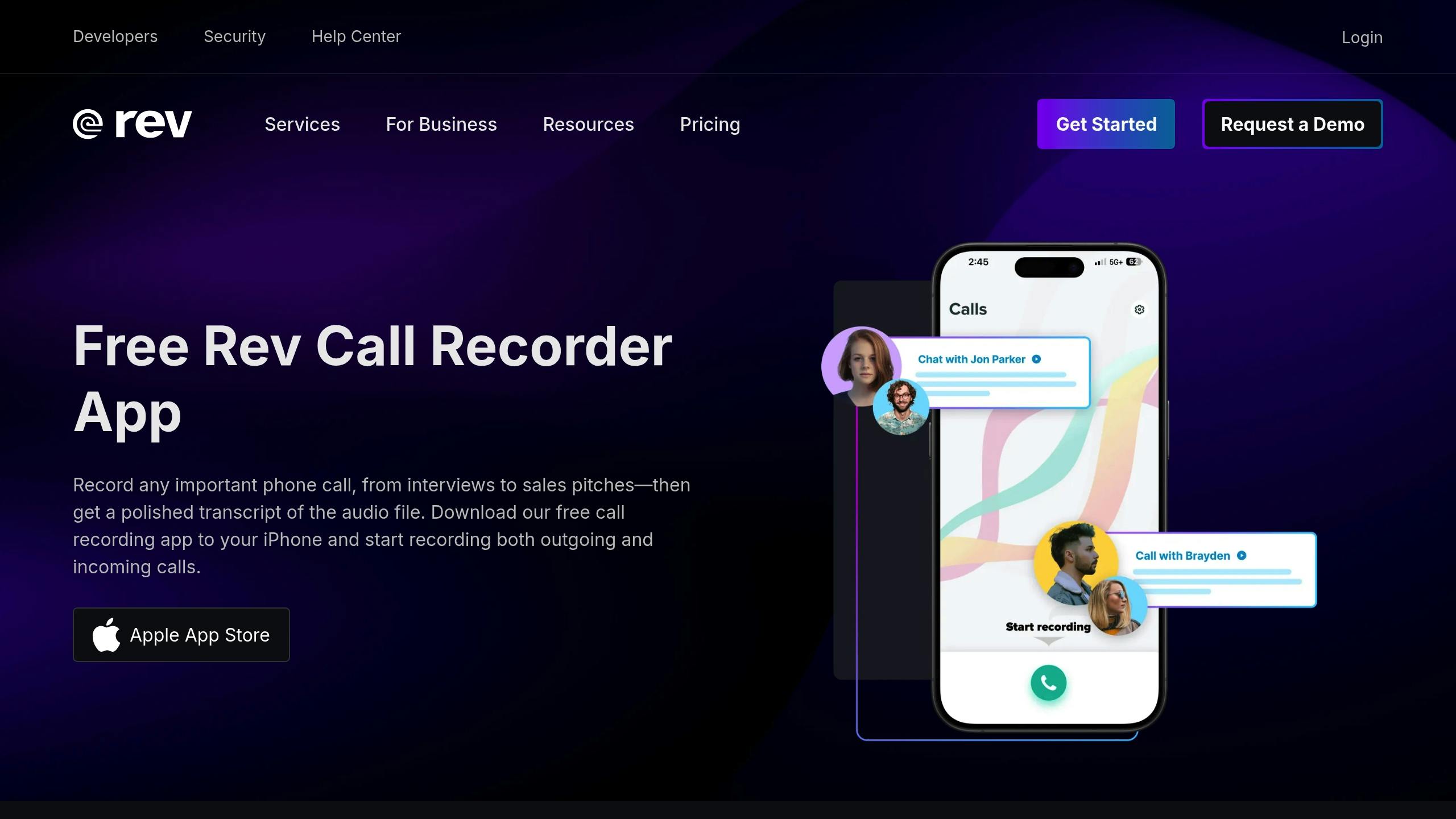
Rev Call Recorder is a budget-friendly option for teams needing dependable call recording features. It offers free and unlimited call recording. While it doesn't include BuildBetter's AI analysis, Rev is great for teams focused on compliance, thanks to its automatic privacy disclosures.
Here are some of its key features:
| Feature | How It Helps Teams |
|---|---|
| One-Step Recording | Easy to use, requiring little to no training |
| Automatic Privacy Disclosure | Ensures compliance in states requiring consent |
| Multi-Platform Sharing | Share recordings via email, Dropbox, or SMS |
| Human Transcription Service | Delivers 99% accurate transcripts within 12 hours |
With a 4.2/5 rating based on 1.85K reviews on Google Play Store, Rev Call Recorder is trusted by professionals. Its transcription service, handled by humans, ensures precise, verbatim documentation. These transcripts are sent directly to users via email or the app, making it a reliable complement to AI-driven tools like BuildBetter.
Rev provides a Help Center and a dedicated support team to assist with setup. However, it’s worth noting that the service is limited to U.S. numbers (+1 country code). While call recording is free, transcription costs $1.50 per minute of audio - ideal for teams that occasionally need detailed transcripts.
The platform’s focus on user control and direct sharing options makes it a good fit for teams managing sensitive data.
3. Aircall
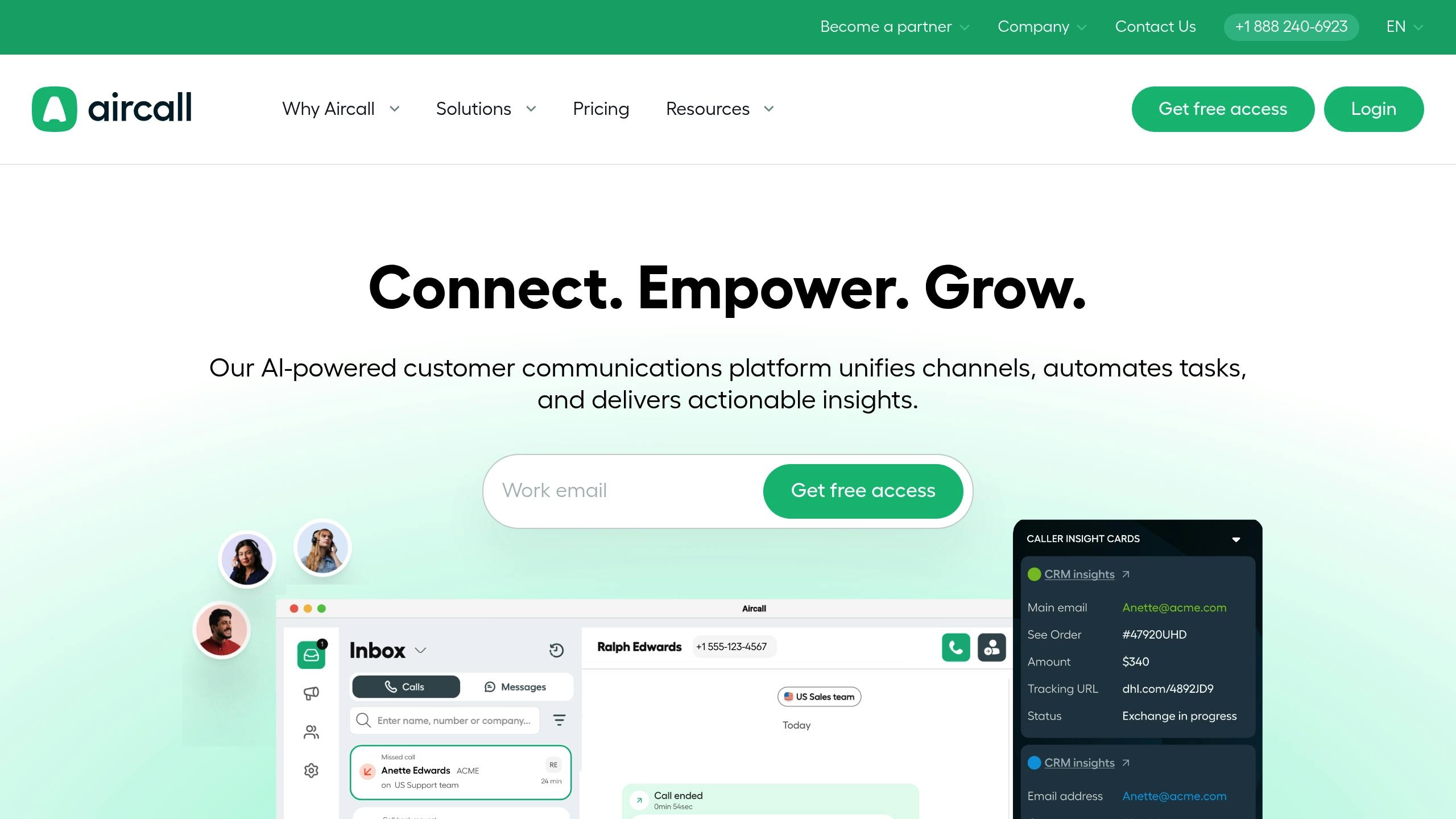
Aircall helps teams streamline their workflows by integrating seamlessly with popular CRM platforms like Salesforce and HubSpot. Trusted by over 15,000 companies, it complements AI-driven tools like BuildBetter by offering deeper workflow integration.
One standout feature is its ability to automatically record calls, with recordings accessible via the app or directly within the CRM.
| Feature | Benefit for Businesses |
|---|---|
| Real-Time Controls | Agents can pause or resume recordings during sensitive conversations |
| CRM Integration | Recordings sync directly with existing workflow tools |
| Custom Access Levels | Admins can assign permissions to specific team members |
| Cloud Storage | Retains recordings for 3-6 months, with extensions available |
"The easy access to call recordings in HubSpot helps sales and customer care teams review client interactions so we can provide a better service to our customers."
Will Andrew, Rezdy's Business Transformation Manager, highlighted how Aircall's CRM integration has improved client service by simplifying access to call recordings.
Aircall also offers basic AI tools, including conversation summaries and speaker engagement metrics, to help teams analyze interactions.
For teams prioritizing compliance, Aircall includes features like automatic disclosure messages for regions requiring consent. These compliance tools are built into the platform, and call recording is available across all pricing tiers - a feature some competitors lack.
Another key feature is its call tagging system, which allows teams to manually organize recordings. This is especially useful for high-volume teams, offering an alternative to BuildBetter’s automated topic detection by focusing on manual categorization.
4. CloudTalk — Best for Sales and support teams needing call recording tied to a full cloud phone system
CloudTalk is a cloud-based business phone system that includes automatic call recording as a core feature, alongside call queuing, IVR, and click-to-call functionality. Recordings are stored in the cloud and can be accessed directly from the call activity log, making it easy for managers to review conversations without switching tools.
The platform integrates with common CRMs and helpdesk software, so recorded calls can be attached to customer records automatically. It also offers call monitoring features like whisper and barge, which let supervisors listen in or join live calls for coaching purposes.
Best for: sales and support teams that want call recording bundled into a full-featured cloud phone system with built-in coaching tools.
5. JustCall — Best for Distributed sales teams wanting recording plus lightweight call analytics
JustCall is a cloud calling and SMS platform aimed at sales and support teams, with automatic call recording included across its phone system. Calls are logged and stored alongside contact details, and recordings can be played back directly from the dashboard or synced to a connected CRM.
Beyond basic recording, JustCall offers call scoring and sentiment tagging so teams can flag conversations worth revisiting. It also supports multiple numbers and countries, which makes it a practical option for distributed or international teams handling high call volumes.
Best for: distributed sales teams that need reliable call recording with basic analytics layered on top.
Tool Features Comparison
Here's a breakdown of the key features offered by top call recording tools for teams. This comparison can help you decide which one fits your team's needs best:
| Feature Category | BuildBetter | Rev Call Recorder | Aircall | Chorus.ai | Otter.ai |
|---|---|---|---|---|---|
| Core AI Features | Context-aware AI analysis, sentiment analysis | Basic transcription | Call analytics, sentiment analysis | Conversation intelligence | Real-time transcription |
| Team Tools | Unlimited seats, shared call assets[17] | Team account management | Performance dashboards | Coaching tools | Collaborative note-taking |
| Storage | Unlimited call storage[17] | Cloud storage (paid per minute) | Cloud storage | Organized call repository | Cloud storage with smart search |
| Security | GDPR, HIPAA, SOC 2 Type 2[17] | Basic encryption | Role-based access | Enterprise-grade security | End-to-end encryption |
| Language Support | 17+ languages | Multiple languages | Multiple languages | Multiple languages | Multiple languages |
| Integrations | Zoom, Slack, Jira[17] | API access | 100+ business tools | Major CRMs | Video conferencing tools |
When choosing a tool, think about your team's specific requirements. For instance, do you need unlimited storage or advanced AI features? Also, weigh the pricing structure - whether per-minute billing or team-based plans works better for your call volume and collaboration style.
How to Choose the Right Tool
When picking a call recording tool, it's important to weigh your team's needs and how the tool fits into your workflow. Here are a few key factors to consider:
Team Size and Fit
Think about your team's size and how the tool aligns with your operations. For example, BuildBetter works well for teams of any size, while Aircall's CRM integration is ideal for sales teams with over 50 members. Also, keep your growth plans and budget in mind, especially if you need flexible pricing or unlimited seats.
Security and Compliance
If your industry has strict compliance or data protection requirements, this should be a top priority. Look for tools with enterprise-grade security features that meet your standards.
Integration Options
Your tool should work seamlessly with your current systems. Chorus.ai excels at syncing with CRMs, while BuildBetter integrates well with workflow tools. Make sure the platform supports both your existing setup and any future tech needs.
Analytics and Reporting
Go beyond basic call recording. Look for features like sentiment analysis, keyword tracking, and performance metrics. These tools can provide insights to refine your communication strategies.
Ease of Use and Support
A user-friendly interface and responsive support can make or break your experience. BuildBetter offers 24/7 support and is easy to navigate, while tools like Otter.ai might require extra training for advanced features. Choose a platform that your team can adopt quickly and effectively.
FAQs
Is the app call recorder safe?
Call recording apps from the platforms we've reviewed are generally safe for business use, but their security depends on specific factors. To ensure safety, focus on these key features:
- Data Protection & Encryption: Choose apps that encrypt stored recordings and secure data during transmission.
- Access Controls: Tools like Aircall offer role-based access, so only authorized team members can access recordings.
- Compliance Standards: Verify the app meets the regulatory requirements for your industry.
Apps like BuildBetter and Aircall highlight the importance of configuring these features correctly. To maintain security, follow these best practices:
- Regularly review and update access permissions.
- Use local storage whenever feasible.
- Delete outdated recordings to minimize risks.
- Train your team on proper data handling protocols.