How to Connect Sales Calls to Your Product Roadmap (2027)
A 6-step method to turn sales call feature requests into fair roadmap decisions, ranked by distinct accounts and pipeline. Templates and example included.
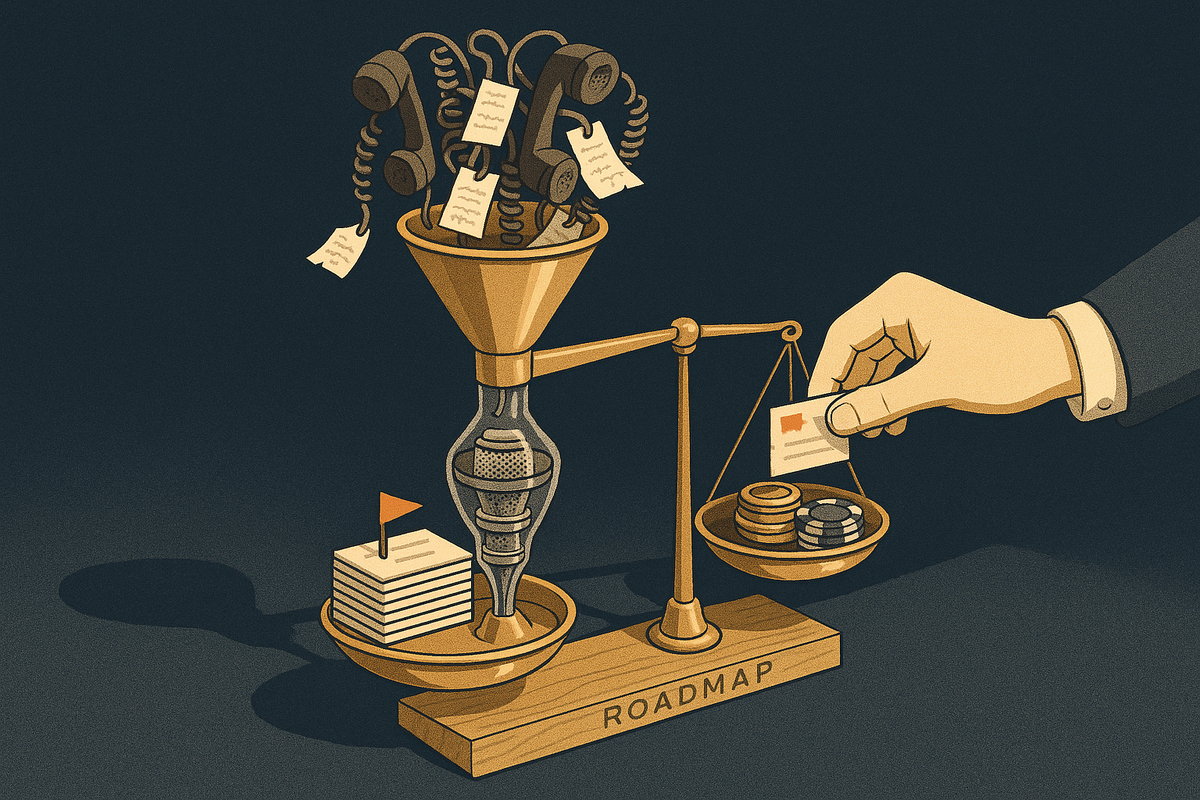
Sales hears the same missing feature on ten calls. By the time it reaches product, it has shrunk to a Slack message that says "a big prospect needs X," and the roadmap ends up set by whoever escalated last. This guide gives you a repeatable, fair method for turning sales conversations into roadmap decisions. You can run it with a spreadsheet. We also cover when a platform like BuildBetter starts to pay for itself.
What It Means to Connect Sales Calls to Your Product Roadmap
Connecting sales calls to the product roadmap means capturing every product request raised on a sales call, with the customer's exact words, the account and the deal value, and linking it to a specific roadmap item. Roadmap decisions can then be made on how many accounts and how much pipeline want something, instead of on who asked loudest.
It helps to be clear about what this is not:
- It is not forwarding call recordings to product. Nobody has time to watch 40-minute calls to find a two-minute request.
- It is not a #feature-requests Slack channel. Channels move raw signal around without structure, counting or a decision rule.
- It is not letting sales vote on the roadmap. Sales supplies evidence. Product makes the call, using rules both teams agreed on in advance.
The outcome fits in one line. Every roadmap item can answer three questions: which accounts asked, what did they say verbatim, and what revenue is attached (open pipeline plus existing ARR).
Sales calls are one voice of the customer channel among several, alongside support tickets, surveys, CS calls and usage data. They are a biased channel. They overrepresent prospects and procurement requirements and underrepresent day-to-day usability pain. The method below accounts for that bias. It takes a shared spreadsheet, one PM, one sales lead and 45 minutes a month, and you can start it this week.
Why Sales Call Requests Rarely Reach the Roadmap Intact
Sales call requests reach the roadmap distorted because each handoff strips out context, inflates some signals and drops others. Gartner's B2B buying research finds buyers spend only about 17% of their buying time meeting with potential suppliers, and that time is split across every vendor they evaluate. Those calls are scarce, high-signal moments, and most teams lose the signal in six predictable ways.
1. Compression
A 40-minute call becomes a one-line CRM note: "wants reporting." The customer's actual problem, their role and their urgency are gone.
2. No shared vocabulary
Pricing objections, bugs and genuine capability gaps all arrive labeled "feature request." Product can't tell demand from noise.
3. Counting mentions instead of accounts
One prospect who brings up a feature on five calls looks like five data points. Long sales cycles and talkative champions inflate the numbers.
4. Recency and escalation bias
The request in last Friday's exec email beats the one raised quietly on 30 calls. Loudness substitutes for evidence.
5. Untracked promises
AEs say "that's on the roadmap" to keep a deal alive, and product never hears about it. The promise surfaces later, usually at renewal.
6. No return path
Sales never learns what happened to a request. They stop logging and start escalating, because escalation is the only channel that seems to produce a response.
These failures compound. Each one lowers trust between the teams, lower trust produces more escalation, and more escalation makes the roadmap more reactive. For the organizational side of this problem, see how to stop sales and product working in silos. The rest of this guide covers the mechanics.
The Method: 6 Steps to Connect Sales Calls to the Roadmap (No Tool Required)
You can connect sales calls to the roadmap with a shared spreadsheet, agreed definitions and a monthly review. The six steps below need no software. Each step ends with one rule that makes it work.
Step 1: Agree on shared definitions
Before anyone logs a row, sales and product agree on what counts as what.
| Type | Definition | Example quote | Where it goes |
|---|---|---|---|
| Product request | A capability the product lacks | "We need to export admin activity for our auditors." | Request log |
| Objection | A price, timing or competitive concern | "This is over our budget until Q3." | Sales enablement notes |
| Bug | Existing functionality that is broken | "The CSV import fails on files over 10MB." | Support or engineering |
| Promise | A commitment made on the call about future functionality | "Yes, SSO is coming next quarter." | Request log, flagged |
Rule: sales and product sign off on this table together before logging starts.
Step 2: Capture every request with context
Use one shared sheet, your product request tracking spreadsheet, with these columns:
Date | Account | Contact role | Exact quote | Underlying problem (in your words) | Deal stage | Deal amount or ARR | Blocker or nice-to-have | Promise made? (Y/N + what) | Linked roadmap item | Logged by
Rule: log within 24 hours, and the exact quote is mandatory. Paraphrases drift toward solutions ("needs a dashboard") and away from problems ("I can't show my VP usage by team"). This is the problem-versus-solution distinction from Rob Fitzpatrick's The Mom Test and Teresa Torres's opportunity solution tree. The quote also lets you re-scope later, which the worked example below shows.
Step 3: Link each request to a roadmap item or a candidate
Every row points either to an existing epic or issue ID or to a new "candidate" item. No orphan rows.
Rule: one request maps to one item. If a request spans two items, split it into two rows. Product owns the linking so the taxonomy stays consistent. Sales only captures.
Step 4: Count by distinct accounts and pipeline, not mentions
For each roadmap item, calculate:
- Distinct accounts that asked
- Total open pipeline attached
- Stage-weighted pipeline: each deal's amount times its stage probability, so a $100k deal at a 20% stage counts as $20k
- Existing-customer ARR, in its own column, so new-logo pipeline doesn't drown out churn risk
- Blocker count
To separate a deal-blocker from a nice-to-have, ask three questions:
- Did the buyer state they cannot sign without it?
- Is it tied to a compliance, security or procurement requirement?
- Did a deal stall or get lost citing it?
If the answer to all three is no, it's a nice-to-have.
Guardrails so one large deal can't hijack the roadmap. These are suggested rules of thumb. Adjust them to your business, but agree on them before the first review:
- Rank by distinct accounts first and pipeline second. Breadth of demand predicts reusable value. Concentrated pipeline predicts custom work.
- Cap any single deal's share of an item's pipeline total (for example, 25%).
- A single-account item can move to "build" only as a documented, costed exception with a named exec sponsor.
- Weigh what the request costs the rest of the roadmap, not only what it wins.
If your team already uses RICE (Reach × Impact × Confidence ÷ Effort), distinct accounts map to Reach, blockers and ARR inform Impact, and the exact quotes raise Confidence.
Step 5: Hold a monthly joint sales-product review
Run it for 45 minutes. Attendees are the sales lead, the PM and one AE, rotating each month. The agenda:
- Top items by accounts and pipeline
- New candidates
- Open promises made on calls
- Decisions needed
- Last month's decisions to communicate
Rule: the review decides one of four outcomes for each item: build, schedule, defer with a revisit date, or decline.
Step 6: Record the decision and close the loop with sales
Keep a decision log with these columns: Item | Decision | Reason | Date | Accounts affected | Message for sales.
Rule: give AEs a one-paragraph, customer-ready message for every affected account, including declines. A clear "no" lets sales qualify out, reposition or offer a workaround. Silence makes them escalate.
Quick-reference checklist
- ☐ Definitions table signed off by sales and product
- ☐ Every request logged within 24 hours with an exact quote
- ☐ Every row linked to one roadmap item or candidate
- ☐ Items ranked by distinct accounts, then pipeline, with guardrails applied
- ☐ Monthly 45-minute review ending in build, schedule, defer or decline
- ☐ Decision logged and a customer-ready message sent to AEs
Worked Example: One Quarter, 240 Sales Calls, One Build Decision
This is an illustrative example built to show the reasoning, not a customer case study. The numbers are invented, but the trap they show is common.
A B2B SaaS team has 6 AEs and 1 PM. Over one quarter they hold 240 sales calls, about 80 a month. Step 1 filtering sorts what came up: 63 product requests, 22 pricing or timing objections sent to enablement, and 9 bugs routed to support. The remaining calls raised nothing product-related.
Linking the 63 requests produces 14 roadmap items. Nine already existed and five are new candidates. The top four:
| Item | Mentions | Distinct accounts | Open pipeline | Blockers | Status |
|---|---|---|---|---|---|
| Audit log export | 14 | 9 | $900k | 6 | Candidate |
| Bulk editing | 21 | 5 | $140k | 0 | Backlog |
| Custom on-prem deployment | 6 | 1 | $350k | 1 | Candidate |
| Two-way Salesforce sync | 8 | 6 | $310k | 2 | Scheduled (later quarter) |
The other 10 items account for 14 mentions combined.
The trap
Ranked by mentions, bulk editing wins with 21. Ranked by the size of a single deal, on-prem wins with one $350k prospect. Ranked by distinct accounts plus blockers plus pipeline, audit log export wins: nine accounts, six blockers, $900k. Three ranking methods give three different answers, which is why the guardrails have to be agreed before the meeting.
The quote review
The PM reads all 14 exact quotes for audit log export. The real need is evidence for SOC 2 audits, not a general logging feature. Seven of the nine deals need only CSV and API export of admin events. Two need real-time SIEM streaming. A paraphrased CRM note ("wants audit logs") would have hidden that split and probably led to a much larger build.
The decisions
- Decision 1: Build audit log export v1 (CSV and API, 90-day retention), scoped to about four weeks. Defer SIEM streaming with a revisit date next quarter.
- Decision 2: Decline custom on-prem. The single deal makes up 100% of the item's pipeline, well past the 25% cap. Log it as a documented decision. Sales repositions or qualifies out.
- Decision 3: Keep bulk editing in the backlog and re-check next quarter. It has many mentions but zero blockers.
- Decision 4: Confirm the existing Salesforce sync date so AEs quote it accurately instead of improvising.
Closing the loop
Sample decision-log row:
Audit log export v1 | Build | 9 accounts, 6 blockers, $900k pipeline; 7 of 9 need CSV/API only | Oct 2027 | 9 accounts | "Admin audit log export (CSV + API, 90-day retention) ships in about four weeks; SIEM streaming under review."
Sample message an AE could send the nine accounts:
"You told us you need admin activity evidence for your SOC 2 audit. We're shipping audit log export by CSV and API, with 90-day retention, in about four weeks, and I'll send you early access as soon as it's live."
One caveat: at 80 calls a month, this team is already past the point where manual logging stays reliable. Some requests in this quarter almost certainly never reached the sheet.
Common Mistakes When Connecting Sales Feedback to the Roadmap
Most failures in sales-to-roadmap processes are process failures, and several of them can't be fixed by any tool, ours included.
- Logging before agreeing on definitions. Objections ("too expensive") and bugs get counted as feature demand, and the numbers lose credibility within a month. This is a process problem, not a software one.
- Logging solutions instead of problems. "Add a Gantt chart" hides "my client can't see delivery dates." Capture the quote and write the problem next to it.
- Treating CRM pipeline as truth. Inflated or stale deal stages distort every pipeline-weighted number. No feedback tool fixes CRM hygiene. Sales leadership has to.
- Weighting prospects over existing customers. New-logo pipeline is louder and sounds more urgent. Churn risk on existing ARR is quieter and often worth more. Bain's long-cited research by Frederick Reichheld links a 5% retention gain to a 25-95% profit increase. Treat that figure as directional, but it is a good reason to keep a separate ARR-at-risk column.
- Letting the review become a negotiation. Without pre-agreed guardrails, the most senior person in the room sets the roadmap. Software can't replace a decision rule both teams accept.
- Never saying no. Open-ended "maybe later" answers teach sales to escalate. Declines are decisions, and they belong in the log.
- Ignoring promises made on calls. An unrecorded "it's coming in Q2" becomes a broken promise at renewal. Flag promises in Step 2 and review them every month.
- Skipping the loop-close. If AEs never hear outcomes, logging stops within a couple of months. Step 6 keeps the other five steps running.
When You Need Tooling (and Which Tools to Consider)
A shared spreadsheet works for one sales team and one PM. Past roughly 50 sales calls a month, it starts to break. Requests stop getting logged, exact quotes turn into paraphrases, and the PM spends review prep chasing AEs instead of making decisions.
Other signs it's time for tooling:
- Multiple sales teams or regions
- Requests scattered across CRM notes, Slack and call recordings
- Promises made on calls that nobody can find later
- Hours each month spent linking requests to Jira or Linear by hand
Tooling should automate capture from calls, quote extraction, linking to issue trackers and pulling deal values from the CRM. It can't replace your definitions, your guardrails or the monthly decision meeting. Steps 1, 5 and 6 stay human.
| Tool | Records calls | Extracts exact quotes | CRM deal context | Tracks promises |
|---|---|---|---|---|
| BuildBetter | Yes (bot, no-bot, mobile, or import) | Yes | Salesforce, HubSpot | Yes |
| Savio | No | Manual | Yes | No |
| Zeda.io | No | Partial | Yes | No |
| Harvestr | No | Partial | Yes | No |
1. BuildBetter — Best for teams past 50 sales calls a month
BuildBetter records sales calls with a bot, with no-bot local recording or on mobile, or imports recordings you already have. It extracts product requests as signals with exact quotes, links them to Jira or Linear items, pulls account and deal context from Salesforce or HubSpot, and tracks promises made on calls so they surface before renewal. It also brings Slack threads, support tickets and surveys in next to calls, which offsets the prospect bias of sales calls with existing-customer signal. When you ship, it drafts the loop-closure messages for you. Pricing is usage-based with unlimited seats.
2. Savio
A lightweight feature-request tracker that attaches CRM revenue data to each request. A good fit if you want structured capture and don't need call recording.
3. Zeda.io
A product discovery and roadmapping platform that pulls feedback from multiple sources into roadmap items.
4. Harvestr
Product feedback management that centralizes input from support and sales tools, connects it to the roadmap and offers a customer-facing portal.
A caveat: if your team has no call recordings and logs requests by hand in the CRM, a simpler tracker may be enough at first. For a broader comparison, see tools that connect customer feedback to product roadmaps.
FAQ: Connecting Sales Calls to the Product Roadmap
How do you get feature requests from sales calls to the product team?
Capture each request within 24 hours with the customer's exact quote, account, deal stage and deal value. Link it to a specific roadmap item, and review the totals in a monthly joint sales-product meeting.
Should feature requests be prioritized by number of mentions?
No. Prioritize by distinct accounts and attached pipeline or ARR, because one account raising a request on five calls is still one account.
How do you stop one big deal from driving the roadmap?
Rank by distinct accounts before pipeline, and cap any single deal's share of an item's total. Allow single-account builds only as documented, costed exceptions with an exec sponsor.
What's the difference between a deal-blocker and a nice-to-have?
A deal-blocker is a request the buyer says they cannot sign without, that is tied to a compliance or procurement requirement, or that is cited in a stalled or lost deal. Everything else is a nice-to-have.
How often should sales and product review requests together?
Monthly. Weekly is too noisy to show patterns, and quarterly is too slow to affect deals in flight.
Can you connect sales calls to the roadmap without a tool?
Yes. A shared spreadsheet with agreed definitions and a monthly review works for one sales team and one PM, up to roughly 50 calls a month.
Sources and Further Reading
- Wikipedia, Voice of the customer
- Wikipedia, Technology roadmap
- Intercom, RICE: Simple prioritization for product managers
- BuildBetter, How to stop sales and product working in silos
- BuildBetter, Tools that connect customer feedback to product roadmaps
Turn Every Sales Call Into Roadmap Evidence
The spreadsheet method works until call volume outgrows it. When that happens, BuildBetter takes over capture, quote extraction, CRM linking and promise tracking, so your monthly review is spent making decisions instead of chasing AEs for notes. Your team keeps the definitions, the guardrails and the final call.